

2Slash
AI-powered browser extension designed to enhance content creation and boost productivity across various platforms.
About 2Slash
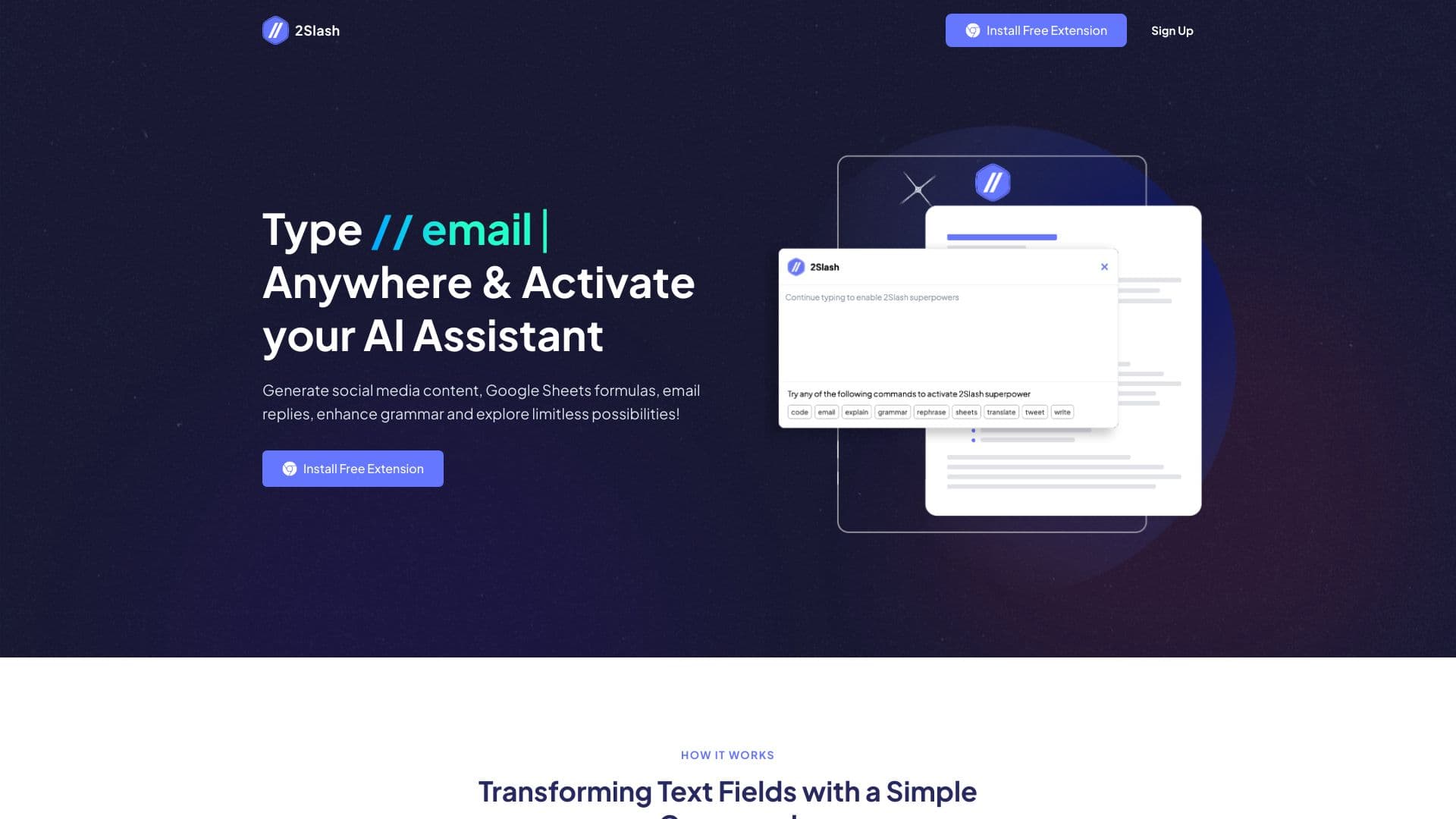
2Slash is an innovative browser extension that activates AI capabilities in any text input field. It enables users to generate engaging social media content, build complex Google Sheets formulas, craft professional email responses, improve grammar, and explore limitless creative possibilities. Simply type '//' to access functions like translating text, rephrasing, writing paragraphs, and generating code in seconds. Designed to streamline daily workflows, 2Slash helps users connect with their community, increase engagement, and elevate their social media presence with personalized responses and compelling posts.
How to Use
Install the 2Slash extension for Chrome. Type '//' in any text field to activate the AI assistant. Enter commands such as 'email,' 'write,' 'translate,' 'sheets,' or 'code' followed by your request. Adjust settings to customize output length, tone, and style. Rephrase generated content if needed for better clarity and impact.
Features
- Generate complex formulas for Google Sheets
- Activate AI-driven content creation in any text input
- Customize AI settings including model, tone, and style
- Commands for crafting emails, translating, correcting grammar, and coding
- Create engaging social media posts and comments
Use Cases
- Draft professional emails and articles
- Create eye-catching social media content
- Translate texts into multiple languages
- Build advanced formulas in Google Sheets
- Generate programming code snippets
Best For
Pros
- Accelerates task completion and workflow
- Offers customizable content generation options
- Supports a variety of AI-powered commands
- Easily integrates into any text input field
- Available with a free plan
Cons
- Currently limited to Chrome browser
- Word limits on free plan may restrict usage
- Some advanced features require a paid subscription
Pricing Plans
Choose the perfect plan. All plans include 24/7 support.
Free
Includes a 3,000-word limit, 5 image generations, 1,000 text-to-speech words, access to models like GPT-4o and Gemini 1.5 Pro, no country restrictions, and over 50 free prompts.
Get StartedLite
Provides a 10,000-word limit, access to GPT-4o and GPT-4o Mini models, no country restrictions, and over 100 expert prompts.
Get StartedPremium
Offers a 20,000-word limit, 25 image generations, 10,000 text-to-speech words, full access to all supported models, unlimited prompt requests, and premium features.
Get Started