

AI cutout for iPhone Photos
An innovative photo editing app specializing in precise cutouts, modifications, and creative adjustments.
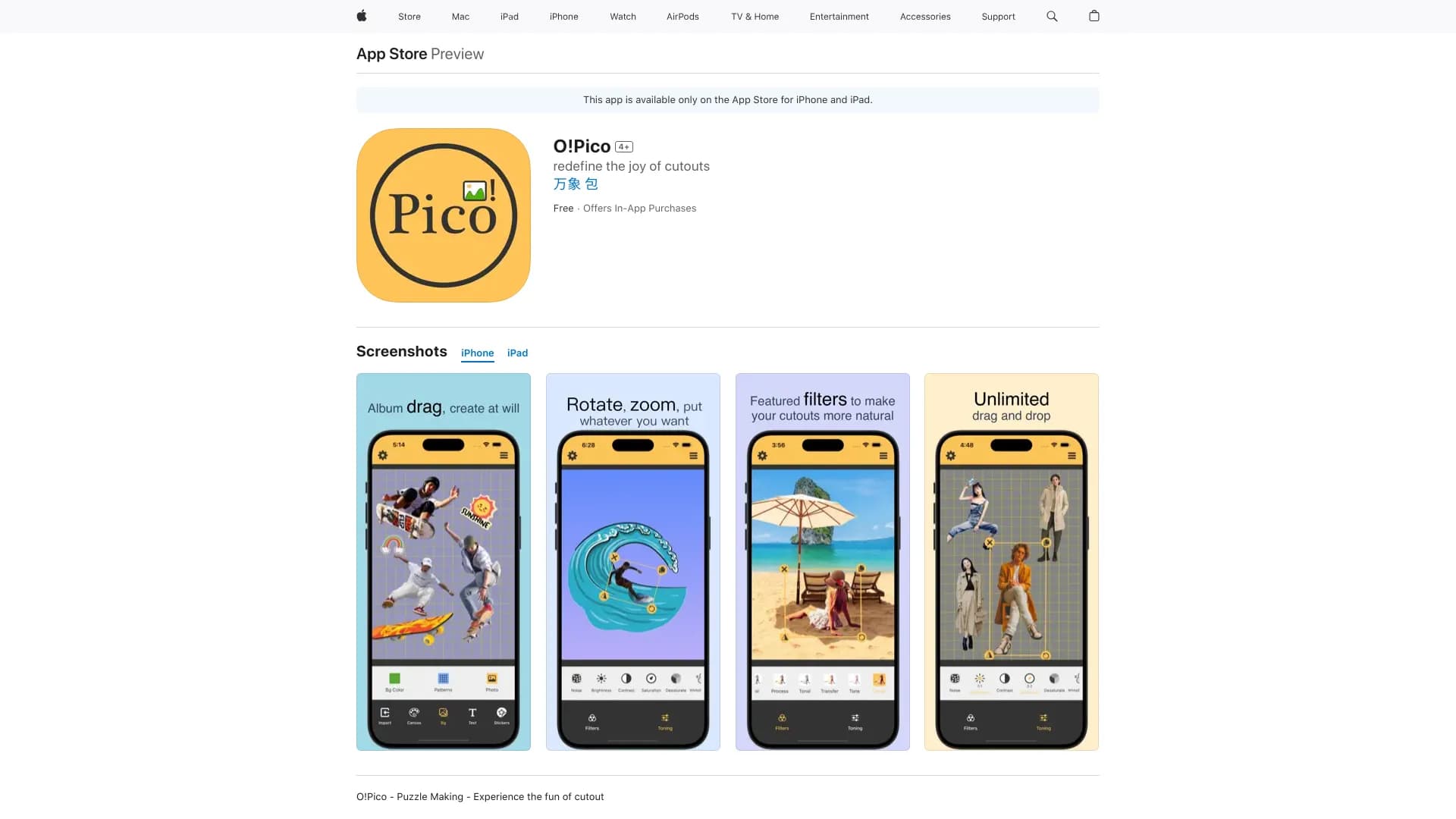
About AI cutout for iPhone Photos
O!Pico is a versatile photo editing application that leverages iOS16's cutout mode to provide a creative workspace. Users can easily extract subjects like people, animals, clothing, and accessories with a single tap. The app offers features such as filters, rotation, flipping, copying, background color changes, pattern overlays, text addition, and canvas resizing. It empowers users to customize and craft unique images effortlessly.
How to Use
Select a subject such as a person, animal, or object within your photo. Tap and hold to automatically cut out the object. Simply drag images from your album onto the canvas to create personalized collages and designs.
Features
- One-tap automatic subject cutout from photos
- Comprehensive editing tools: filters, rotation, flip, copy
- Customizable canvas with background colors, patterns, and images
- Flexible canvas size adjustment
- Add and style text for captions and labels
- Insert stickers and overlays for creative effects
- Supports drawing and freehand splicing
Use Cases
- Designing eye-catching social media photo collages
- Creating personalized digital scrapbooks and albums
- Editing product images, landscapes, and fashion photos
Best For
Pros
- Ensures photo privacy with local processing
- Optimized for iPad interface
- Suitable for social media, portfolios, and personal projects
- Simple one-tap cutout process
- Rich editing features for creative expression
Cons
- Full features require in-app purchases
- Requires iOS16 or later versions
- Privacy policies may vary by update
Pricing Plans
Choose the perfect plan. All plans include 24/7 support.