
AI Ease
Free online AI photo editor featuring advanced tools like headshot creation and background removal.
About AI Ease
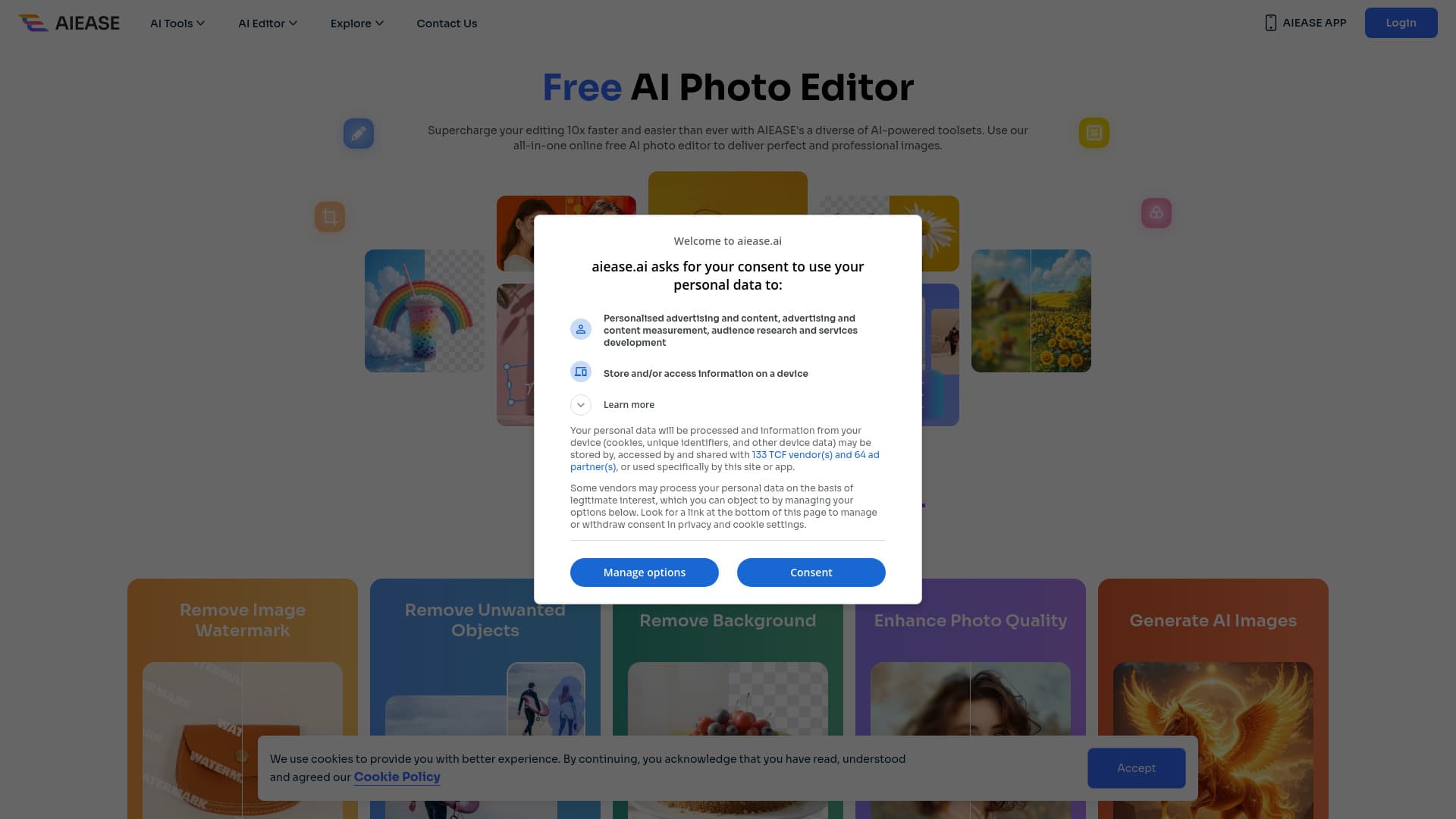
AI Ease is a free, user-friendly online AI photo editor offering a comprehensive suite of AI-powered tools. It caters to various needs, including headshot generation, background removal, passport photo creation, image enhancement, and photo restoration. Sign up to enjoy high-quality AI editing services at no cost.
How to Use
Register on the AI Ease website to access free AI photo editing tools. Select your desired feature, upload your photo, and let AI Ease seamlessly process and enhance your image.
Features
- Image Upscaler
- Passport Photo Creator
- AI Background Removal
- Photo Enhancer
- AI Headshot Generator
Use Cases
- Quickly produce professional passport photos.
- Improve the quality of old or low-resolution images.
- Create high-quality headshots for LinkedIn or resumes.
- Remove backgrounds from product images for online stores.
Best For
Social media enthusiastsBusinessesIndividuals seeking professional photosJob applicantsGraphic designersE-commerce sellersPhotographers
Pros
- All-in-one online AI editing tools
- Regular updates and improvements
- Intuitive, easy-to-use interface
- Strong focus on data privacy and security
- Cutting-edge AI technology for superior quality
Cons
- Results may vary based on image quality
- Account registration required to access tools
- Free version has some limitations on features and processing speed
Pricing Plans
Choose the perfect plan. All plans include 24/7 support.
FAQs
What AI photo editing tools are available on AI Ease?
AI Ease provides tools such as headshot generator, background remover, photo enhancer, image enlarger, and passport photo maker.
Is AI Ease completely free to use?
Yes, you can access all basic AI photo editing features for free after signing up. Premium upgrades are available for additional benefits.
How does AI Ease's AI Headshot Generator improve my photos?
It offers a fast and easy way to create professional-quality headshots, enhancing your online presence and professional image.
How does the AI Background Remover work?
Powered by advanced AI, it automatically removes backgrounds from images, handling complex scenes to produce transparent backgrounds instantly.
Can I use AI Ease without creating an account?
No, registration is required to access and use the free AI photo editing tools on the platform.
What file formats does AI Ease support?
AI Ease accepts common image formats such as JPEG, PNG, and BMP for uploading and editing your photos.
Are there any limitations on the free version?
Yes, the free version may have restrictions on image resolution, processing speed, and some advanced features.
Is my data safe with AI Ease?
Yes, AI Ease prioritizes user privacy and secures all uploaded images with strict data protection measures.