

AI Email Summaries
Chrome extension that provides AI-powered email summaries directly within Gmail for enhanced productivity.
About AI Email Summaries
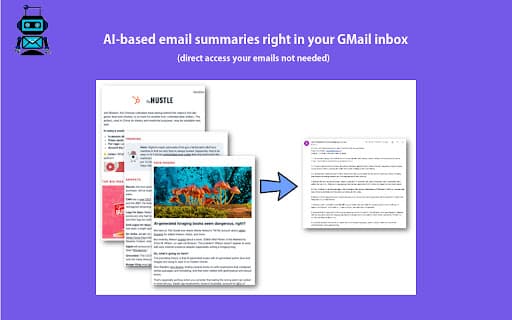
AI Email Summaries is a Chrome extension designed for Gmail users overwhelmed by lengthy emails and newsletters. It delivers concise, AI-generated summaries, enabling quick understanding of email content and saving time. The extension includes features like one-click email forwarding and automatic filter creation to streamline the summarization process and improve email efficiency.
How to Use
1) Click the extension icon in your browser. 2) Sign in using your Google account. 3) New icons will appear in Gmail for forwarding emails to AI Email Summaries and creating auto-forward filters. For filter setup, subscribe to a paid plan, add summary@aiemailsummaries.com as a forwarding address in Gmail settings, and verify the email via the confirmation message.
Features
- One-click email forwarding
- AI-driven email content summaries
- Automatic creation of email filters
Use Cases
- Quickly grasp the main points of lengthy emails and newsletters.
- Save time by reducing the need to read full emails.
- Streamline email management with automated summaries.
Best For
Pros
- Reduces email reading time with clear summaries
- Simple to use with one-click forwarding and filters
- Prioritizes user privacy by not accessing entire inbox
- Includes a free 7-day trial for new users
Cons
- Requires users to set up email forwarding or filters
- Automatic summaries depend on forwarding setup
- Full feature access requires a subscription