

AI Image Upscaler
AI-driven image upscaler designed to improve image resolution and quality online.
About AI Image Upscaler
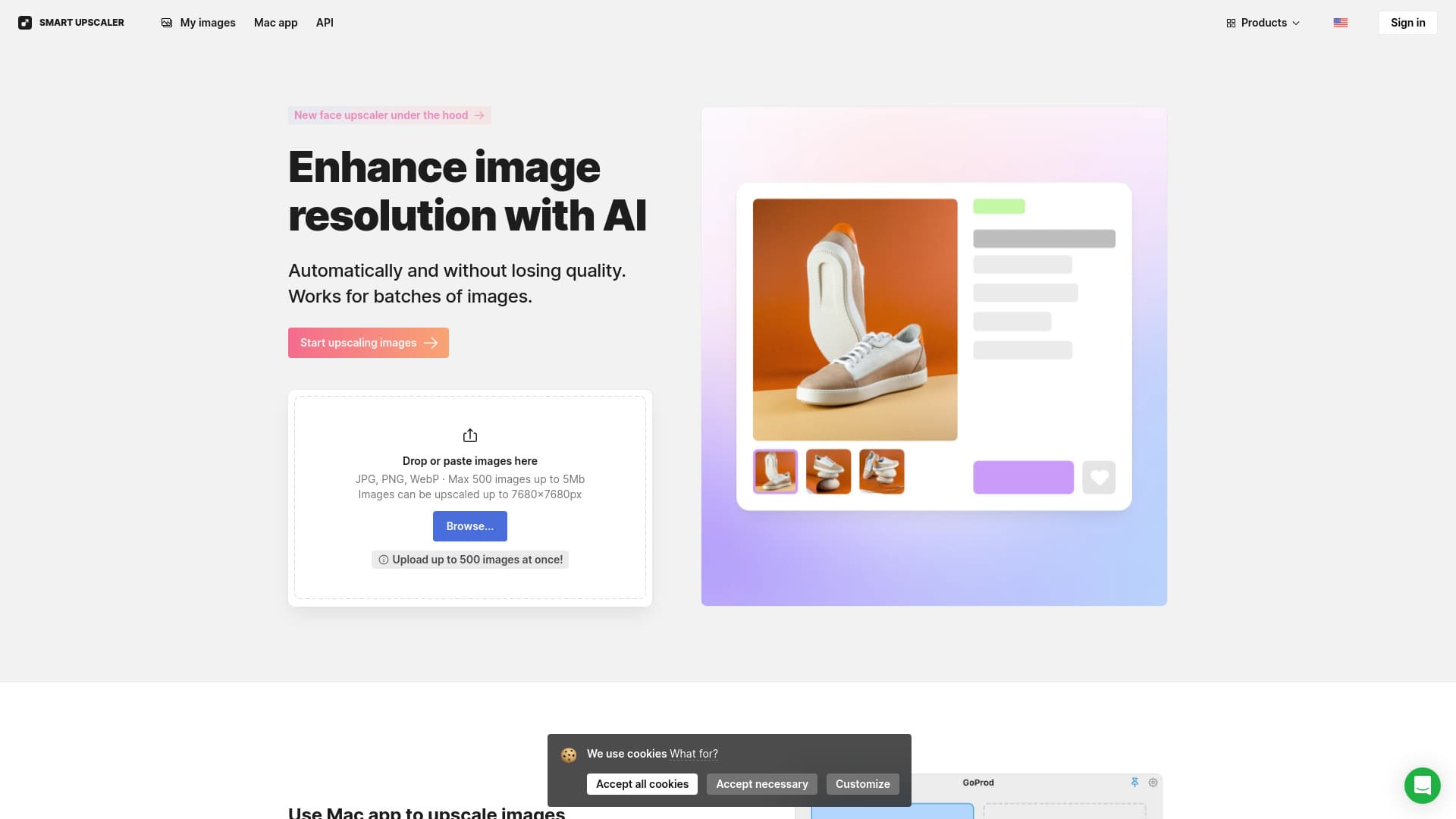
Utilize our AI Image Upscaler to automatically enlarge photos and images online. Achieve up to 8x resolution enhancement in batches or via API integration. Our AI technology improves image clarity and resolution without quality loss, supporting multiple images simultaneously.
How to Use
Upload images in JPG, PNG, or WebP formats by dragging or browsing. The AI automatically upscales your images. You can also select multiple files for batch processing.
Features
- Upscales images up to 7680x7680 pixels
- API integration for seamless workflows
- AI-powered automatic image enhancement
- Supports batch processing of multiple images
- Includes sharpening and noise reduction tools
Use Cases
- Enhance images for online platforms
- Upscale images for marketing and presentations
- Improve low-resolution photos for high-quality printing
Best For
E-commerce businessesGraphic designersPhotographersWeb developersMarketing professionals
Pros
- Enables batch image processing
- User-friendly interface
- Powered by advanced AI technology
- Offers API for integration
- Supports various image formats
Cons
- Limited free usage options
- Watermarks on free version
- Upscaling quality varies with original image quality
- Maximum file size limit of 5MB
Pricing Plans
Choose the perfect plan. All plans include 24/7 support.
Most Popular
Monthly Subscription
$9/month
Enlarge 100 images per month with rollover credits
Get StartedFAQs
How does the AI image upscaler work?
Our AI upscaler uses deep learning to automatically enhance image resolution without sacrificing quality. It analyzes over 5 million images to generate high-quality enlargements efficiently.
How can I remove watermarks from images?
Upgrade to our prepaid plan starting at $10 for 50 images, or subscribe monthly for unlimited use at $99. For large batches, consider our API or contact support for custom options.
Where are my uploaded images stored?
Images are securely stored so you can access and re-download them anytime. We do not use your images for machine learning or share them externally.
What image formats are compatible?
Our tool supports JPG, PNG, and WebP formats. For best results, use images smaller than 3000×3000 pixels to maximize upscaling quality.
What are the main benefits of using this AI image upscaler?
It automatically enhances image resolution, supports batch processing, and maintains high quality without complex editing skills.