

AI Notebook App
AI-powered note-taking application designed to help users organize, summarize, and manage diverse content types efficiently.
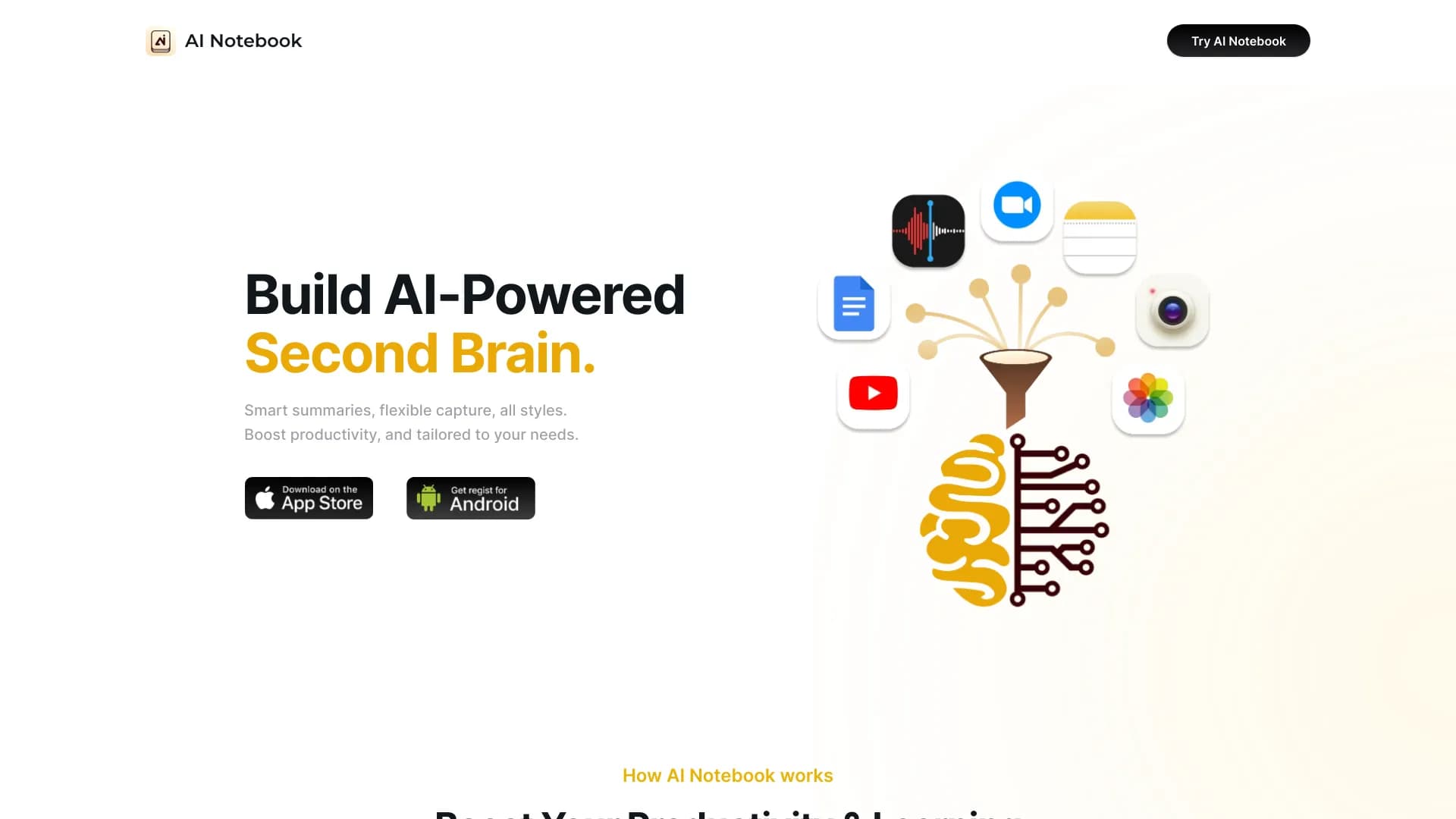
About AI Notebook App
AI Notebook is an intelligent note-taking platform that leverages artificial intelligence to organize text, images, audio, and videos. It features automatic summarization, voice transcription, and tools for creating flashcards, mind maps, and more. Designed to enhance learning and productivity, it helps users capture, structure, and recall information effortlessly.
How to Use
Simply input text, upload images or audio, or add YouTube video links into AI Notebook. The AI processes your content by transcribing, translating, summarizing, and highlighting key points. Your notes are then fully searchable, tagged, and synchronized across devices. You can also generate summaries, create flashcards, mind maps, and quizzes from your notes.
Features
- Automatic note transcription and organization
- PDF and document summarization with chat support
- Cross-device note synchronization
- YouTube video transcription and content summaries
- AI-driven content summarization
- Voice memo transcription
- Image-to-text conversion for handwritten notes
Use Cases
- Summarizing YouTube video content for quick review
- Creating flashcards and quizzes for exam prep
- Condensing research papers and textbooks
- Digitizing handwritten notes for easy access
- Taking real-time notes during lectures and meetings
Best For
Pros
- Streamlines note-taking and summarization processes
- Enhances understanding with interactive study tools
- Accessible across all devices
- Supports diverse content types including text, images, audio, and video
- Improves note organization and searchability
Cons
- Some advanced features require a subscription
- One-time payment options can be costly
- AI accuracy depends on input quality and clarity
Pricing Plans
Choose the perfect plan. All plans include 24/7 support.
Free Plan
Enjoy free access forever with no credit card required. Create notes from YouTube videos, text, images, web pages, audio, and PDFs. Organize, categorize, and search your notes easily. Sync across desktop and mobile devices, including a Chrome extension.
Get StartedMonthly Web Subscription
Includes unlimited AI chats, summaries, flashcards, quizzes, diagrams, mind maps, file uploads, and more. Features live audio recording, translation, and YouTube video uploads for comprehensive note management.
Get StartedAnnual Web Subscription
All features of the monthly plan, plus priority support, unlimited audio overviews, priority storage, and early access to new study tools.
Get Started