

AI Perfect Assistant - GPT for Office365
AI-powered assistant for Microsoft Office 365 that streamlines tasks and boosts productivity across the suite.
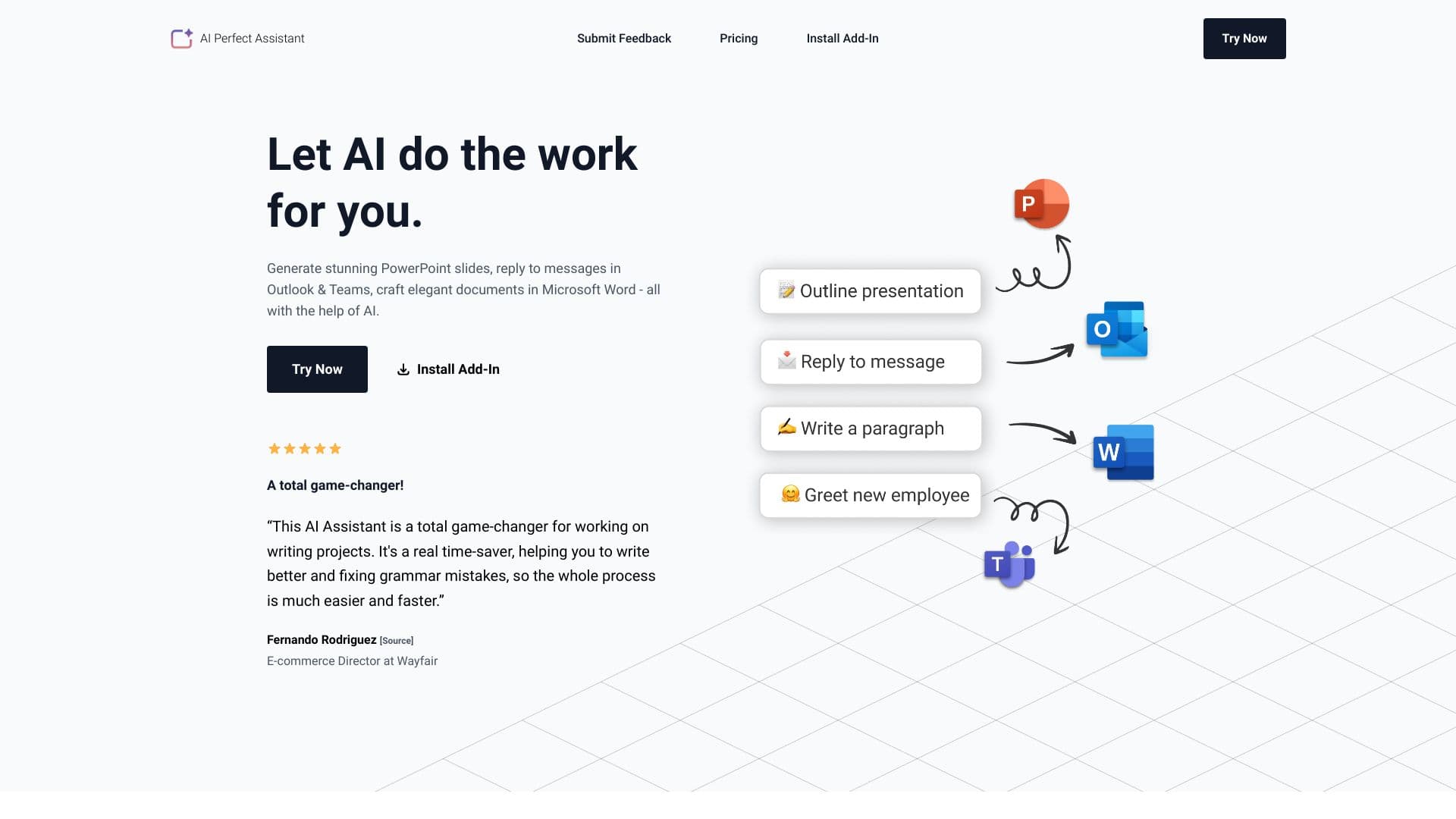
About AI Perfect Assistant - GPT for Office365
The AI Perfect Assistant integrates smoothly with Microsoft Office 365, empowering teams to work more efficiently. Generate PowerPoint slides, respond to emails in Outlook and Teams, craft professional documents in Word, and automate routine tasks with AI. It works within applications like PowerPoint, Word, Outlook, Teams, and Excel to provide features such as reply automation, thread summarization, draft enhancement, formula creation, and data normalization, significantly improving workflow productivity.
How to Use
Install the AI Perfect Assistant add-in for your preferred Microsoft Office application. Sign in using your Microsoft work or school account. Access the AI features within the app to generate content, respond to messages, check grammar, and automate tasks seamlessly.
Features
- Create PowerPoint slides automatically from outlines
- Generate formulas and normalize data in Excel
- Translate messages and customize tone in Teams
- Automate email replies and summarize conversations in Outlook and Teams
- Write and improve documents with grammar checks in Word
Use Cases
- Respond quickly to emails in Outlook
- Automate data normalization processes in Excel
- Translate chat messages in Microsoft Teams
- Enhance grammar and simplify language in Word documents
- Create PowerPoint presentations from outlines effortlessly
Best For
Pros
- Automates repetitive tasks to save time
- Seamless integration with Microsoft Office 365
- Enhances writing clarity and quality
- Offers a free plan for basic use
- Boosts productivity across all Office applications
Cons
- No refunds available
- Over-reliance on AI may limit creative input
- Free tier has token restrictions
- Premium features require a subscription
Pricing Plans
Choose the perfect plan. All plans include 24/7 support.
Free
Includes a daily token limit of 3, uses ChatGPT 3, and offers standard query limits. Fully integrates with Office 365 with regular updates. Professional support is not included.
Get StartedPremium
Unlimited daily tokens, powered by ChatGPT 4, with extended query limits. Fully integrates with Office 365, receives regular updates, and includes professional support.
Get StartedPro (Annual)
Provides 100 tokens per month, uses ChatGPT 4.0, with standard query limits. Integrates with Office 365, Telegram, and Chrome extensions. Regular updates are included; support is unavailable.
Get StartedPremium (Annual)
Offers 3,000 tokens per month, powered by ChatGPT 4.0-omega, with extended query limits. Fully integrates with Office 365, Telegram, and Chrome extensions. Regular updates are included, with professional support.
Get Started