

AI Video Cut
AI-powered tool that converts lengthy videos into short, engaging clips optimized for social media platforms like TikTok, Instagram Reels, and YouTube Shorts.
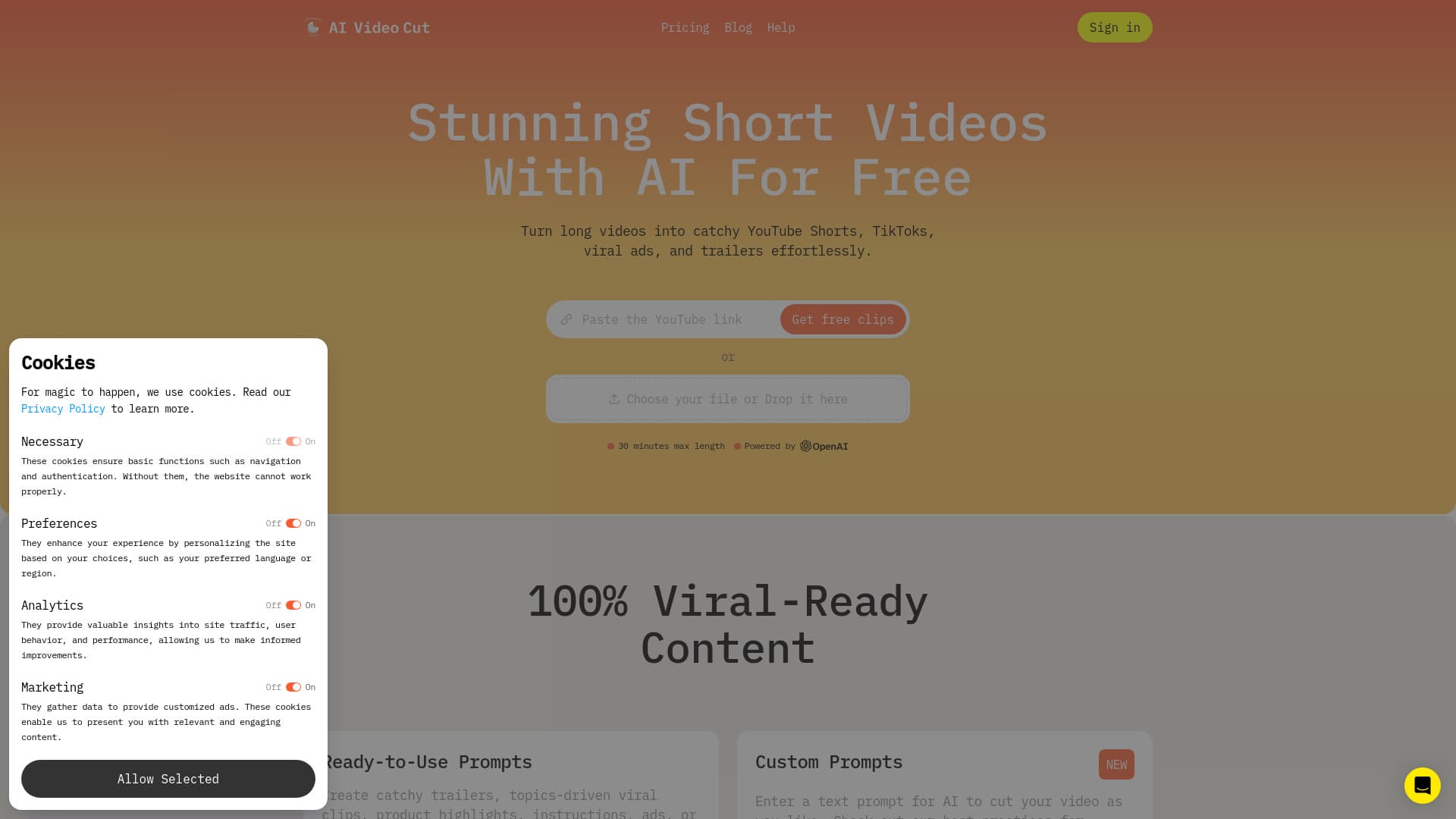
About AI Video Cut
AI Video Cut is an advanced online platform designed to transform long-form videos into viral-ready short clips for platforms like YouTube Shorts, TikTok, and Instagram Reels. It features automated AI video trimming, customizable prompts, face detection, multilingual captioning, precise transcripts, adaptable aspect ratios, flexible duration settings, and branding options to streamline content repurposing.
How to Use
Upload your video via local file or paste a YouTube URL. Select a prompt to generate a teaser, review, ad, or multiple clips. Customize the clip length, aspect ratio (9:16, 1:1, 16:9), and caption style. Preview, download, and publish your short video across platforms like Instagram, TikTok, YouTube Shorts, and more.
Features
- Accurate video transcription
- Pre-designed prompts for quick editing
- Upcoming Telegram bot integration
- Support for multiple languages
- Intelligent crop and face detection
- Branded video options (coming soon)
- Adjustable video length
- AI-driven video cutting
- Multiple aspect ratio choices
- Built-in captioning tools
Use Cases
- Convert long videos into viral Shorts, TikToks, or Ads.
- Create engaging product videos and advertisements.
- Repurpose event, webinar, or conference footage into promotional content.
Best For
Pros
- Easily produce attention-grabbing short videos.
- Enhance ad campaigns with visually appealing videos.
- Reduce editing time significantly.
- Boost sales with compelling product videos.
Cons
- The free plan offers limited features and a one-time minute quota.
- Branded video features and Telegram bot integration are upcoming.
Pricing Plans
Choose the perfect plan. All plans include 24/7 support.