

Airparser
Airparser is an AI-powered data extraction tool that transforms documents into structured data for instant integration and export. It supports various file types, including emails, PDFs, and scanned documents, enabling efficient data processing.
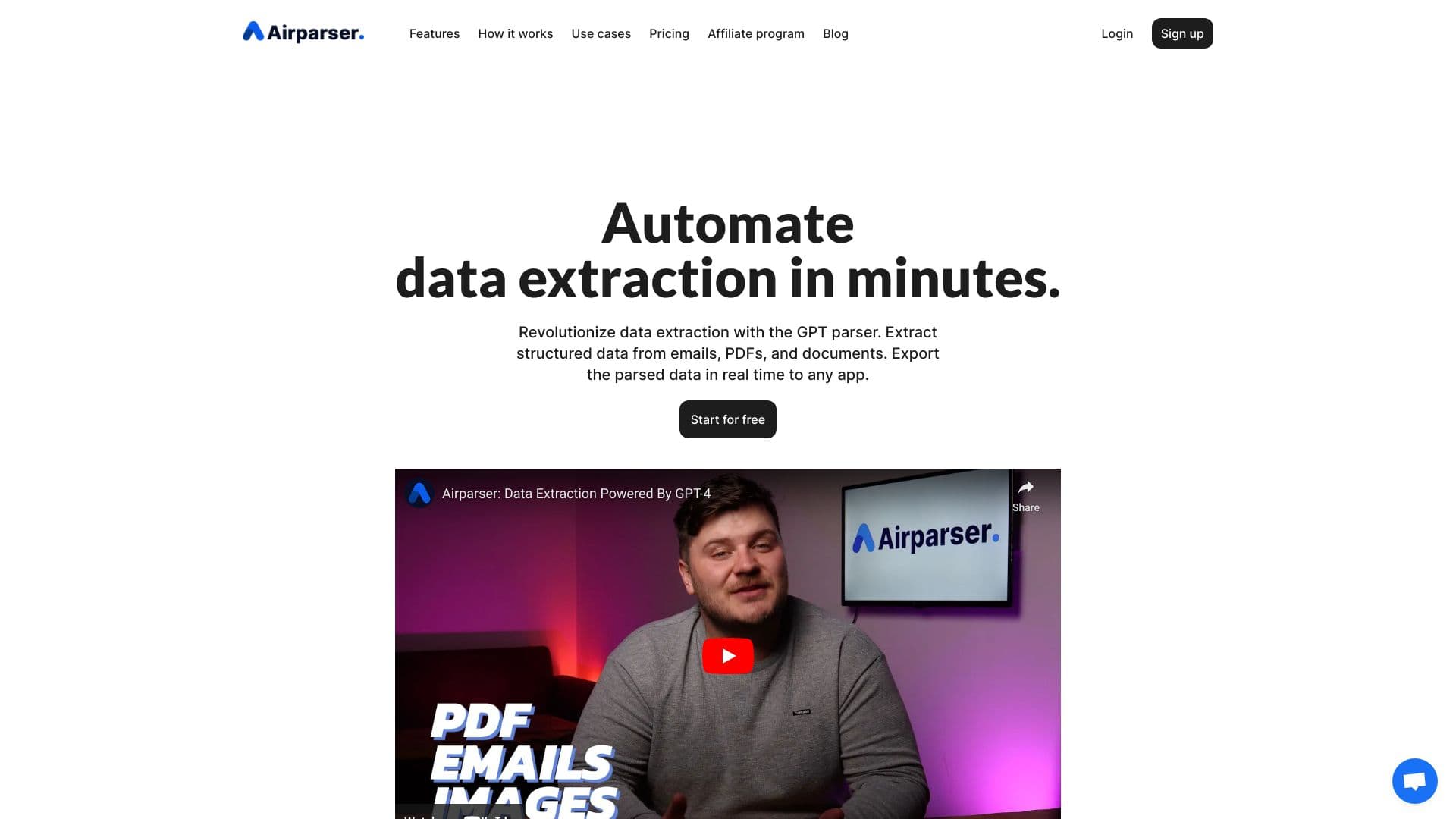
About Airparser
Airparser leverages advanced AI and LLM technology to efficiently extract data from emails, PDFs, and scanned documents. It converts unstructured content into organized data, enabling instant export to over 7000 applications through seamless integrations. Ideal for automating data entry, Airparser handles handwritten notes, scanned files, and various document formats with high accuracy, saving time and reducing manual effort.
How to Use
Get started with Airparser in three simple steps: 1. Upload documents via email, manual upload, or API. 2. Define specific data fields to extract by creating a custom list. 3. Export the structured data instantly to applications like Google Sheets, webhooks, or through API integrations.
Features
- Supports OCR for handwritten and scanned documents
- Offers API and webhook integrations for custom workflows
- Automates data extraction from emails, PDFs, and various documents
- Powered by advanced LLM technology for high accuracy
- Enables real-time data export to over 7000 apps
Use Cases
- Extract key details from contracts, such as parties and terms
- Capture amounts, dates, and vendor info from invoices and receipts
- Automate order processing by retrieving order and delivery data
- Extract contact details and work experience from resumes
- Gather lead information and order details from emails and messages
- Digitize handwritten notes, lists, and forms
Best For
Pros
- Eliminates manual data entry through automation
- Integrates effortlessly with numerous apps and platforms
- Supports extraction from diverse content types
- Intuitive and user-friendly interface
- Achieves high accuracy with AI-powered parsing
Cons
- Limited refund options
- Unused credits expire at billing cycle end
- Credits are deducted per document or page processed
Pricing Plans
Choose the perfect plan. All plans include 24/7 support.
Starter
Monthly plan billed annually, including 100 credits and 30-day document storage.
Get StartedGrowth
Monthly plan billed annually, offering 500 credits and 90-day data retention.
Get StartedBusiness
Monthly plan billed annually with 2000 credits, 90-day storage, and unlimited team members.
Get StartedPremium
Monthly plan billed annually, including 5000 credits, 180-day storage, and unlimited team members.
Get StartedTrial
Includes 30 non-renewable credits, full feature access, and 30-day document storage.
Get Started