

AIShowX
Comprehensive AI platform for creating, editing, and enhancing videos, images, and audio content effortlessly.
About AIShowX
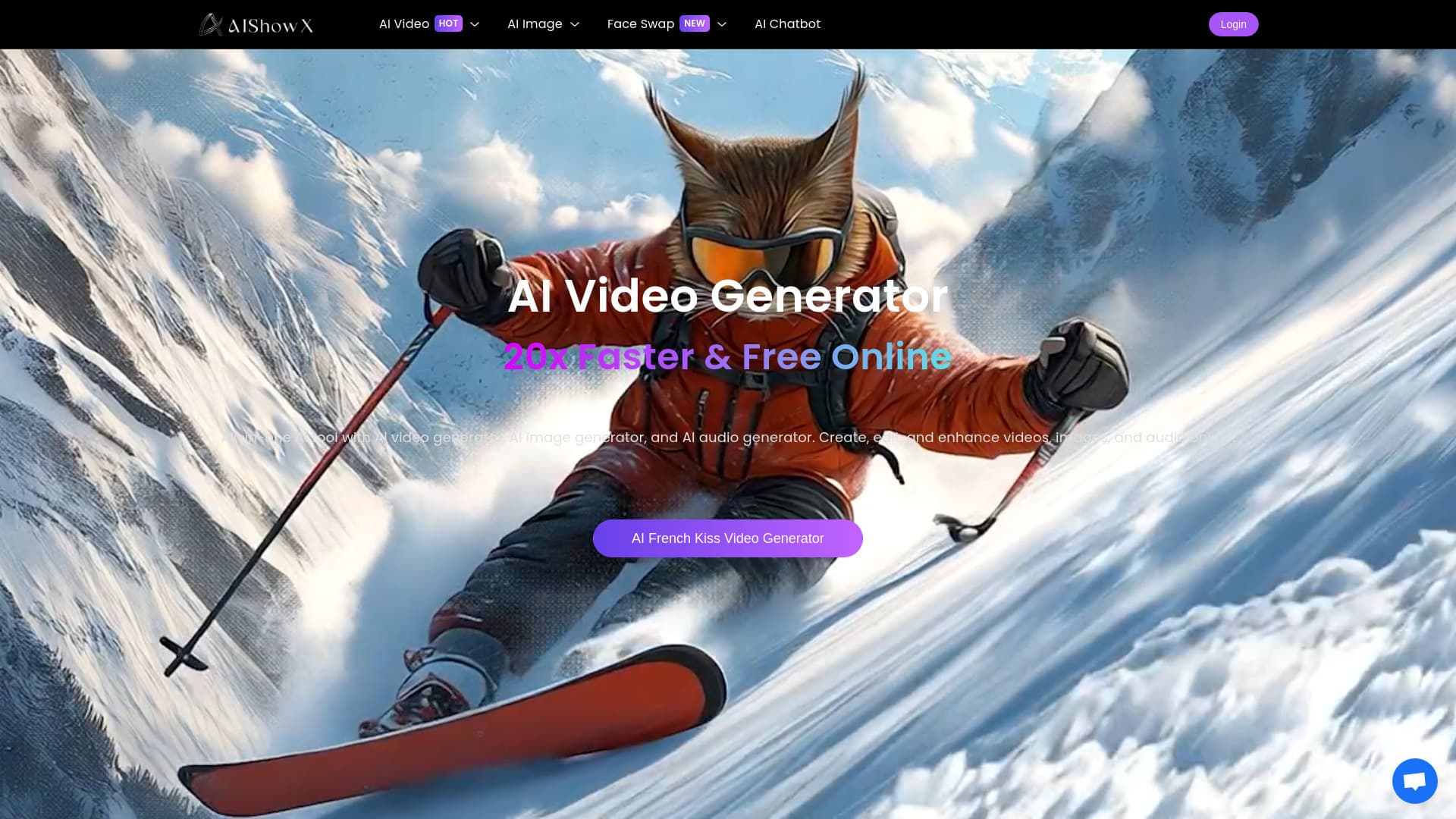
AIShowX is a versatile online AI platform that enables users to produce, enhance, and edit videos, images, and audio with ease. It offers features like text-to-video and image-to-video generation, unrestricted AI image creation, video quality enhancement, and photo animation. The platform simplifies complex content creation tasks such as turning scripts into engaging videos, animating photos, improving media quality, and generating AI-driven characters, tattoos, GIFs, and more, all for free.
How to Use
To utilize AIShowX, input your script or concept into the text-to-video tool to generate a complete video with visuals, animations, subtitles, and voiceovers. Alternatively, upload static images to the image-to-video feature to animate them with motion and music. For quality improvements, upload your media, and the AI will automatically enhance resolution, sharpness, or apply effects. Face swapping is straightforward: upload your source video, select a target face video, choose the face, and let the AI process the swap.
Features
- AI Face Swap for Videos, Photos, and GIFs
- AI GIF Creation
- AI Sticker Design
- AI Character Generation
- AI Tattoo Design
- AI Background Replacement
- AI Emoji Creation
- AI Video Quality Enhancer
- AI Poster Design
- AI Image Sharpener and Animator
- Unlimited AI Image Generation
- AI Video Creator from Text and Images
- AI Plush Toy Maker
- AI Audio Production and Enhancement
Use Cases
- YouTubers restoring and enhancing old footage.
- Users creating fun transformations like celebrity face swaps or exaggerated caricatures.
- Content creators turning scripts into engaging videos.
- Marketers designing high-quality visuals and anime-style graphics.
- Educators producing visual content to explain concepts.
- UI/UX designers adding animations to prototypes.
- Podcasters generating and cleaning audio tracks.
- Artists producing unique images in various styles without restrictions.
- Photographers creating dynamic slideshows and social media posts from still images.
Best For
Pros
- Rapid content generation, up to 20 times faster for text-to-video.
- No technical skills required for most AI creation features.
- Automatically improves video and image quality.
- Unique options like AI French Kiss and Muscle Generators.
- All-in-one platform for video, image, and audio projects.
- Unlimited AI image generation without style restrictions.
- Many features available for free.
Cons
- No specific disadvantages are noted in the available information.