

Aki
An AI-powered task and calendar management platform designed to boost your productivity and streamline your workflow.
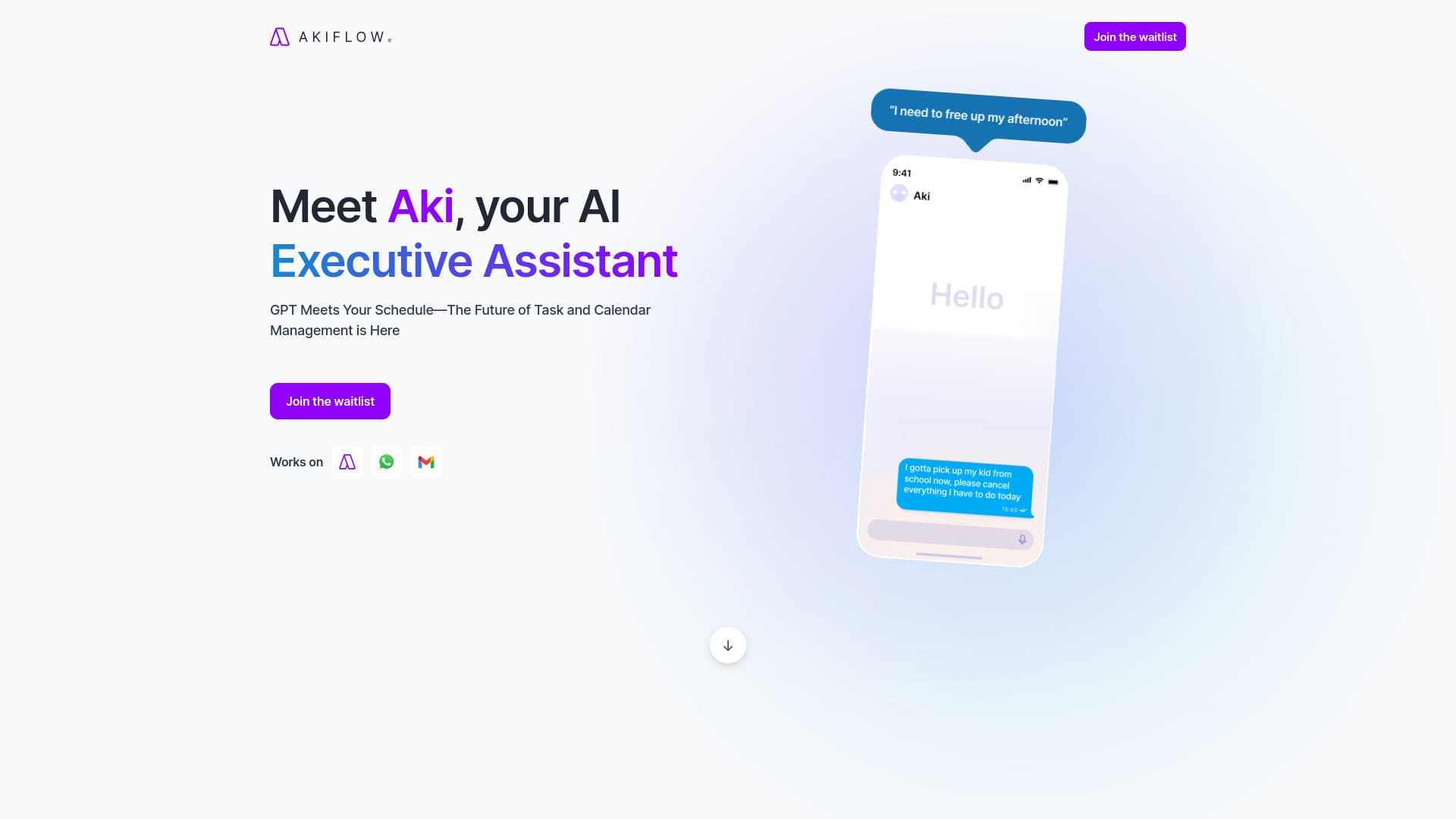
About Aki
Akiflow is an intelligent executive assistant that leverages advanced AI language models to optimize task and calendar management. Automate scheduling, streamline communications, and receive real-time productivity insights to work smarter every day.
How to Use
Leverage Akiflow to automate routine tasks such as daily weather updates, weekly planning, and recurring reminders. Automate actions like: daily weather checks, weekly reviews, and scheduled notifications—such as investing on specific dates at set times.
Features
- Real-time productivity insights
- Seamless calendar integration
- AI-enhanced task management
- Automated scheduling and reminders
Use Cases
- Automate daily routines and workflows
- Efficiently schedule meetings and manage tasks
Best For
Pros
- AI-driven task automation and scheduling
- Customizable workflows and routines
- Integrates with multiple platforms and calendars
- Provides real-time productivity support
Cons
- Requires checking weather updates each morning at 7:30 AM to plan your day accordingly
- Dependence on AI may not suit all user preferences
- Initial setup of automations may involve a learning curve
Pricing Plans
Choose the perfect plan. All plans include 24/7 support.
Pro Monthly Plan
Billed monthly, ideal for busy professionals seeking to save two hours daily. Includes unlimited integrations, tasks, meetings, a one-on-one coaching call, full feature access, and a 7-day free trial of Aki.
Get StartedPro Yearly Plan
Billed annually, perfect for executives and goal-driven professionals. Offers all Pro Monthly features, 44% annual savings, flexible cancellation, and a 7-day free trial of Aki.
Get Started