

Aladin
A powerful AI browser extension designed for seamless summarization, editing, and research across websites and files.
About Aladin
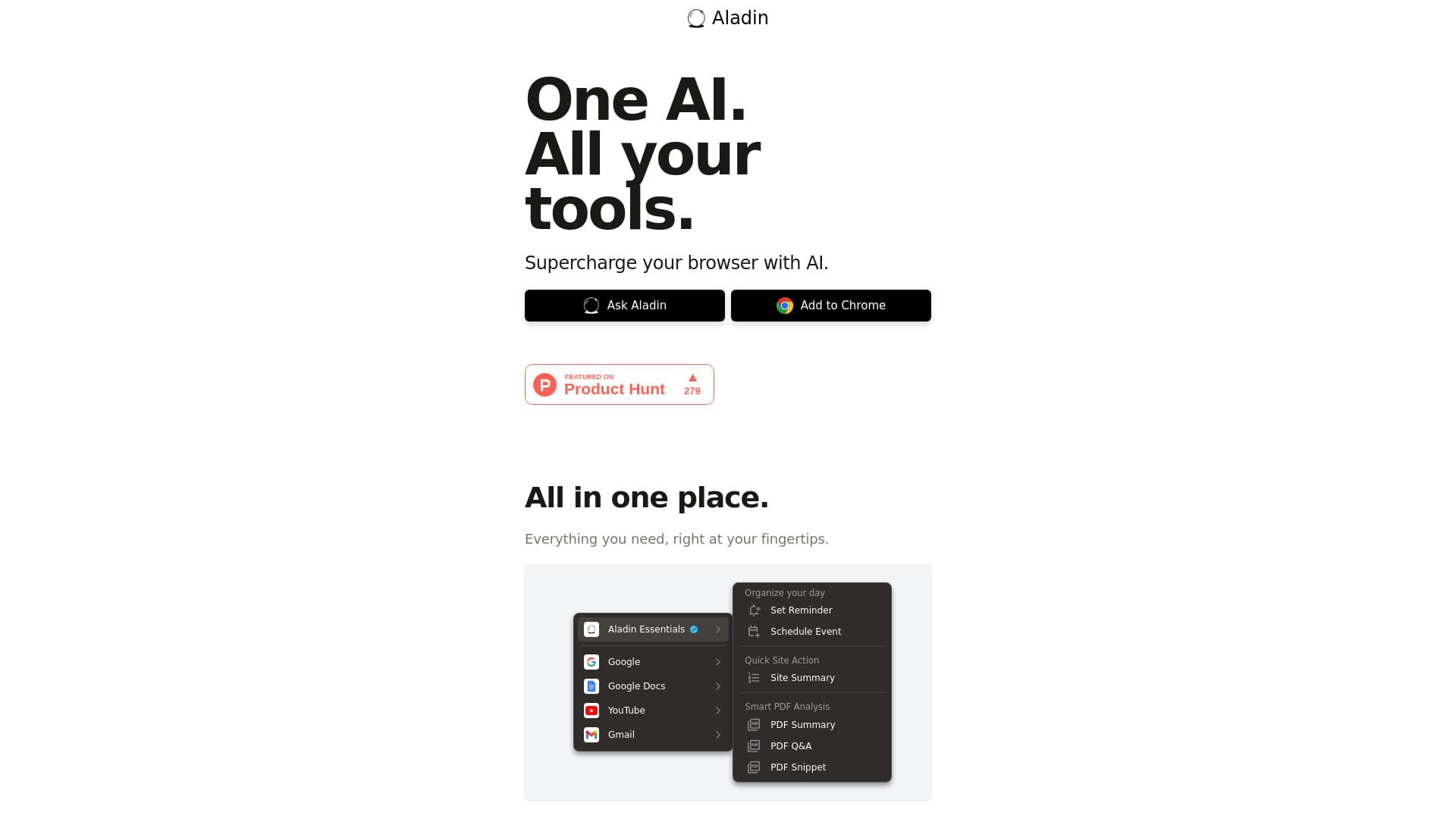
Aladin AI is an intelligent browser extension that integrates advanced, context-aware AI tools directly into your browsing experience. It supports websites, documents, and videos, offering quick access to features like summarization, editing, and research support. Designed to streamline your workflow, Aladin AI eliminates manual efforts and enhances productivity wherever you work online.
How to Use
Install the Aladin AI extension from your browser. Once activated, context-sensitive buttons will appear on websites, documents, and videos. Click these buttons to perform tasks such as summarizing content or editing files effortlessly.
Features
- One-click activation for various tasks
- Intelligent, context-aware AI tools
- Supports multiple file types and platforms
- Seamless browser integration
Use Cases
- Quickly extract insights from PDFs and websites
- Edit documents instantly with AI assistance
- Generate video summaries in seconds
- Efficiently search and navigate links
Best For
Business professionals handling documents and videosAcademic researchersStudents seeking quick summariesContent creators and marketers
Pros
- Simple, one-click AI activation
- Versatile across platforms and formats
- Smart, context-aware functionalities
- Integrates smoothly into existing workflows
Cons
- May depend on website compatibility
- Requires browser extension installation
- Functionality linked exclusively to Aladin AI extension
FAQs
What functions does Aladin AI offer?
Aladin AI provides intelligent tools for summarizing videos, editing documents, and conducting research directly within your browser, streamlining your online tasks.
How does Aladin AI operate within my browser?
It adds context-sensitive buttons to websites, documents, and videos. A simple click activates AI features tailored to your content.
What key features are included in Aladin AI?
Core features include site summaries, PDF analysis, quick document editing, and AI-powered Q&A for PDFs.
Is Aladin AI compatible with all websites?
Compatibility depends on website structure, but it works effectively across most modern platforms supporting browser extensions.
How can I get started with Aladin AI?
Download and install the extension, then use the context-aware buttons to activate AI tools for your content instantly.