

Anima
Anima seamlessly converts designs into code, enabling AI-driven iterations and instant deployment for faster development cycles.
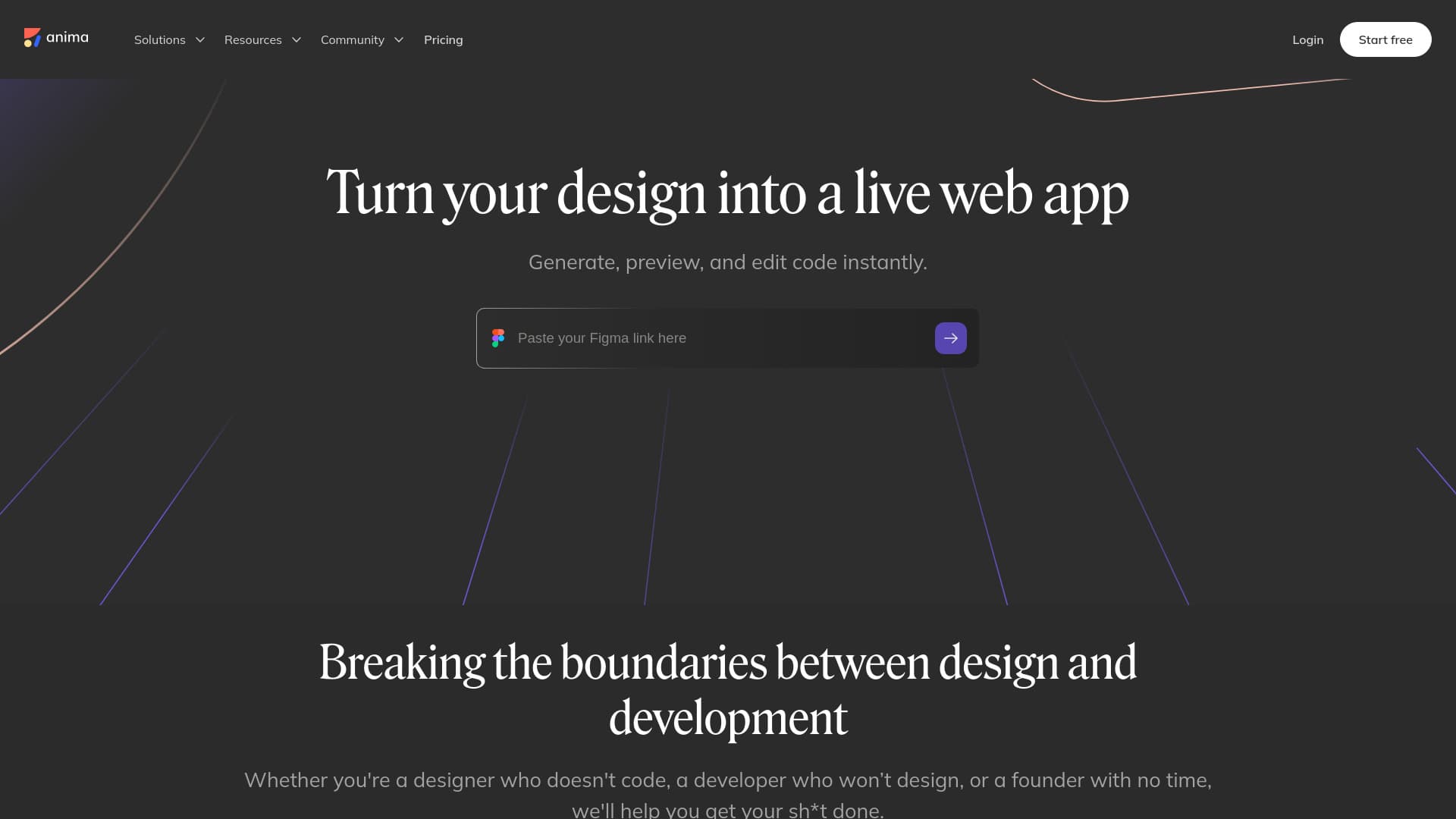
About Anima
Anima revolutionizes the design-to-development process by transforming your designs, prompts, or images into functional, testable applications instantly. Collaborate with AI to refine and iterate designs directly in the browser, enabling product teams to deliver their vision efficiently. Easily connect backend services, tweak features, and deploy websites or prototypes with a single click. Share live links with stakeholders, clients, or team members for seamless review and feedback.
How to Use
Begin with a Figma file, text prompt, or image. Anima instantly converts it into a working, testable application. Use AI chat to refine your design, add features, and connect backend services. Fine-tune details with prompts and deploy your project easily. Share live links for collaboration or testing with stakeholders.
Features
- AI-powered design to code conversion
- One-click deployment and sharing
- Real-time AI-assisted iteration
- Convert Figma designs to websites and apps
- Support for React and HTML
- Seamless integration with Figma
- Instant code generation and editing
Use Cases
- Export code directly into Visual Studio Code
- Transform Figma prototypes into live web applications
- Convert Figma designs into fully functional websites
- Generate, preview, and modify code instantly
Best For
Pros
- Leverages AI to streamline front-end development
- Empowers designers to build working prototypes without coding
- Simplifies deployment and sharing of web projects
- Accelerates the design-to-code workflow
- Supports real-time collaboration and updates
Cons
- Code quality may vary based on design complexity
- Limited customization options compared to hand-coded solutions
- Dependent on Figma or similar design tools
- Learning curve to master all features