

anki-decks.com
An AI-powered platform for rapid creation and sharing of Anki flashcards, streamlining your study process.
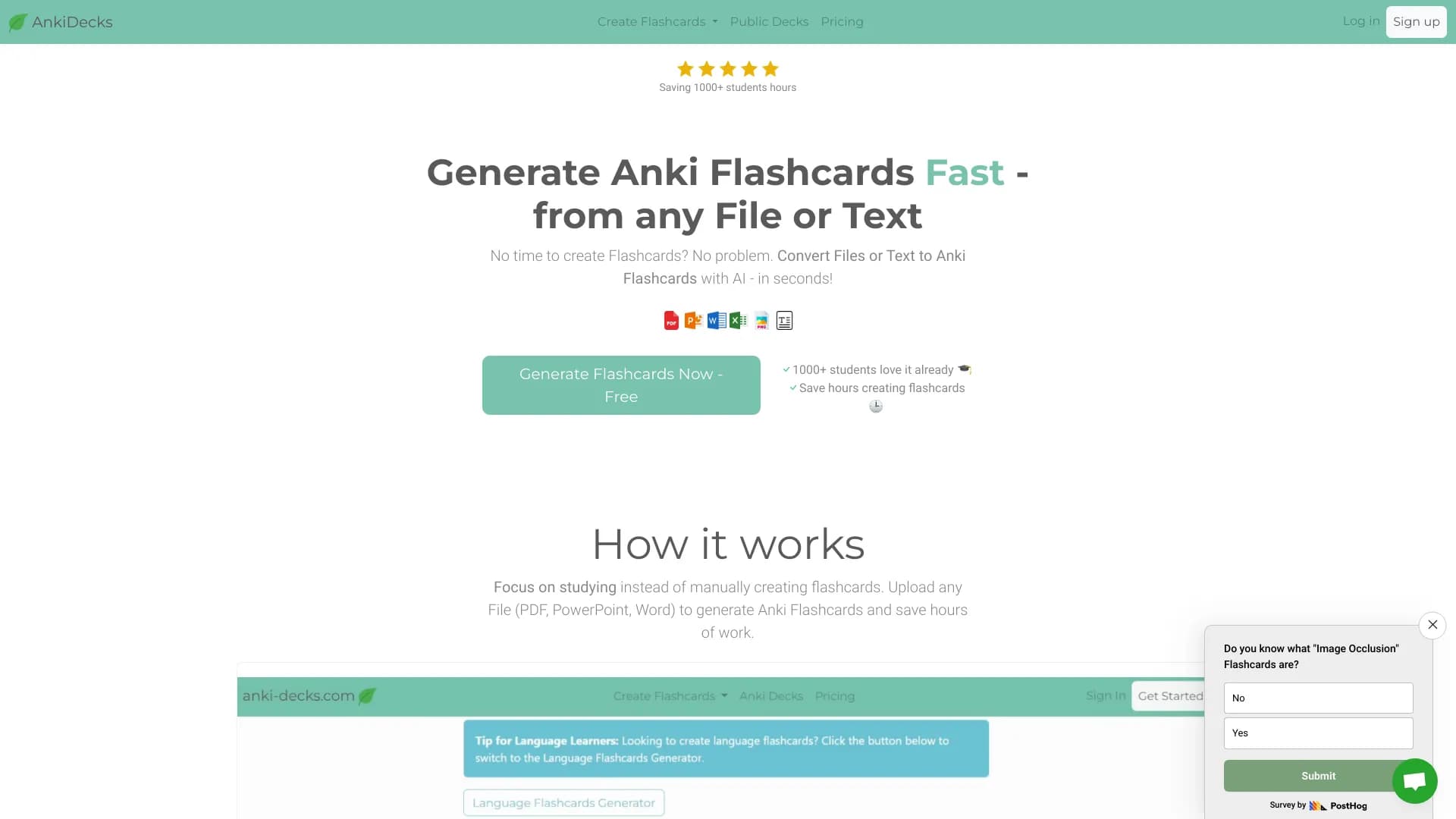
About anki-decks.com
AnkiDecks is an advanced AI-driven platform designed to quickly generate Anki flashcards from various formats such as PDFs, PowerPoint presentations, Word documents, Epub files, and even YouTube links. It helps users save time on manual flashcard creation, enabling more focus on studying. Ideal for medical students, language learners, and educators, it features automatic image occlusion, multi-language support for over 50 languages, and multiple flashcard styles including Question-Answer, Cloze, Multiple Choice, and Image Occlusion. Users can export flashcards directly to Anki or study them online with a built-in spaced repetition algorithm for optimized learning.
How to Use
Upload your notes in formats like PDF, PowerPoint, Word, or Epub, or paste a YouTube link. The AI analyzes the content and instantly generates relevant flashcards. Export these to Anki or study directly on the platform using its integrated spaced repetition system.
Features
- Auto-organizes flashcards with customizable tags
- Supports over 50 languages, including translation features
- Automated Image Occlusion for diagrams and visuals
- Easily share decks with others
- Creates flashcards from YouTube videos
- Exports decks directly to Anki (.apkg files)
- Includes an online study platform with a built-in FSRS (Free Spaced Repetition Scheduler)
- Supports various flashcard formats: Question-Answer, Cloze, Multiple Choice, Image Occlusion
- Generates flashcards from files (PDF, PowerPoint, Word, Epub) and text using AI
Use Cases
- Memorizing content from educational videos on YouTube
- Converting notes from documents into effective Anki flashcards
- Creating review cards for medical studies
- Generating vocabulary flashcards for language learning
- Sharing custom decks with students or colleagues
Best For
Pros
- Supports diverse input formats, including PDFs, PowerPoints, Word files, and YouTube videos.
- Free tier offers essential features for basic users.
- AI features like image occlusion and multi-language support enhance learning efficiency.
- Offers multiple flashcard types to suit various study needs.
- Enables direct export to Anki and online review with spaced repetition.
- Reduces manual effort and saves valuable study time.
Cons
- The official Anki iOS app requires purchase; AnkiWeb remains free.
- Free plan has limited deck creations, image occlusions, page counts, and character capacity.
Pricing Plans
Choose the perfect plan. All plans include 24/7 support.
Basic
Includes 4 deck generations per month, 5 AI image occlusions, 4 pages per document, and 8,000 characters per document.
Get StartedPro (Annual)
Billed annually at $60. Access to 50 decks, 100 image occlusions, 100 pages per document, and 200,000 characters monthly. Most popular plan.
Get StartedUltimate (Annual)
Billed annually at $144. Includes 200 decks, 1,000 image occlusions, 100 pages per document, and 200,000 characters per month.
Get StartedPro (Monthly)
Billed monthly. Offers 50 decks, 100 image occlusions, 100 pages per document, and 200,000 characters monthly.
Get StartedUltimate (Monthly)
Billed monthly. Provides 200 decks, 1,000 image occlusions, 100 pages per document, and 200,000 characters per month.
Get Started