

AnswersAi
AnswersAi is an AI-powered tool that delivers instant answers to coursework questions, enhancing study efficiency and academic performance.
About AnswersAi
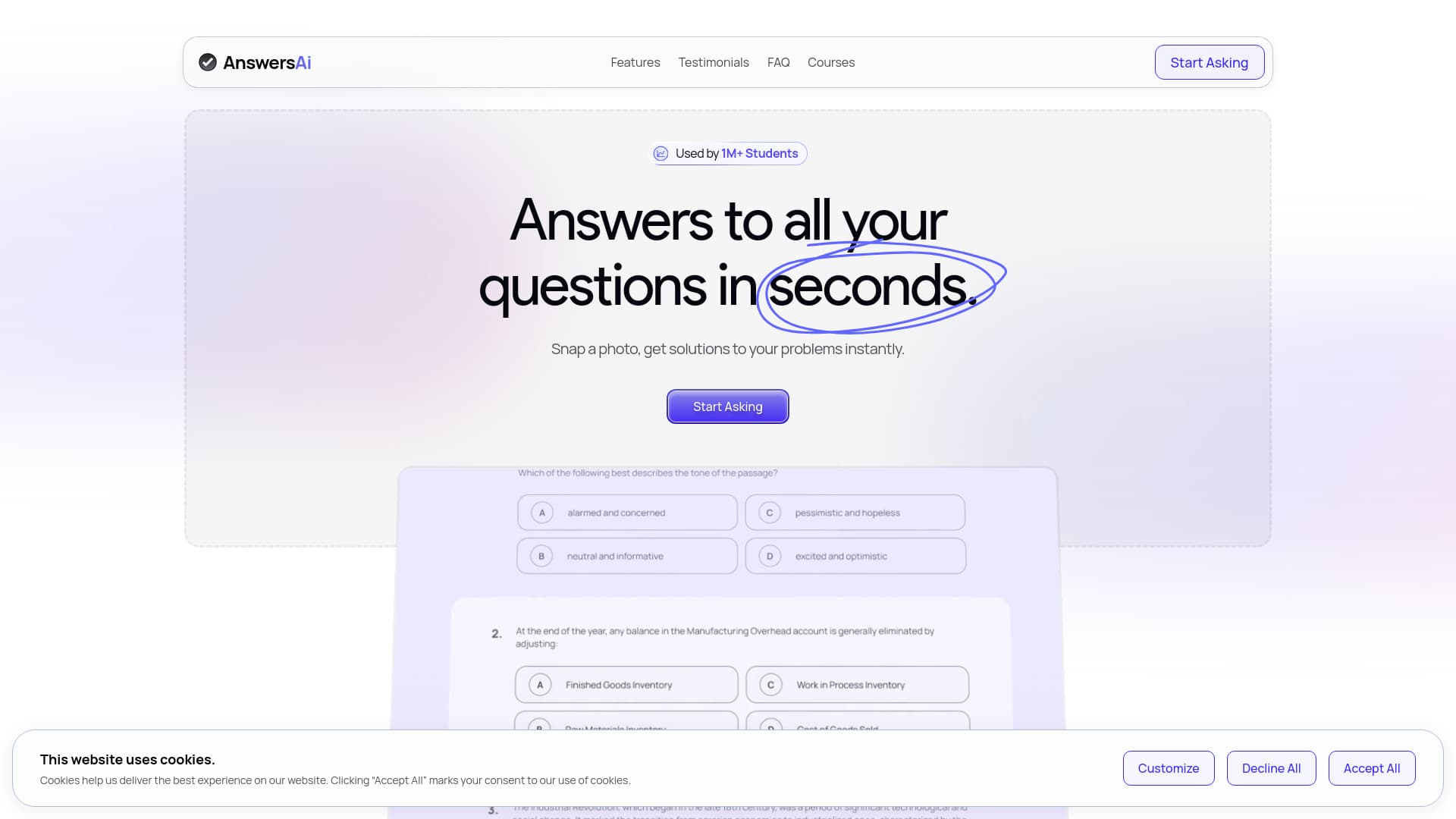
AnswersAi leverages artificial intelligence to provide immediate explanations and solutions for coursework questions. It scans your screen and offers support for various question types, including fill-in-the-blank and multiple-choice, on platforms such as Blackboard and Canvas. Designed to streamline studying, it helps students save time and achieve better grades by offering quick, reliable answers.
How to Use
Capture a screenshot or photo of your question, then upload it to AnswersAi. The tool instantly generates solutions. Access it via the website, Chrome Extension, or Mobile App available on iOS and Android devices.
Features
- Supports solutions for fill-in-the-blank and multiple-choice questions
- Chrome Extension compatible with any website
- Mobile App for convenient, on-the-go access
- Provides immediate answers to academic questions
Use Cases
- Enhancing academic performance easily
- Instantly solving coursework problems
- Saving study time
Best For
Pros
- Delivers immediate solutions for coursework questions
- Provides follow-up explanations for better understanding
- Trusted by a large community of students
- Accessible across multiple platforms including web, Chrome, and mobile
Cons
- Possible misuse may lead to academic dishonesty
- Overreliance could hinder independent problem-solving skills
- Subscription required for unlimited usage