

AppFlowy: open-source Notion alternative
Secure, AI-powered collaborative workspace with full data control and privacy features.
About AppFlowy: open-source Notion alternative
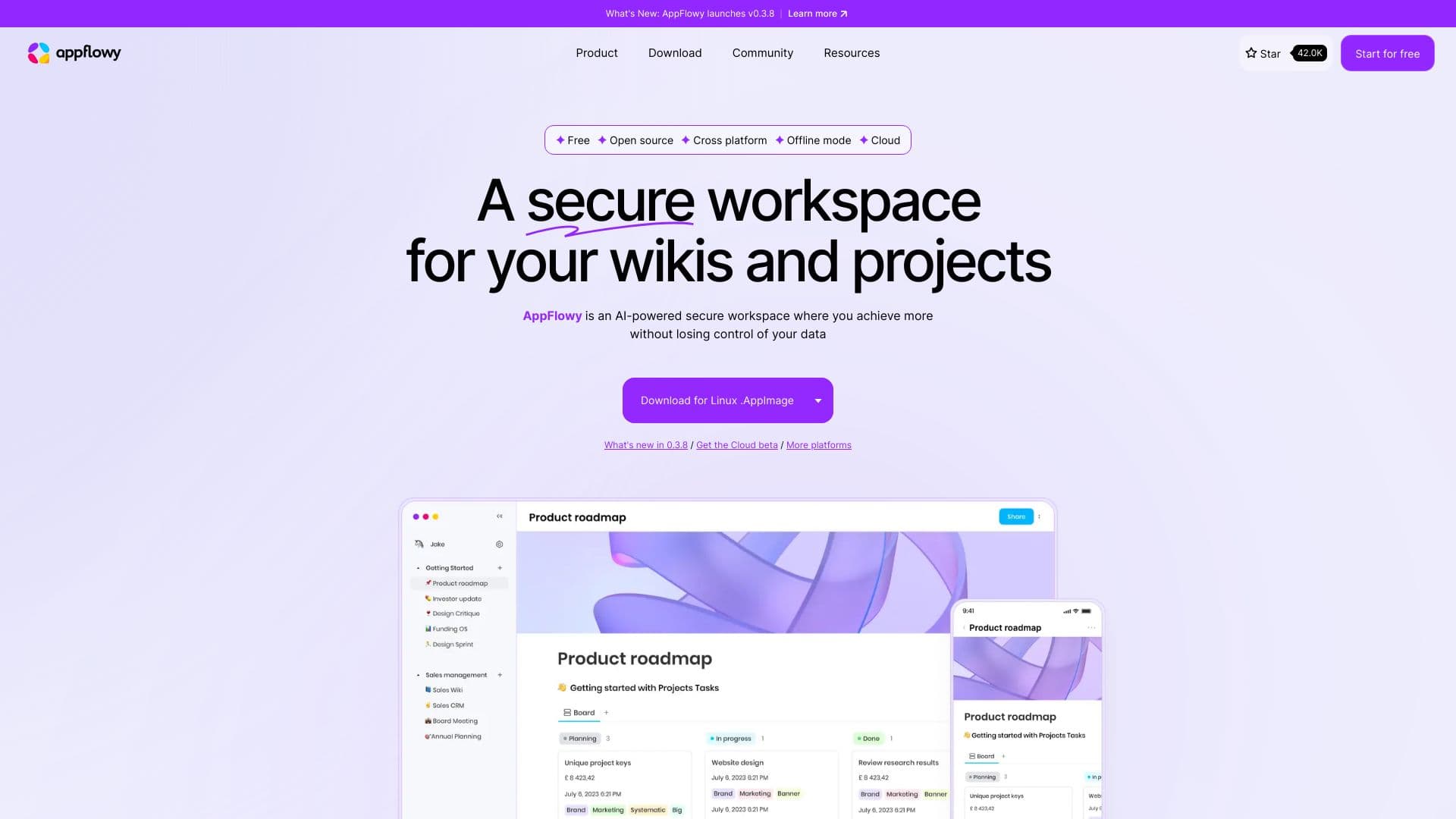
AppFlowy is a secure, AI-enhanced collaborative platform designed to empower users with full control over their data. It offers optional End-to-End Encryption (E2EE) and supports hybrid local and cloud workflows. The platform unifies project management, wikis, and team collaboration, featuring AI tools to answer questions, improve content, autofill data, and generate actionable insights from connected databases.
How to Use
Download AppFlowy on your preferred platform—macOS, Windows, Linux, iOS, or Android—or access it via a web browser. The platform functions fully offline, enabling local work with optional data synchronization. You can self-host your data for maximum privacy. Use AI features to ask questions, generate content, and automate workflows. Organize information with customizable views, blocks, and properties, adjusting themes, fonts, and styles to suit your preferences.
Features
- Optional End-to-End Encryption (E2EE) for data security
- Comprehensive database record management
- Flexible views, blocks, and custom properties
- Supports multiple AI models including Mistral 7B, Llama 3 (on-device), GPT-4, and Claude 3
- Rich content creation with diverse formats
- Extensive customization options for themes, fonts, and page styles
- AI-powered workspace for insights and automation
- Contextual analysis and actionable recommendations
- AI features for answering questions, enhancing writing, autofilling data, and generating insights
- Fully offline mode for uninterrupted work
- On-device AI processing for enhanced privacy
- Self-hosting capabilities for complete data ownership
- Hybrid local and cloud support for flexible workflows
- Mobile applications available on iOS and Android
- Task management with card-based views
- Seamless cross-device synchronization
Use Cases
- Designing and customizing personal systems with plugins and templates
- Working remotely while staying synchronized with team members
- Utilizing AI to answer questions, enhance writing, and brainstorm ideas
- Managing daily tasks and capturing ideas anytime, anywhere
- Integrating projects, wikis, and team collaboration with AI assistance
- Organizing and visualizing data through customized views
- Automating progress updates and extracting insights from databases
Best For
Pros
- Enables team collaboration with real-time synchronization
- Available on desktop, mobile, and web platforms
- Prioritizes data privacy with optional E2EE and on-device AI
- Supports full offline operation for continuous productivity
- Community-driven development enhances features and flexibility
- Integrated AI tools boost productivity and automation
- Highly customizable interface and content types
- Offers self-hosting for complete data control without vendor lock-in
Cons
- No specific disadvantages mentioned in the current content