

Assistant with Bard
A Chrome extension that delivers an AI chatbot sidebar powered by Bard, designed to assist with diverse tasks.
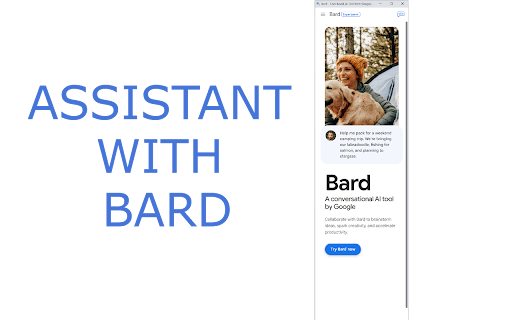
About Assistant with Bard
Assistant with Bard is a powerful Chrome extension featuring an AI chatbot sidebar enabled by Bard. It helps users generate content, translate languages, craft creative materials, and find quick answers. Designed to boost productivity and creativity, it provides seamless access to Bard’s AI capabilities directly within the Chrome browser for a more efficient workflow.
How to Use
Install the Assistant with Bard Chrome extension. Open the sidebar via the Chrome toolbar with a click or press Ctrl+B. Enter your queries to receive instant responses. Adjust the sidebar’s size, position, and keyboard shortcut using the gear icon in the interface.
Features
- Customizable sidebar size, position, and shortcut keys
- Persistent chat history within the sidebar
- Quick access to Bard through toolbar or keyboard shortcuts
- Smart suggestions as you type for faster responses
Use Cases
- Translating languages for communication and content creation
- Creating creative content like poems, scripts, or code
- Drafting emails, letters, and documents efficiently
- Enhancing productivity with instant AI assistance
- Answering complex or unusual questions quickly
Best For
ResearchersContent creatorsStudentsTranslatorsWritersProgrammersAnyone seeking quick AI support
Pros
- Boosts workflow and productivity
- Highly customizable for personal preferences
- Provides seamless access to Bard within Chrome
- Offers intelligent, context-aware suggestions
- Maintains conversation history for continuity
Cons
- Dependent on Bard’s capabilities and limitations
- Requires the Chrome browser to function
- Potential privacy concerns regarding data sharing
FAQs
How do I open the Assistant with Bard sidebar?
Click the extension icon on the Chrome toolbar or press Ctrl+B to open the AI chatbot sidebar.
Can I customize the sidebar settings?
Yes, adjust size, position, and shortcuts using the gear icon in the sidebar menu.
Is conversation history saved in Assistant with Bard?
Yes, your chats are saved and remain accessible within the sidebar for ongoing discussions.
Does this extension work on all websites?
Yes, the assistant functions within any webpage accessed through Chrome.
Is my data private when using Assistant with Bard?
Data privacy depends on Bard’s policies; sensitive information should be handled cautiously.