

Atomica: Simplify Color Workflow
AI-integrated Figma plugin for designing and managing comprehensive color systems with ease.
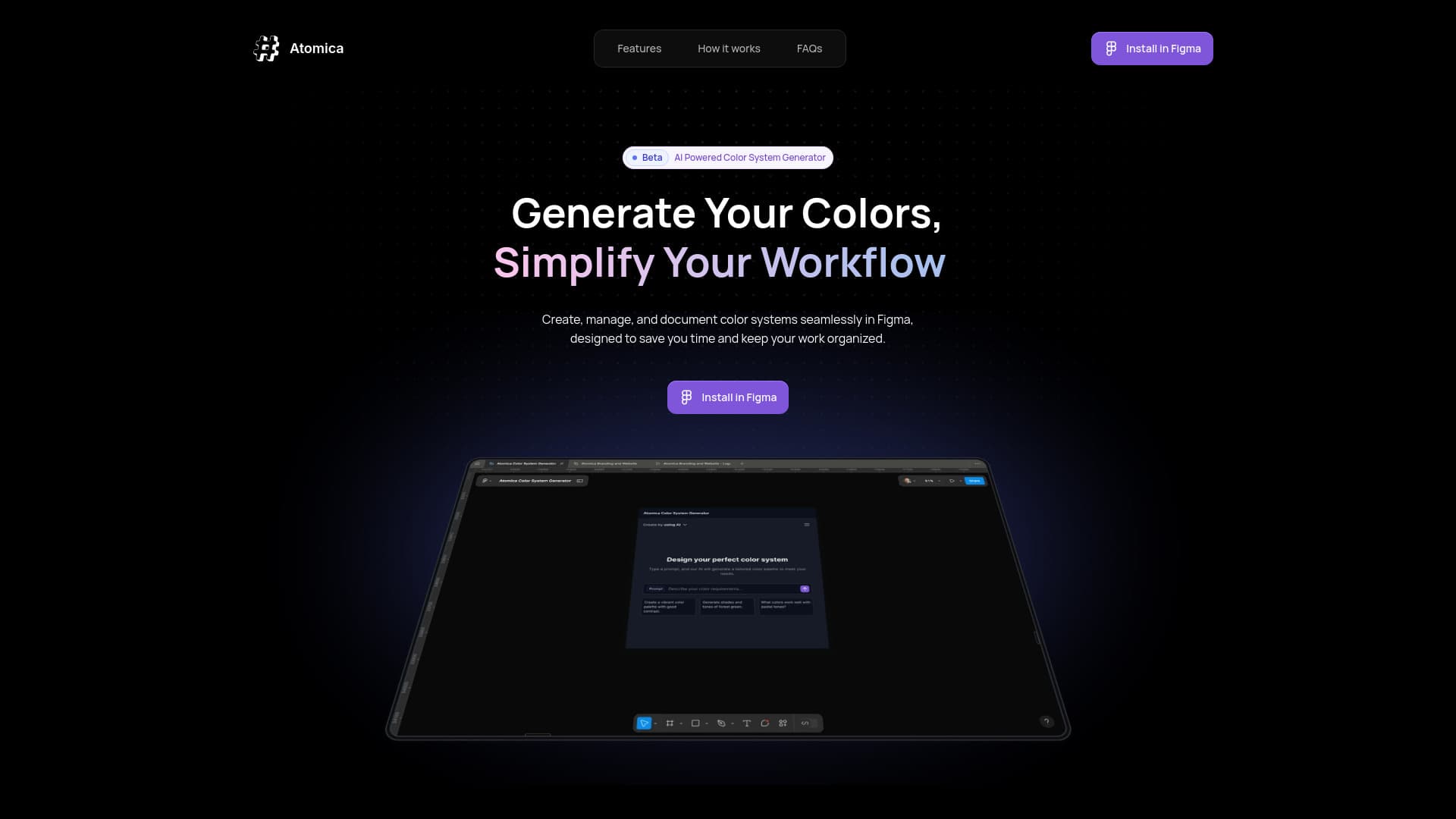
About Atomica: Simplify Color Workflow
Atomica is an AI-powered Figma plugin crafted to streamline the creation, organization, and documentation of color systems. It features AI-generated color palettes, unlimited color creation, collection management, and export functionalities, simplifying color workflows for design teams. Atomica transforms how teams handle color consistency, bridging design and development seamlessly.
How to Use
Install Atomica in Figma. Use AI to generate color palettes or customize your own. Organize colors into named collections and define color ranges. Export styles, variables, and JSON files for smooth handoff to developers and designers.
Features
- AI-driven color palette generation
- Quick color preview displays
- Organized collection management
- Seamless export of styles and variables
- Unlimited color creation capacity
Use Cases
- Export design tokens and variables for development handoff
- Manage multiple color systems across projects in Figma
- Generate and customize color palettes with AI assistance
Best For
UI/UX DesignersWeb DesignersGraphic DesignersFront-end DevelopersDesign System Managers
Pros
- Unlimited colors support flexible design workflows
- AI-powered palette generation accelerates design process
- Organized collections improve color management
- Easy export for seamless collaboration
- Enhances color workflow efficiency within Figma
Cons
- Requires Figma to operate
- Limited AI palette generations (up to 5 per day) in free beta version
FAQs
What is Atomica?
Atomica is an AI-enabled Figma plugin that simplifies creating, managing, and documenting color systems across multiple projects.
What features are included in the beta version?
The beta offers AI-generated color palettes, unlimited color creation, collection management, export options, and quick color previews.
Is Atomica available for free?
Yes, Atomica offers a free beta version for users to try out its features.
What happens after the beta phase?
The current information does not specify plans following the beta release.
How can I give feedback on Atomica?
You can contact support@atomica.studio to share your experience and suggestions.