

audio2text
Efficient audio-to-text conversion service powered by OpenAI, supporting multiple languages and various formats for seamless transcription.
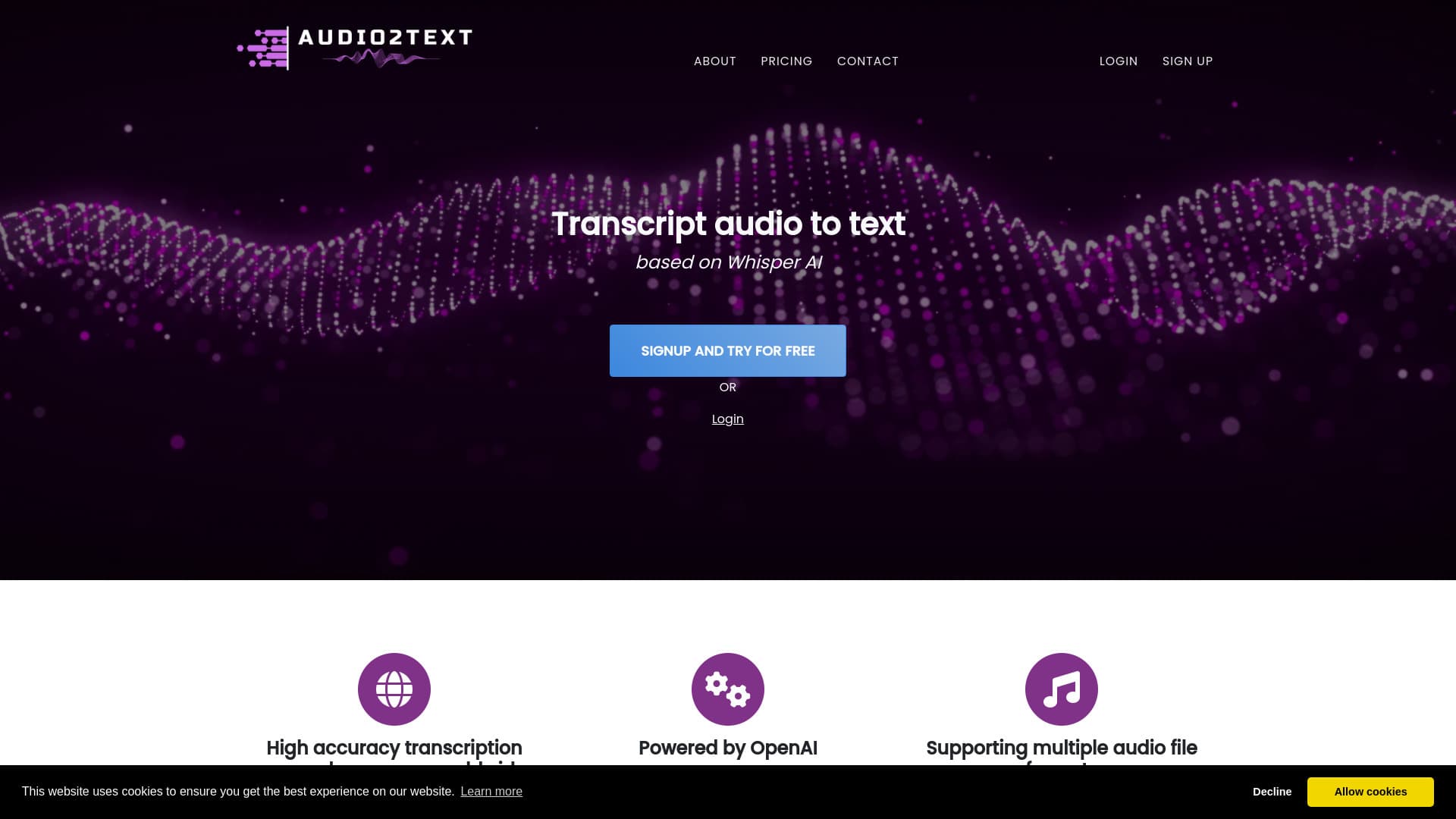
About audio2text
Audio2Text offers precise audio-to-text conversion with support for multiple languages and a variety of audio formats. Powered by OpenAI's Whisper AI, it provides both free and premium options, with premium plans delivering superior accuracy and faster processing. Users can easily transcribe audio files and export the results in formats like TXT, PDF, and SRT, making it ideal for subtitles, transcripts, and content creation.
How to Use
Sign up for an account, upload your audio file, and choose your preferred settings. The service will transcribe your audio, allowing you to download the transcript in multiple formats. Free users may experience longer processing times and lower accuracy, while paid plans offer faster, higher-quality results.
Features
- Download transcripts in TXT, PDF, and SRT formats
- Supports 58 languages for diverse transcription needs
- Converts audio files to text with high accuracy
- Built on OpenAI's Whisper AI technology
- Compatible with common audio formats like MP3, MP4, WAV, and WebM
- Automatically generates subtitles in SRT format
Use Cases
- Transcribing interviews efficiently
- Converting audiobooks to text documents
- Transforming lecture recordings into written notes
- Creating subtitles for videos
- Transcribing voice recordings for documentation
Best For
Pros
- Multiple download formats including TXT, PDF, and SRT
- Free access with basic features
- High-precision transcription technology
- Supports 58 languages worldwide
- Compatible with various audio formats
- Streamlined subtitle generation process
Cons
- Free version has limitations like lower accuracy and longer wait times
- Premium credits required for best quality and faster processing
- Maximum file size limit of 250 MB on paid plans
Pricing Plans
Choose the perfect plan. All plans include 24/7 support.
60 minutes
Up to 250 MB files, instant processing, high-quality transcription
Get Started600 minutes
Save 10%, supports files up to 250 MB, faster processing, premium quality
Get Started6000 minutes
Save 20%, maximum file size 250 MB, priority processing, top-tier accuracy
Get Started