

Audyo
Audyo transforms text into natural-sounding audio with simple editing tools and diverse voice options for seamless content creation.
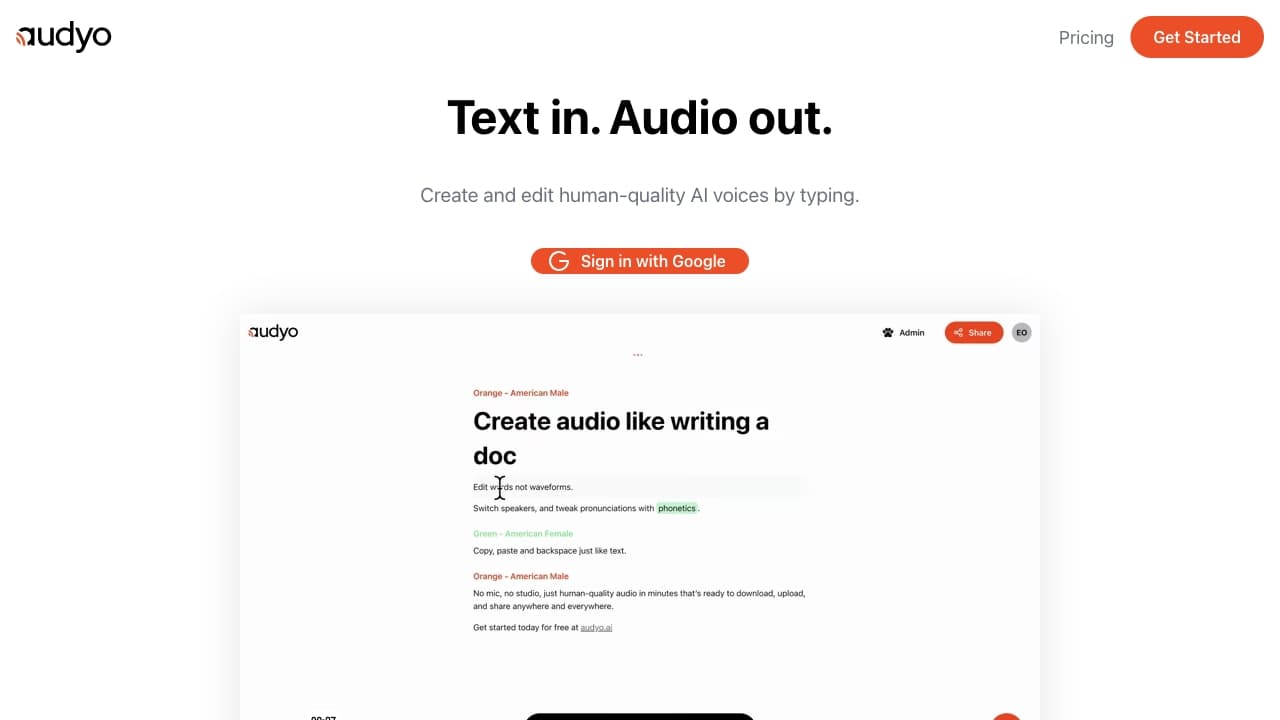
About Audyo
Audyo is an intuitive platform that converts text into realistic speech, allowing users to customize voices, alter pronunciations with phonetics, and support multiple languages. Easily download, upload, or share your audio projects across various platforms.
How to Use
Type or paste your text into the Audyo editor, choose from a selection of voices, adjust pronunciations with phonetic notation, and download the audio for videos, podcasts, or presentations.
Features
- Support for Markdown formatting
- Selectable voice options
- Multilingual speech synthesis
- Text-to-speech conversion
- Pronunciation customization with phonetics
- AI-powered audio generation
Use Cases
- Creating professional voice-overs
- Producing audiobooks
- Generating video narrations
- Developing podcasts
Best For
PodcastersVideo content creatorsAuthorsMarketing professionalsEducatorsContent creators
Pros
- Precise pronunciation control with phonetics
- Extensive language and accent options
- Supports Markdown formatting
- High-quality AI-generated voices
- User-friendly, no prior audio editing experience needed
Cons
- Pricing details are not publicly available
- Limited information on free plan features
FAQs
Which languages are supported by Audyo?
Audyo supports English, French, Spanish, German, Italian, Portuguese (Brazilian), Japanese, Korean, Chinese, Hindi, Arabic, Turkish, and Russian.
Do I retain ownership of my audio creations?
Ownership details are not specified here; please review Audyo’s terms of service for clarification.
What are the main uses for Audyo?
Audyo is ideal for creating voice-overs, audiobooks, video narrations, and podcasts.
How much audio can I generate with a free account?
Specific limits for free accounts are not provided; check Audyo’s pricing page for more information.