

Augment Code
An AI-powered platform designed to analyze codebases, accelerate development processes, and enhance team collaboration effectively.
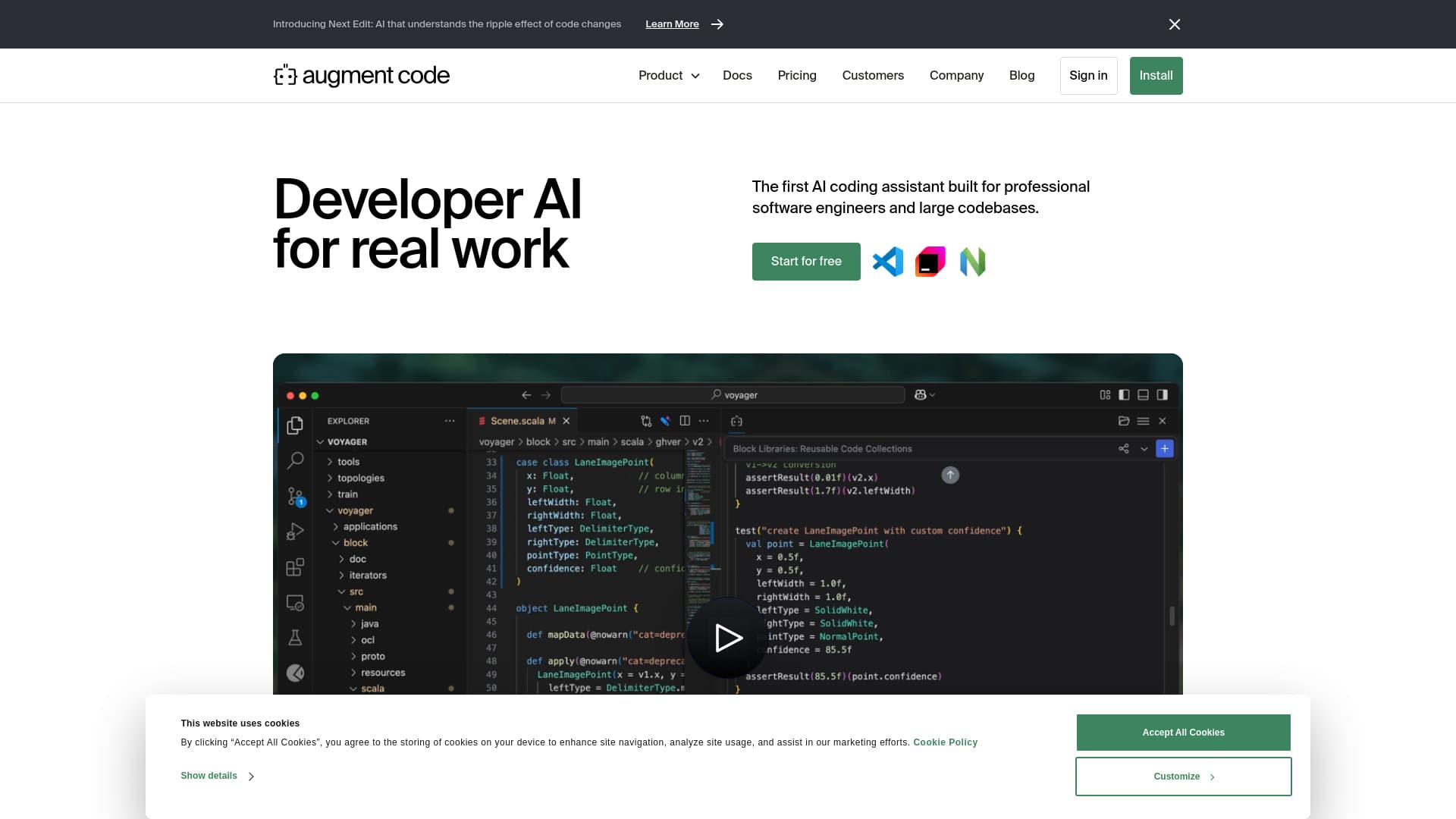
About Augment Code
Augment Code is an advanced AI platform that helps software teams understand complex codebases, enabling faster development, smarter decision-making, and shared knowledge. It offers features like real-time code analysis, SDK migration, automated code refactoring, comprehensive documentation, multi-repository context, and code explanations. Seamlessly integrating with native and MCP tools, it allows engineers to resolve issues rapidly from problem identification to pull requests. The platform also provides code checkpoints for continuous progress tracking and a powerful context engine that analyzes entire codebases instantly.
How to Use
Install the Augment Code extension in your IDE, such as VSCode, JetBrains, or Vim, or connect it with GitHub and Slack. Authenticate your accounts, then start leveraging the AI assistant for tasks like code refactoring, documentation, and debugging. Define issues, generate code, and refine your work with ease using the platform’s integrated features.
Features
- Real-time code analysis with Context Engine
- Code checkpoints for simple reversion
- Intelligent code augmentation
- Multi-modal debugging with image support
- Integration with over 100 native and MCP tools
- Team management and collaboration
Use Cases
- Explaining complex programming concepts
- Debugging errors directly from the IDE
- Implementing UI components using screenshots or Figma files
- Refactoring legacy or complex code
- Automating SDK and library migrations
- Creating detailed code documentation
- Rapid transition from issue identification to pull request
- Understanding multi-repo code relationships
Best For
Pros
- Speeds up software development workflows
- Reduces debugging and troubleshooting time
- Integrates seamlessly with existing tools
- Simplifies complex tasks like SDK updates
- Enhances code quality and consistency
- Facilitates effective team collaboration
Cons
- Full features require paid plans
- Community plan includes AI training on your data
- Requires installation and account authentication
- Message limits on certain plans
Pricing Plans
Choose the perfect plan. All plans include 24/7 support.
Community
Ideal for beginners, offering core features with up to 50 user messages. Includes the Context Engine, MCP & Native Tool integrations, unlimited edits and completions, community support, and data collection options. Additional messages cost $20 per 300 messages.
Get StartedDeveloper
Designed for individual developers and small teams aiming for rapid deployment. Includes up to 600 user messages, team management, support for 100 users, and SOC 2 Type II compliance. Extra messages are $30 per 300.
Get StartedPro
Perfect for growing teams requiring increased capacity and support. Offers up to 1500 user messages, community and email support, and additional messages at $30 per 300.
Get StartedMax
Built for high-demand teams with intensive usage. Provides up to 4500 user messages, with additional messages costing $30 per 300.
Get StartedEnterprise
Suitable for large organizations needing high volume, security, and dedicated support. Features include SSO, OIDC, SCIM, custom message limits, SOC 2 compliance, Slack integration, and volume discounts.
Get Started