

Auri AI
AI-enhanced keyboard and virtual assistant designed to boost your writing, translation, and productivity across devices.
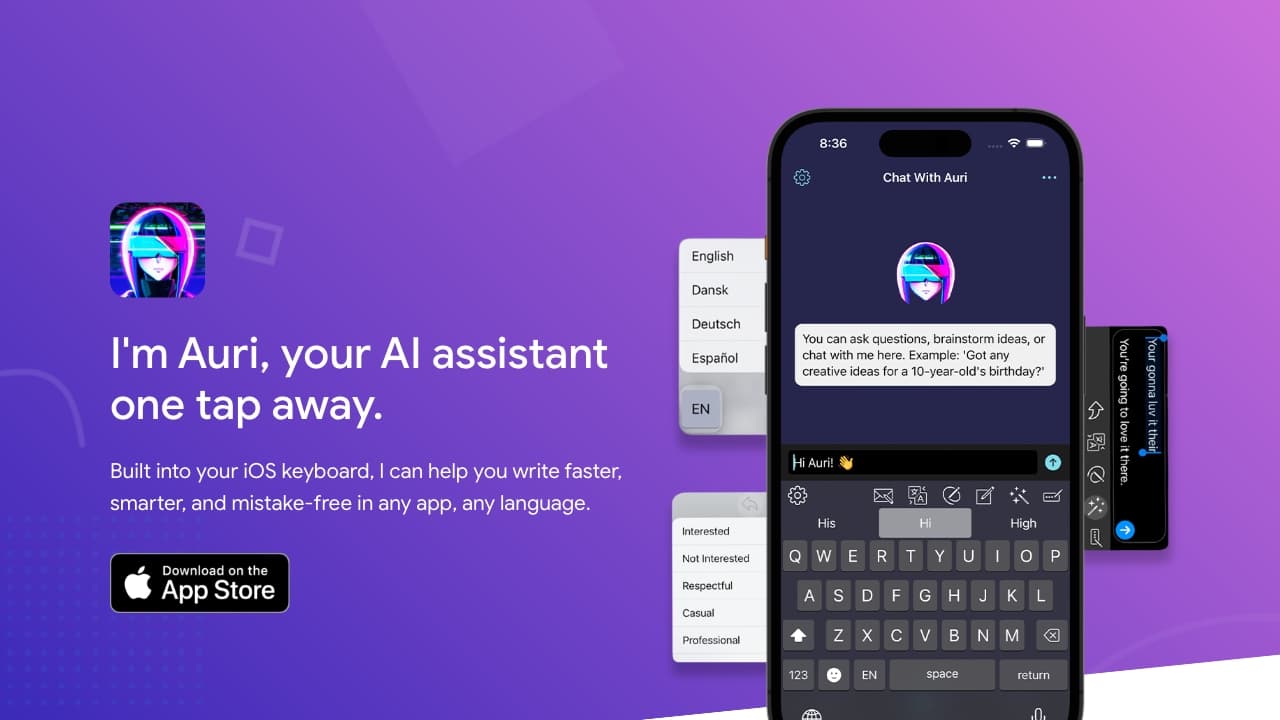
About Auri AI
Auri AI is an intelligent keyboard and assistant that improves writing, communication, and productivity on iPhone, iPad, Mac, and Apple Watch. It offers grammar and spelling corrections, supports over 20 languages for translation, provides paraphrasing in multiple styles, features AI chat, voice recording with transcription, and facilitates smart note management. Designed for seamless integration, Auri AI helps users write faster, more accurately, and in any language within any app.
How to Use
Install Auri AI on your iPhone, iPad, Mac, or Apple Watch and activate the Auri AI keyboard in your device settings. Once enabled, access its features in any app by selecting the Auri AI keyboard. Use it for grammar correction, translations, paraphrasing, AI chat, voice recordings, and creating smart notes effortlessly.
Features
- Voice recording and transcription
- Supports over 20 languages
- Smart note management
- Multiple paraphrasing options
- Instant AI chat interactions
- Real-time translation
- AI-enhanced keyboard experience
- Grammar and spelling correction
Use Cases
- Generating ideas with AI chat
- Proofreading and editing texts
- Rephrasing sentences and paragraphs
- Drafting emails, essays, and articles
- Transcribing voice memos and meetings
- Creating organized meeting notes
- Translating text instantly in any language
Best For
Pros
- Cross-device synchronization
- Focused on user privacy
- Efficient smart notes feature
- Extensive multilingual capabilities
- High-quality voice transcription
- Comprehensive AI writing support
Cons
- Some features have daily usage limits in the free version
- Longer text inputs may face iOS restrictions
- Response times can vary
- Subscription required for unlimited access