

Auto Swipe
Chrome extension that automates swiping on popular dating apps for a seamless user experience.
About Auto Swipe
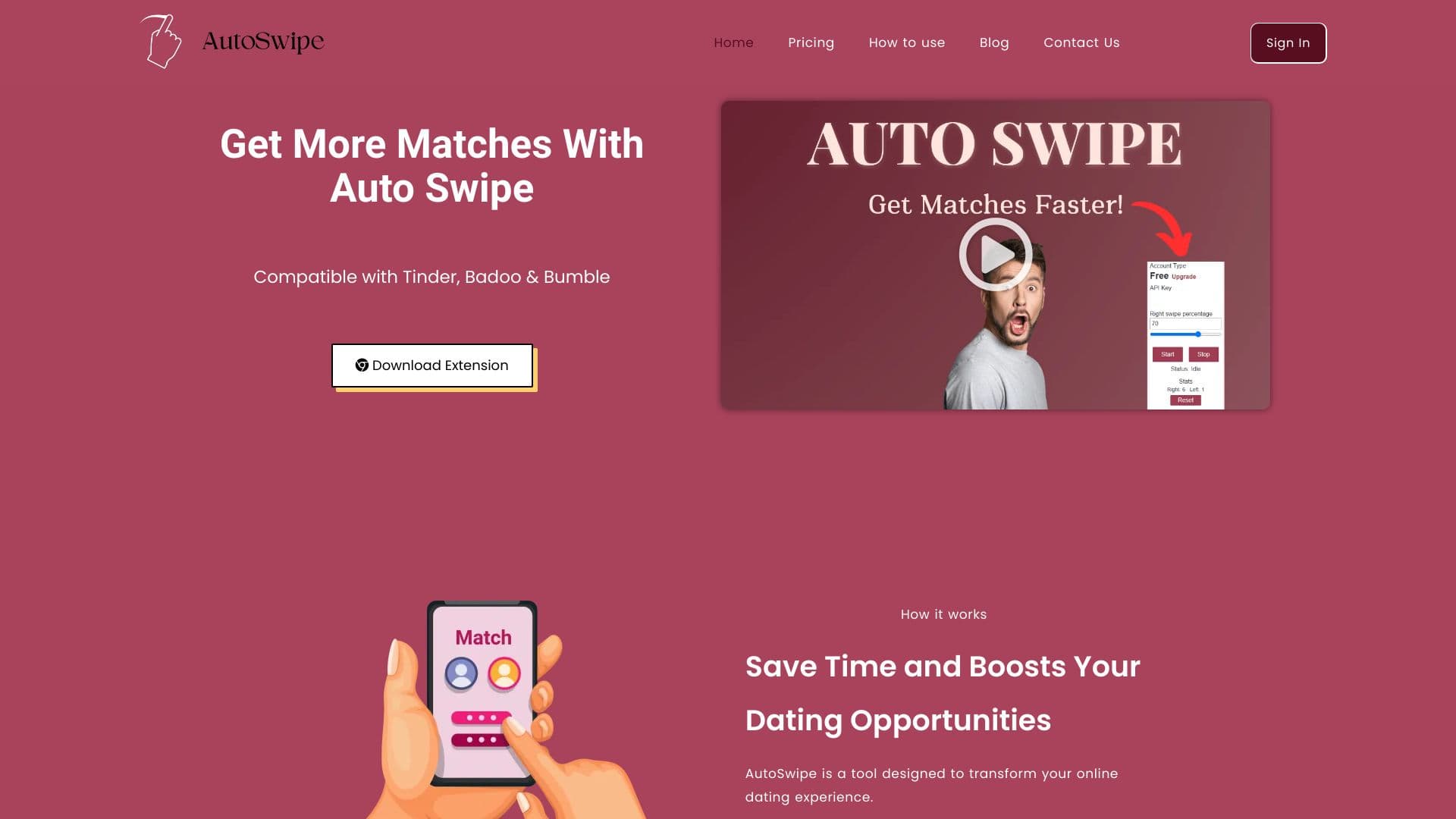
Auto Swipe is a powerful Chrome extension that automates the swiping process on leading dating platforms like Tinder, Badoo, and Bumble. It helps users save time by automatically swiping based on customized preferences, boosting match opportunities. Features include adjustable swipe speed, right swipe percentage, and age range filters for a tailored experience.
How to Use
1. Install the Auto Swipe Chrome extension. 2. Log into your account, copy your API key from the dashboard, open your preferred dating site, and paste the API key into the extension. 3. Activate the extension to start automatic swiping.
Features
- Automatic swiping on Tinder, Badoo, and Bumble
- Customizable age range filters
- Adjustable right swipe percentage
- Control swipe speed settings
- View detailed swipe statistics
Use Cases
- Streamlining the process of finding matches on dating apps
- Saving time with automated profile browsing
- Enhancing your online dating efficiency
Best For
Pros
- Highly customizable preferences
- Automates swiping to save time
- Intuitive and easy-to-use interface
- Increases chances of matching
Cons
- Potential matches with uninterested profiles
- Requires keeping your browser open
- Set preferences may limit spontaneous connections
Pricing Plans
Choose the perfect plan. All plans include 24/7 support.
Free Download
Allows 150 swipes daily, with adjustable swipe speed, right swipe percentage, age range filters, and usage statistics.
Get StartedPremium
Unlocks full features with premium access for enhanced automation.
Get Started