

AutoCaption
AI-powered video captioning tool featuring animated emojis and customizable subtitles for enhanced engagement.
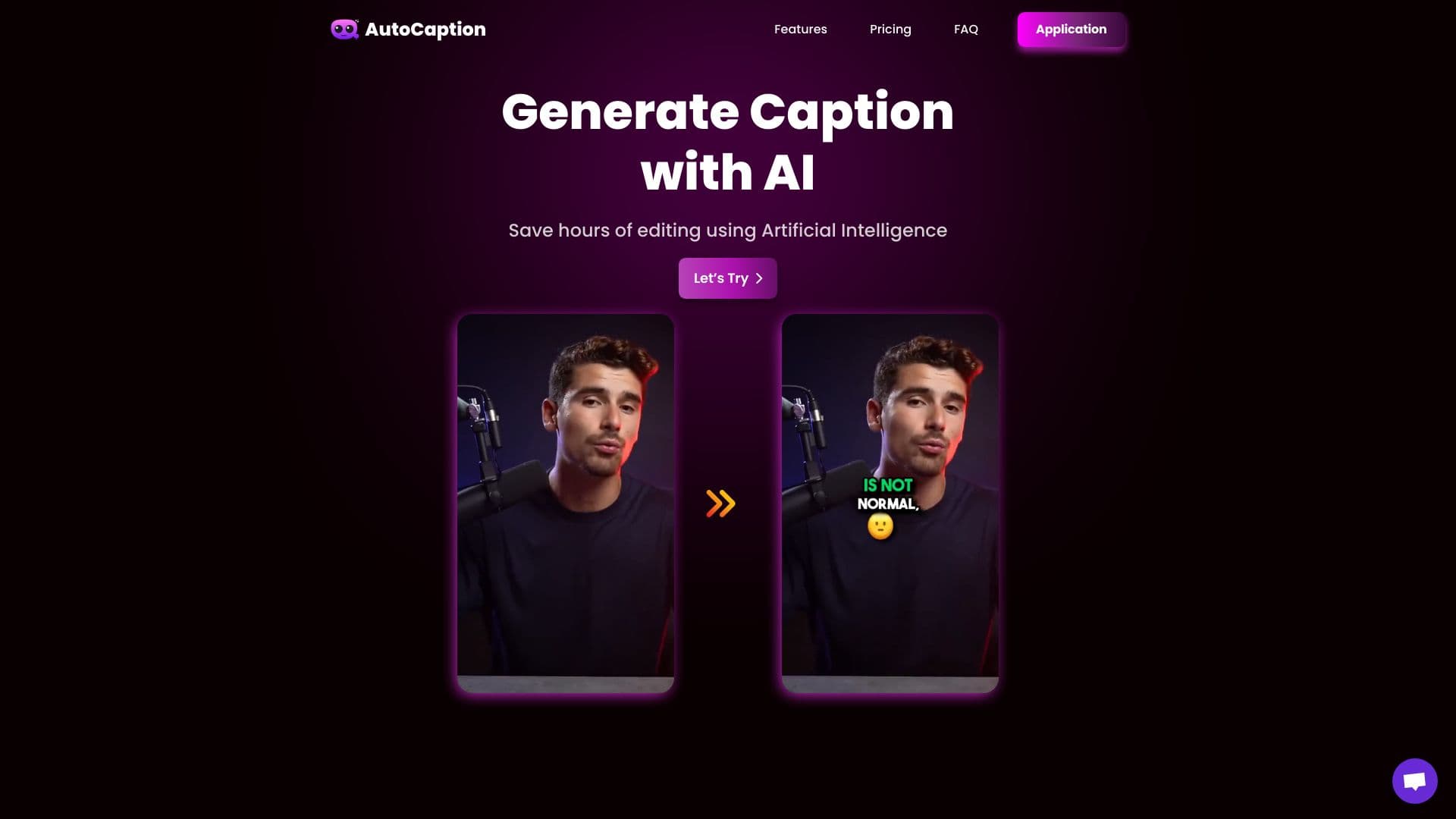
About AutoCaption
AutoCaption is an advanced AI-driven platform that automatically creates accurate captions and subtitles for videos. Supporting over 100 languages, it offers features like animated emojis, customizable styles, templates, and quick rendering. Compatible across multiple devices, it’s ideal for content creators and marketers seeking efficient video editing solutions.
How to Use
Upload your video to AutoCaption, and the AI will generate accurate subtitles automatically. Personalize captions with animations, fonts, colors, and emojis. Once customized, export and download your finished video.
Features
- Supports full HD and 60 FPS video quality
- Pre-designed templates for quick editing
- Automatic AI-driven caption generation
- Supports over 100 languages
- Add animated emojis seamlessly
- Fast rendering speeds
- Customizable captions with fonts, colors, and animations
Use Cases
- Adding subtitles for YouTube, TikTok, and Instagram videos
- Creating captions for marketing and promotional content
- Generating subtitles for webinars and online courses
Best For
Pros
- Reduces time spent on manual captioning
- Offers extensive customization options
- Delivers quick rendering results
- Supports over 100 languages
- User-friendly interface
Cons
- Free plan has limited features
- Pricing may be restrictive for some users
- Caption accuracy depends on audio quality
Pricing Plans
Choose the perfect plan. All plans include 24/7 support.
Starter Monthly
Create up to 100 videos per month, with 300 MB per video and a maximum duration of 2 minutes. Includes standard support.
Get StartedExpert Monthly
Supports 215 videos monthly, with 1 GB per video and up to 4-minute durations. Features premium support, full HD and 4K quality, custom fonts, templates, B-Roll, and AI tools.
Get StartedPro Monthly
Allows 325 videos monthly, with 2 GB per video and a maximum duration of 6 minutes. Includes personal support, advanced video quality options, and AI-powered editing tools.
Get StartedStarter Annual
Limit of 100 videos per year, 300 MB per video, max 2-minute duration, with standard support.
Get StartedExpert Annual
Supports 215 videos annually, with 1 GB per video, up to 4 minutes. Includes premium support, custom fonts, templates, B-Roll, and AI tools.
Get StartedPro Annual
Supports 500 videos yearly, 2 GB per video, with up to 7-minute durations. Features personalized support and advanced editing options.
Get Started