

AutoCropper
AI-driven tool for batch cropping and splitting scanned photos into individual images with ease.
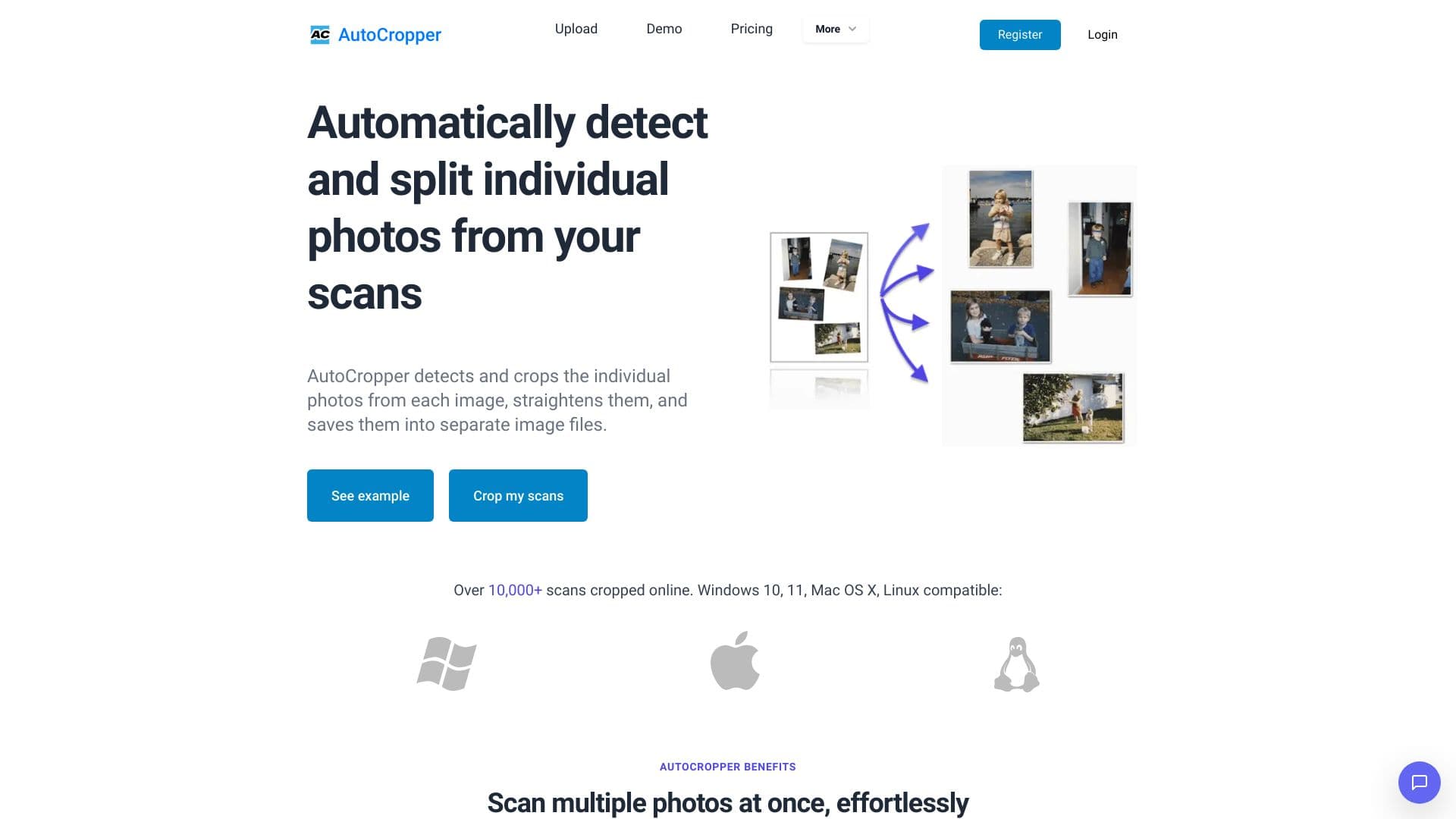
About AutoCropper
AutoCropper is an advanced AI-powered online application designed to efficiently batch crop multiple scanned photos. It automatically detects, straightens, and separates individual images from scans, providing high-quality results. The tool supports simultaneous processing of multiple files, automatic orientation correction, and offers full-quality upload and download without compression artifacts.
How to Use
Upload your scanned images to AutoCropper. The tool automatically detects and crops each photo, corrects their orientation, and allows you to download the processed images individually. Use the advanced editor to fine-tune crop areas if needed.
Features
- Customizable naming conventions for output files
- Batch processing for multiple scans simultaneously
- Automatic detection and correction of image rotation
- Intelligent photo detection and precise cropping
- High-quality uploads and downloads with no compression loss
Use Cases
- Preparing images for online sales listings
- Separating multiple scanned photos into individual images
- Digitizing extensive photo collections efficiently
Best For
Pros
- Preserves full image quality throughout processing
- Rapid processing speeds
- Compatible across multiple platforms
- Reduces manual effort with automated tools
- User-friendly interface for easy operation
Cons
- Some advanced features require a paid subscription
- Accurate detection depends on a uniform background
- Performance may vary based on scan quality and device
Pricing Plans
Choose the perfect plan. All plans include 24/7 support.
Pro (Commercial)
Unlimited uploads daily, for commercial purposes, billed monthly
Get Started