

autocut.com
AI-powered plugin designed for Adobe Premiere Pro and DaVinci Resolve to streamline and automate video editing workflows.
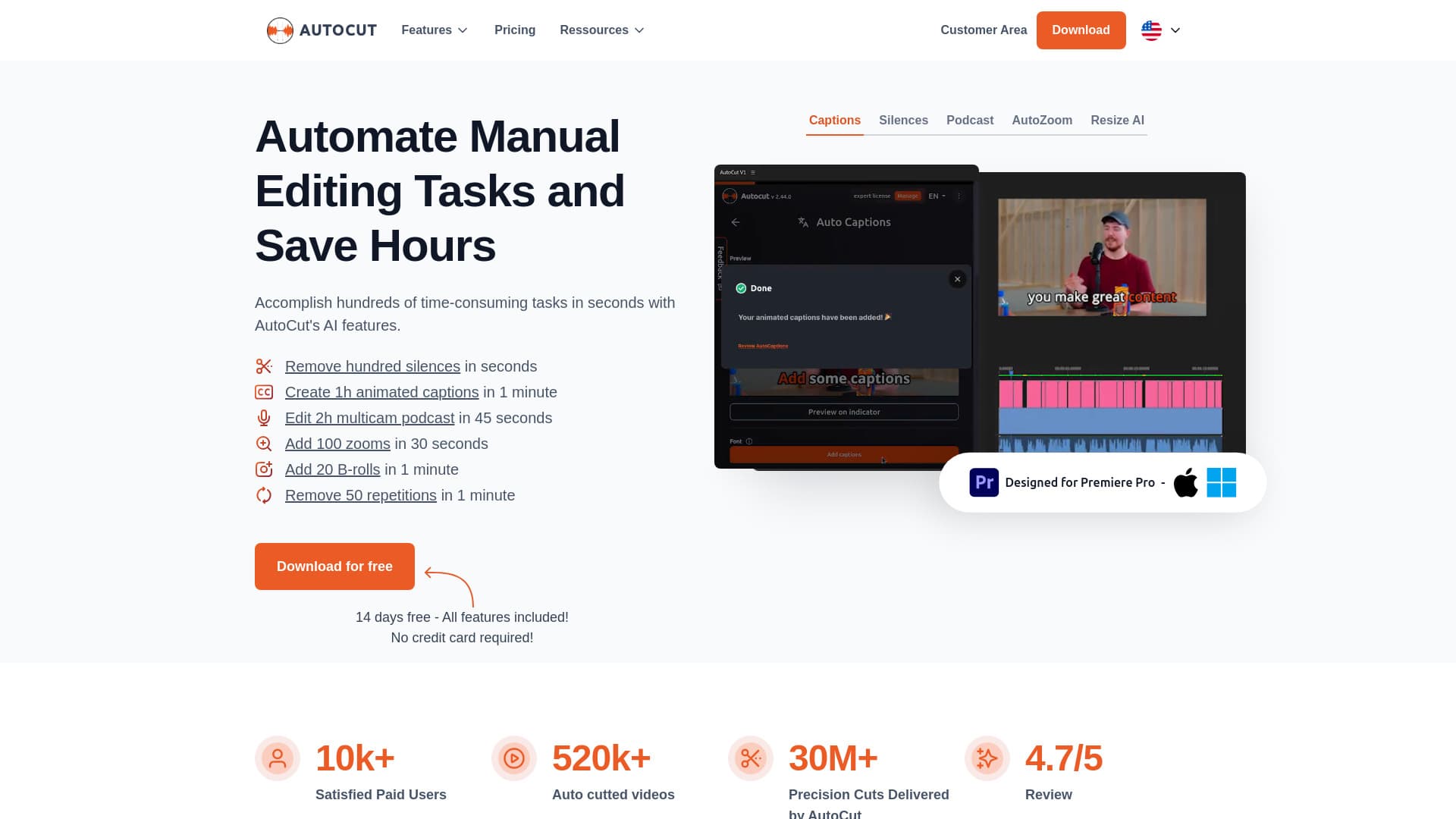
About autocut.com
AutoCut is a powerful AI-driven plugin for Premiere Pro and DaVinci Resolve that automates key editing tasks. It adds animated subtitles, removes silences, edits podcasts, inserts B-Roll footage, applies zoom effects, and eliminates repetitive sections—saving editors valuable time and effort.
How to Use
Install AutoCut within Premiere Pro or DaVinci Resolve. Use its simple interface to automatically remove silences, add animated subtitles, edit podcasts, apply zoom effects, and perform other editing functions with just a few clicks.
Features
- Automatic resizing of video elements
- Real-time profanity filtering
- Auto-generation of video chapters
- Seamless B-Roll insertion
- Auto-apply zoom effects
- Silence detection and removal
- Podcast editing automation
- Create viral clips effortlessly
- Remove repetitive footage
- Add animated captions
Use Cases
- Automatically add zoom effects to enhance videos
- One-click removal of silences from recordings
- Instant editing for podcasts
- Automatically generate animated subtitles
- Generate viral clips from long-form videos
Best For
Pros
- Intuitive interface simplifies complex editing tasks
- Free trial available for new users
- Compatible with both Premiere Pro and DaVinci Resolve
- Significantly reduces editing time for repetitive tasks
- Rich set of AI-powered automation features
Cons
- AI results may sometimes require manual fine-tuning
- Full feature access requires a subscription
- Dependent on host editing software (Premiere Pro or DaVinci Resolve)
Pricing Plans
Choose the perfect plan. All plans include 24/7 support.
Basic Plan
Includes AutoCut Silences v2, J-Cut & L-Cut automation, auto captions, podcast editing, zoom effects, viral clip creation, B-Roll integration, profanity filter, repetition removal, and chapter generation.
Get StartedAI Plan
All features of the Basic Plan plus advanced AI tools: auto silence detection, animated captions, instant podcast editing, automatic zooms, viral shorts, B-Roll automation, profanity filtering, repetition removal, and chapter creation.
Get Started