

Autofill AIMS captcha
A browser extension designed to automatically solve AIMS captchas by leveraging DOM manipulation and advanced Machine Learning techniques.
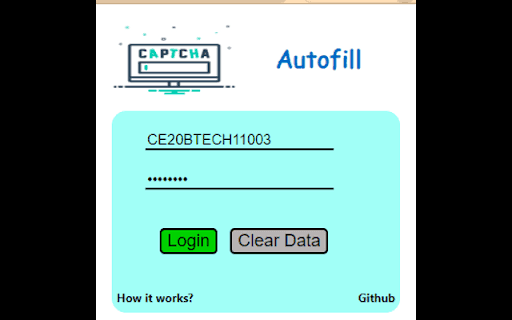
About Autofill AIMS captcha
This extension utilizes DOM manipulation combined with Machine Learning algorithms to accurately recognize and autofill AIMS system captchas. Simply input your login details, and the extension handles the captcha solving seamlessly.
How to Use
Install the extension, input your AIMS login credentials, and let the extension automatically recognize and fill the captcha for you.
Features
- Automated AIMS captcha recognition and autofill
Use Cases
- Streamlining AIMS login procedures
- Reducing manual captcha entry
- Saving time during frequent AIMS access
Best For
AdministratorsFaculty membersStudents who frequently access AIMSEducational staffIT support teams
Pros
- Speeds up login by automating captcha entry
- Enhances user experience on AIMS platforms
- Reduces frustration from manual captcha solving
Cons
- May occasionally misrecognize captchas due to Machine Learning limitations
- Requires access to login credentials, raising security considerations
- Dependent on AIMS captcha system stability and updates
FAQs
How does this extension solve AIMS captchas?
It uses DOM manipulation to access the captcha image and employs Machine Learning to accurately recognize characters, automatically filling the captcha field.
Is the extension safe to use?
The extension requires your login details to operate. While designed securely, users should consider potential security risks when sharing login information with third-party tools.
Does the extension work with all AIMS captcha types?
The extension is optimized for standard AIMS captchas but may have limitations with complex or updated captcha systems.
Can I use this extension on multiple devices?
Yes, the extension can be installed on any compatible browser, allowing access across multiple devices.
What should I do if the captcha isn’t recognized correctly?
Ensure the extension is up to date. If problems persist, check for updates or contact support for assistance.