

AutoMCP: Convert Agents to MCP Servers
Easily convert and deploy agents as MCP servers for seamless integration with MCP clients.
About AutoMCP: Convert Agents to MCP Servers
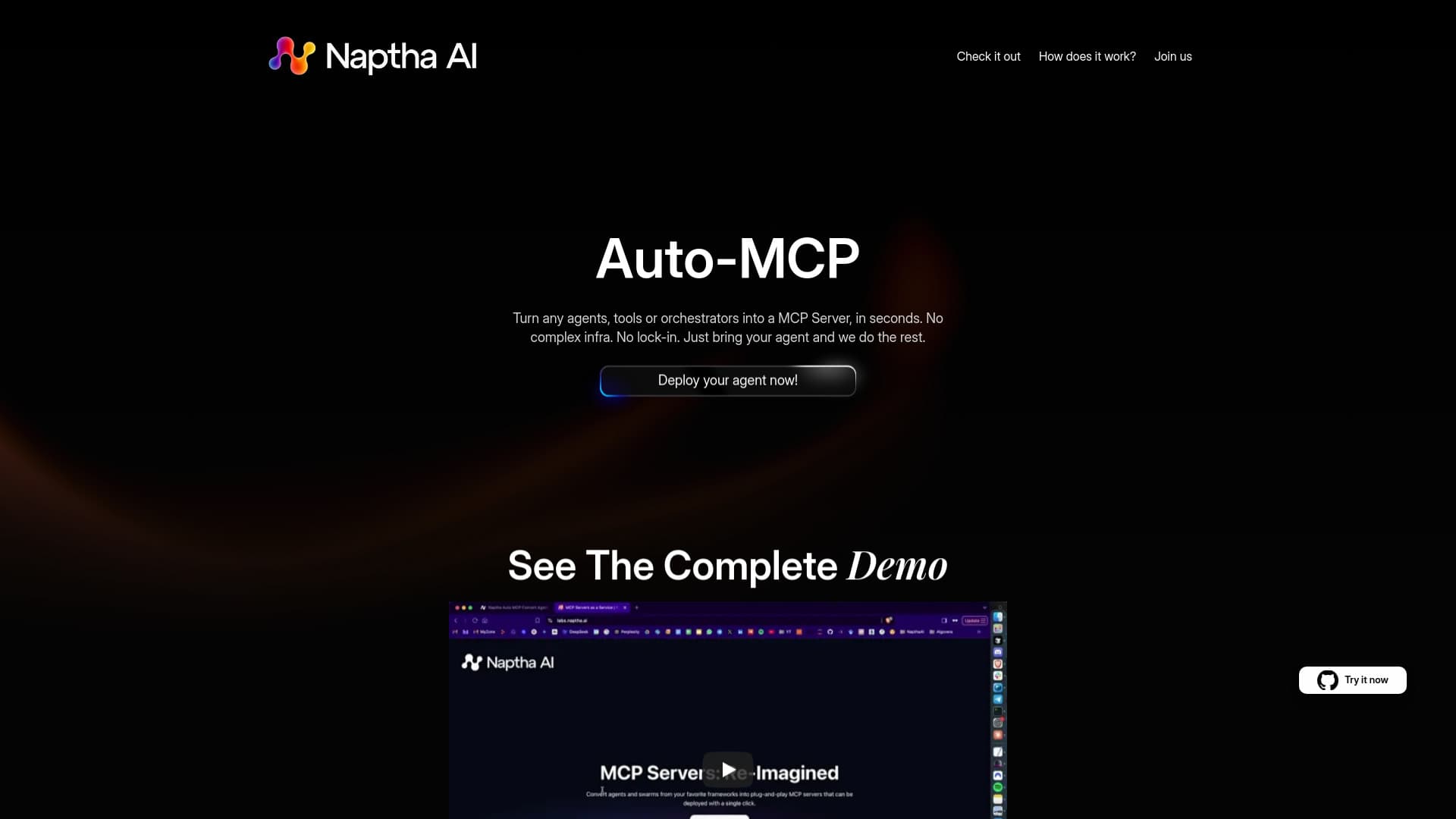
Naptha AI offers a powerful platform and library to effortlessly transform existing agent and multi-agent projects into MCP servers. Deploy your agents quickly for use with MCP clients like Cursor and Claude Desktop, without complex setup or vendor lock-in. Convert any agent, tool, or orchestrator into an MCP server in seconds.
How to Use
Add a dependency to your project, run a simple CLI command, and make minor adjustments. Deploy by providing your Github repository link, then connect your agent to tools like Cursor or Claude Desktop effortlessly.
Features
- Automatic MCP Server Conversion
- Upcoming Support for Agent-to-Agent Communication
- Create MCP Servers from Agents
- Instant Deployment with One Command
Use Cases
- Deploying agents without complex infrastructure requirements
- Converting existing agents into MCP servers for Cursor and Claude Desktop
Best For
AI ResearchersSoftware DevelopersAI and ML EngineersProduct TeamsMulti-Agent System Builders
Pros
- No vendor lock-in ensures flexibility
- Deploy agents instantly from Github repositories
- Simplifies conversion of agents into MCP servers
- Seamless integration with Cursor and Claude Desktop
- Requires minimal infrastructure setup
Cons
- Agent-to-Agent support is in development
- Some coding adjustments needed for conversion
FAQs
What is Auto-MCP?
Auto-MCP enables quick transformation of agents, tools, or orchestrators into MCP servers without complex infrastructure.
How can I deploy my agent?
Provide your Github repository link and deploy instantly, similar to Vercel for MCP servers.
Where can I use my converted agent?
Use your agents with tools like Cursor and Claude Desktop for seamless integration.
Is there support for agent-to-agent communication?
Support is coming soon, enabling direct communication between agents.
What are the system requirements?
Minimal setup is needed; just add dependencies, run the CLI, and provide your Github repo.