

Autopilot
An AI-powered office suite designed to enhance productivity, speed, and efficiency in your daily work tasks.
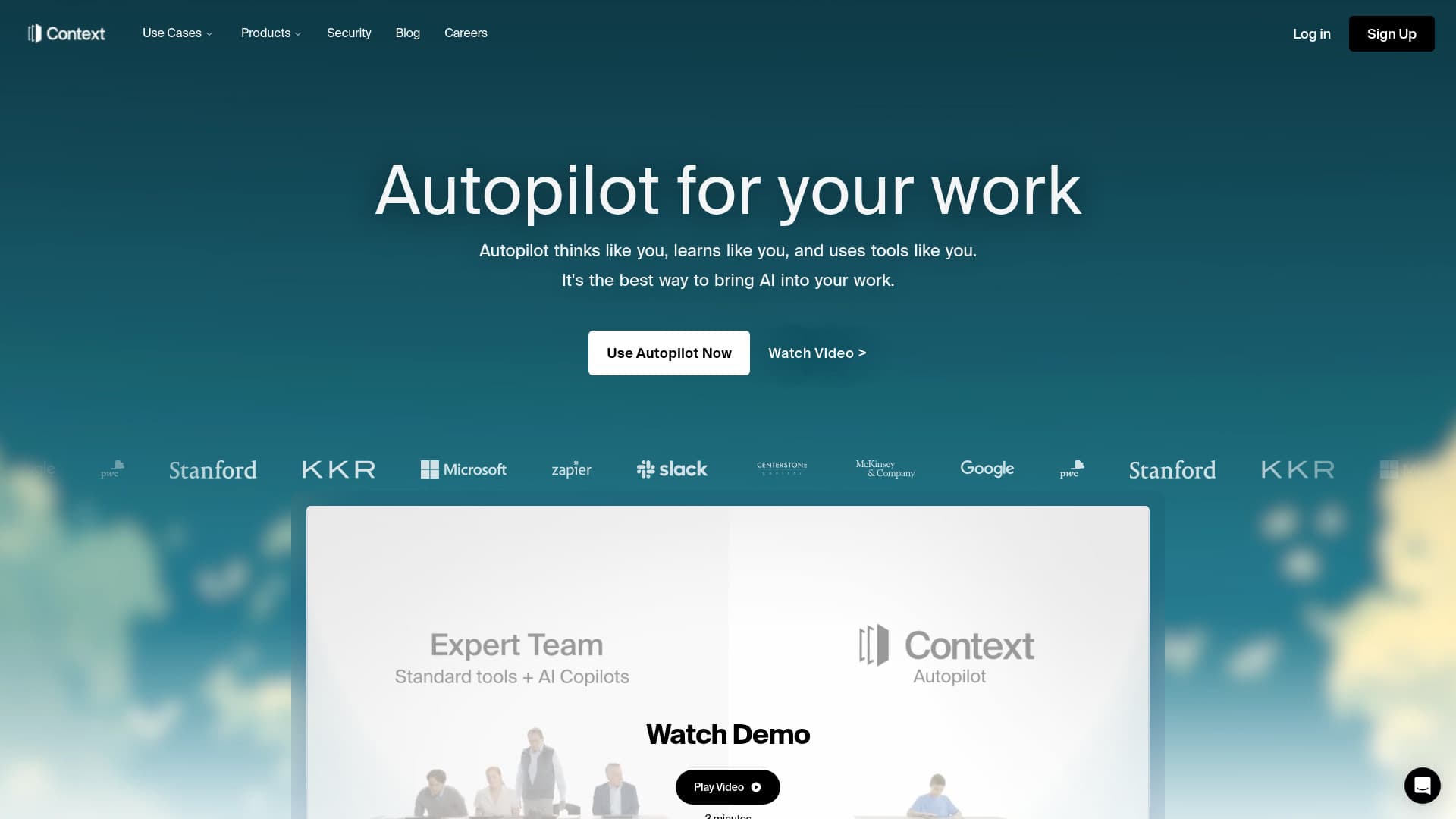
About Autopilot
Our AI office suite acts as a central hub for intelligent work management, seamlessly integrating tools for creating presentations, managing spreadsheets, editing documents, analyzing data, and conducting enterprise searches. Designed to streamline workflows, it captures, organizes, and contextualizes data from various sources to boost efficiency and collaboration.
How to Use
Connect with over 300 integrations to research, analyze, and create without switching platforms. The AI captures and organizes data from emails, Google Docs, Salesforce, and more, providing seamless workflow management.
Features
- AI-enhanced workspace for productivity
- Document creation and editing
- Presentation design tools
- Advanced enterprise search capabilities
- Data analysis and visualization
- Spreadsheet management
- Integration with over 300 apps for streamlined workflows
Use Cases
- Automating spreadsheet generation
- Monitoring and managing client feedback
- Ensuring consistent branding across projects
- Aggregating customer data from Salesforce
- Collecting insights from emails
- Extracting and analyzing information from Google Docs
Best For
Data analystsTeam collaborationBusiness executivesKnowledge workersResearch professionalsCreative teams
Pros
- Efficiently captures, organizes, and contextualizes data
- Supports custom brand guidelines for consistent branding
- Automates repetitive tasks to save time
- Enhances team collaboration and communication
- Seamlessly integrates with existing tools and platforms
- Provides an all-in-one AI-powered workspace
Cons
- Pricing details are not explicitly available
- Dependence on third-party integrations may introduce disruptions
- Learning curve required to maximize all features
FAQs
What is the AI office suite?
It is an AI-powered platform that consolidates productivity tools, data management, and insights to streamline work processes and improve efficiency.
How does the suite integrate with other applications?
It connects with over 300 apps, enabling research, data analysis, and content creation without platform switching, including email, Google Docs, and Salesforce.
Can I customize branding within the platform?
Yes, the platform allows you to incorporate your brand colors, logos, and visual styles to create presentations and documents that align with your branding guidelines.
Is there support for team collaboration?
Absolutely. The suite enhances team collaboration by centralizing data, facilitating communication, and automating workflows.
What types of data analysis are supported?
The platform offers comprehensive data analysis tools, including visualization, insights extraction, and automated reporting to support decision-making.
Does the platform require technical expertise to operate?
While some features may have a learning curve, the platform is designed to be user-friendly, with tutorials and support to help users get started quickly.