

AutoPod
AutoPod is a powerful Adobe Premiere Pro plugin that automates video podcast editing, saving time and enhancing workflow efficiency.
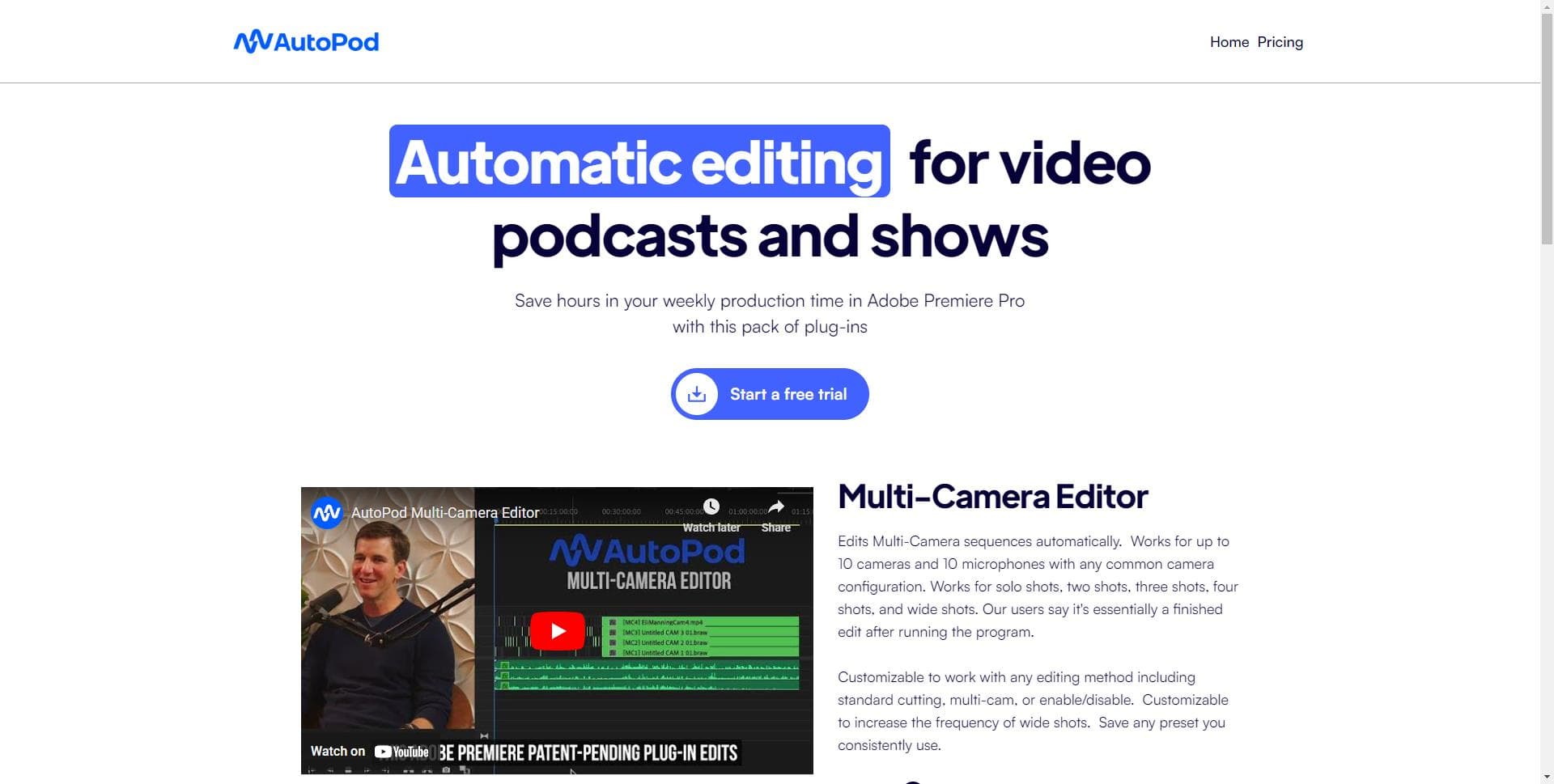
About AutoPod
AutoPod offers a suite of Adobe Premiere Pro plugins tailored for video podcast and show editors. It streamlines tasks such as multi-camera synchronization, social media clip generation, and jump cut editing based on silent segments. Designed to reduce weekly production time, AutoPod automates repetitive editing tasks, allowing creators to focus on content quality and creativity.
How to Use
Install AutoPod in Adobe Premiere Pro. Open your project, go to Window > Extensions, and select the desired AutoPod tool. Use these tools to automatically synchronize multiple camera angles, generate social media clips, or add jump cuts based on silence detection.
Features
- Create social media clips effortlessly
- Automate multi-camera editing processes
- Apply jump cuts based on silent segments
Use Cases
- Generate engaging social media snippets from longer videos
- Remove pauses to produce seamless jump cuts
- Streamline multi-camera podcast editing workflows
Best For
Pros
- Simplifies complex editing tasks
- Offers a free trial period
- Highly customizable to fit various workflows
- Significantly reduces editing time
Cons
- Requires Adobe Premiere Pro to operate
- Single license limits use to one computer
- Primarily optimized for multi-camera setups
Pricing Plans
Choose the perfect plan. All plans include 24/7 support.
Individual License
Includes AutoPod Multi-Camera Editor, Social Clip Creator, and Jump Cut Editor. Comes with a 30-day free trial for monthly plans and one free month annually.
Get Started