

avclabs.com
Advanced AI-powered solutions for enhancing and editing videos and photos with ease.
About avclabs.com
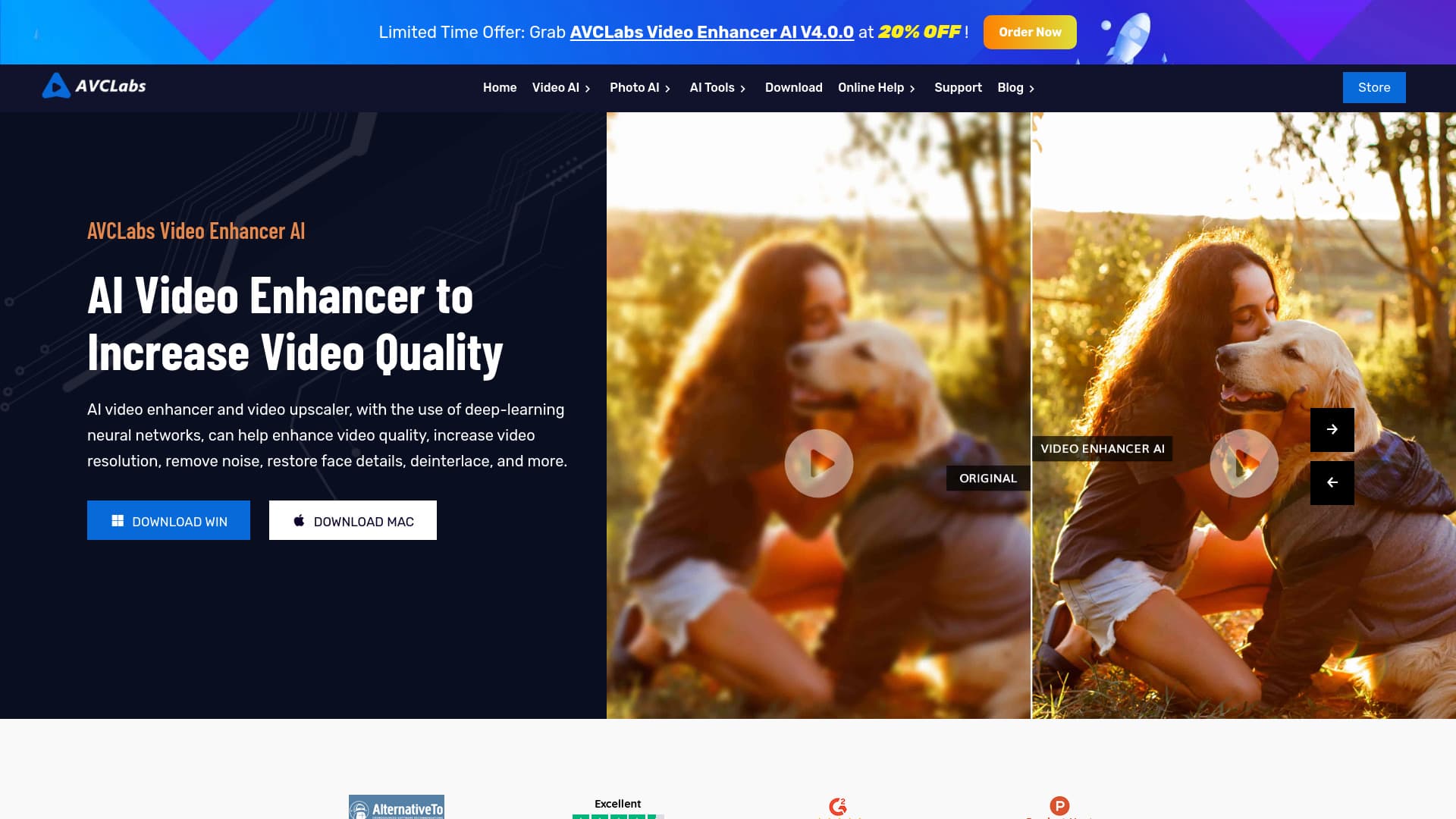
AVCLabs specializes in AI-driven solutions that elevate video and photo quality effortlessly. Their product range includes AI Video Enhancer, AI Photo Enhancer, AI Photo Editor, and Video Blur AI, all designed to deliver professional results. Available as desktop software and online tools, AVCLabs makes advanced media editing accessible for various needs.
How to Use
Download and install AVCLabs software or access their online tools. For desktop applications, follow in-app tutorials to enhance your media. For online services, upload your videos or photos and utilize the built-in features to improve quality quickly and easily.
Features
- AI Object and Background Removal
- Video and Photo Upscaling
- Video Blurring and Privacy Masking
- Photo Quality Enhancement
- Video and Image Colorization
- Noise Reduction and Restoration
- Deinterlacing and Detail Enhancement
- Automatic Object Detection
Use Cases
- Enhance product images by refining details and textures.
- Restore old photographs by removing imperfections.
- Colorize black and white images for a modern look.
- Upscale low-resolution videos to 4K or 8K clarity.
- Blur sensitive information or faces to protect privacy.
- Remove unwanted objects from photos seamlessly.
Best For
Pros
- Offers a comprehensive suite of editing and enhancement features.
- Available as both desktop software and online tools for convenience.
- Produces professional-grade results with minimal effort.
- AI automation reduces editing time and effort.
- Intuitive interface suitable for beginners and experts alike.
Cons
- Certain features require a paid subscription.
- Processing speed varies based on hardware capabilities.
- Desktop software needs to be downloaded and installed.
Pricing Plans
Choose the perfect plan. All plans include 24/7 support.
Photo & Video Enhancement Bundle
All-in-one package for comprehensive media editing.
Get Started