

Bannerbear
API platform enabling automated creation of images and videos from customizable templates.
About Bannerbear
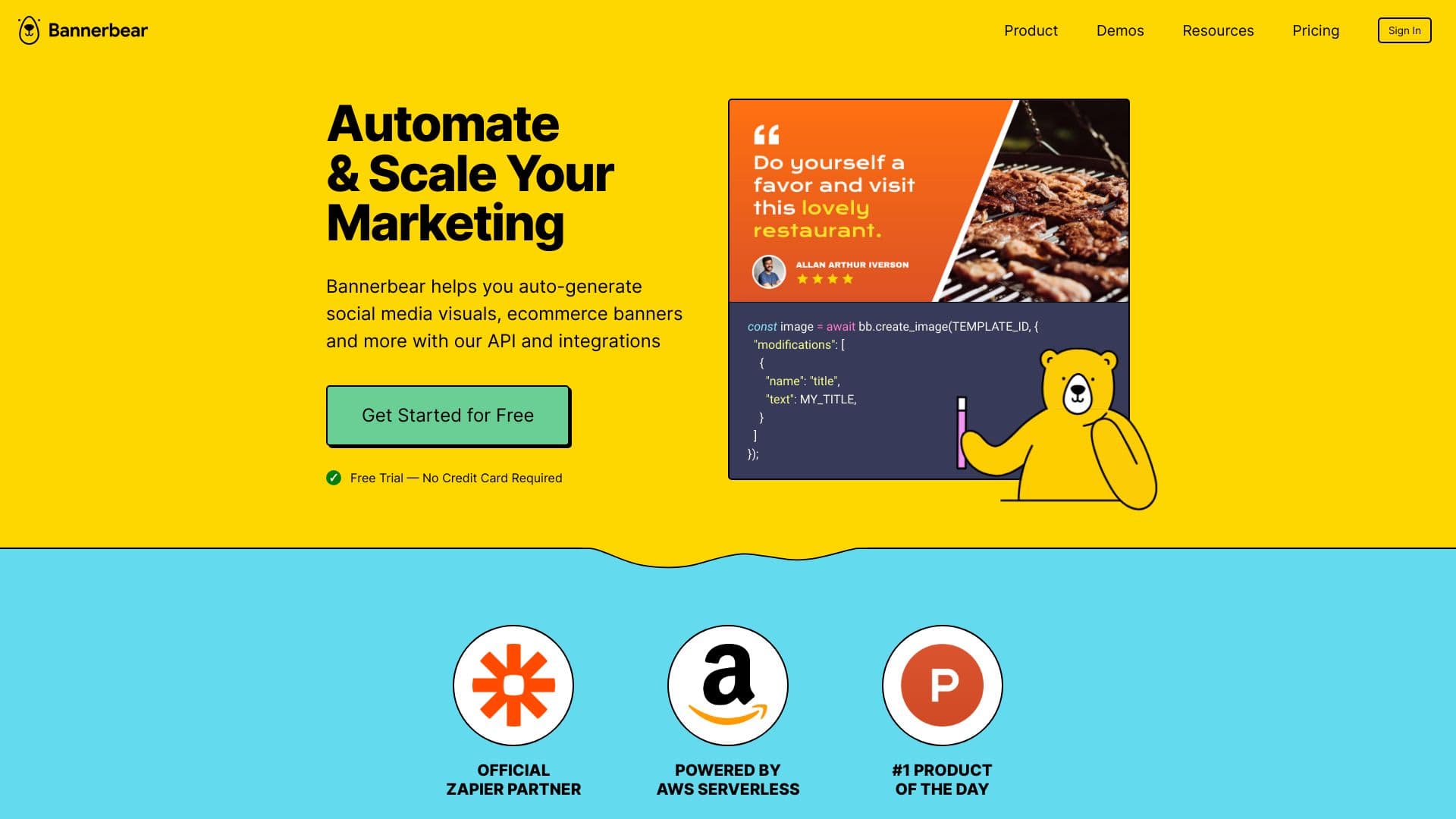
Bannerbear is a robust API-driven platform designed to streamline the automated generation of social media images, e-commerce banners, videos, PDFs, and more. By transforming graphic templates into programmable assets, it enables users to create personalized variations effortlessly. The platform offers APIs for image, multi-image, video, and PDF production, along with integrations with tools like Zapier, Airtable, Make.com, and WordPress, facilitating seamless no-code workflows for marketing automation and content scaling.
How to Use
Create reusable templates in the Bannerbear Template Editor and generate media by calling the REST API, or utilize libraries for Ruby, Node.js, and PHP. Connect with popular tools such as Zapier, Airtable, Make.com, or generate direct URLs to automate media creation and update content dynamically across platforms.
Features
- API for dynamic image creation
- Integrations with Zapier, Airtable, Make.com, WordPress, and more
- Support for custom storage solutions
- API for batch image processing
- Video and PDF generation capabilities
- Ability to upload custom fonts
- Role-based team collaboration
- Intuitive template editor
- Data processing agreements for compliance
- Two-factor authentication for security
Use Cases
- Design e-commerce promotional banners
- Generate secure URLs for social media images and transactional emails
- Automate marketing content production
- Scale marketing campaigns efficiently
- Create real estate advertising banners
- Automatically produce social media visuals
- Generate certificates, invitations, event IDs, photo collages, and invoices
- Produce podcast and video content
- Create images from Airtable data sources
- Integrate automated media generation into custom apps
- Design Open Graph images for social sharing
Best For
Pros
- High-volume API access for enterprise needs
- Automates repetitive visual content tasks
- Free trial available without credit card
- Supports team collaboration with role management
- Responsive customer support via email, priority, and Zoom (Enterprise)
- Extensive APIs for images, videos, PDFs, and multi-image outputs
- Flexible plans with easy upgrades, downgrades, and cancellations
- Rich integrations for no-code automation
- Supports custom fonts and multiple languages
Cons
- API usage is billed via credits, which can be consumed quickly for videos and PDFs
- Advanced features like BYO Storage and Zoom support are limited to higher-tier plans
- Maximum template size is 5000x5000 pixels
- Primarily asynchronous API for image generation, with optional synchronous endpoint
Pricing Plans
Choose the perfect plan. All plans include 24/7 support.