

BeepThatOut
AI-driven, web-based profanity removal tool designed for content creators seeking efficient editing solutions.
About BeepThatOut
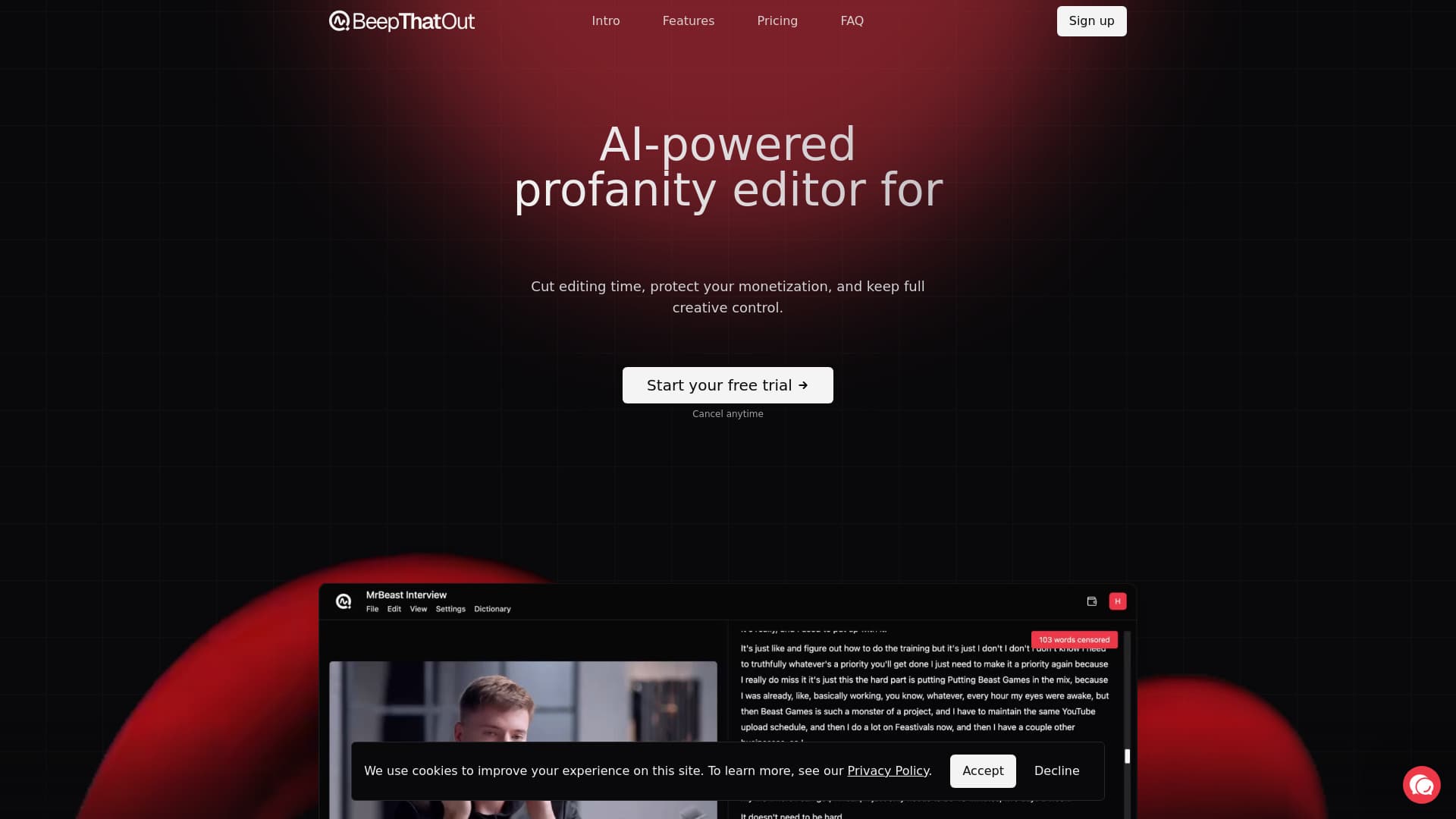
BeepThatOut is an AI-powered profanity removal platform accessible directly through your browser. Designed for YouTubers, podcasters, and content creators, it streamlines editing, safeguards monetization, and offers full creative control over filtering and censorship. Save time and maintain brand safety effortlessly.
How to Use
Upload your audio or video file to BeepThatOut, which automatically scans for profanity using advanced AI. Customize filtering options, select categories, adjust censor effects, review transcripts, and refine alignment. Preview the edited content and export to popular video editors like Adobe Premiere Pro, Final Cut Pro, DaVinci Resolve, or download the finished video.
Features
- Create custom profanity word lists
- Adjust censor effects with options like beep, silence, or custom sounds
- Supports more than 50 languages for global use
- Export projects to major editing software including Adobe Premiere Pro, DaVinci Resolve, and Final Cut Pro
- Automatically generate subtitle files in .srt format
- AI-powered detection and censorship of profanities
- Process long-form videos up to 10 hours in length
- Edit transcripts interactively for precise control
Use Cases
- Podcasters ensuring family-friendly content.
- YouTubers preparing videos for monetization and broader audiences.
- Content creators reducing editing time post-production.
- Attracting sponsors by maintaining brand-safe content.
- Generating accurate subtitles for accessibility and content repurposing.
Best For
Pros
- Provides full control over filtering effects and censorship styles.
- Efficiently handles videos up to 10 hours long.
- Supports exporting project files compatible with leading editing software.
- Helps maintain audience trust by ensuring family-friendly content.
- Supports over 50 languages and multiple file formats.
- Enhances sponsorship opportunities through brand-safe content.
- Includes free automatic subtitle generation for accessibility.
- Protects monetization by filtering offensive language.
- Offers a risk-free 7-day trial with all features enabled.
- Operates entirely online, no software download required.
- Leverages AI to significantly reduce manual editing time.
Pricing Plans
Choose the perfect plan. All plans include 24/7 support.
Hobby
Monthly billing with flexible cancellation. Includes an interactive transcript editor, unlimited projects, support for 55 languages, subtitle downloads, export options for Adobe Premiere Pro, DaVinci Resolve, Final Cut Pro, one user, 12 hours of processing per month, additional hours at $2.00/hour, video length limit of 2 hours, and standard priority processing.
Get StartedHobby Annual
Annual billing with cancel anytime. Features the same benefits as the monthly Hobby plan, including unlimited projects, 55 languages, and priority processing.
Get StartedCreator
Popular plan billed monthly. Includes unlimited projects, 55 supported languages, 32 hours of processing, faster priority processing, and an extensive 10-hour video length limit. Extra processing hours are available at $1.30/hour.
Get StartedCreator Annual
Annual billing with full features of the Creator plan, including priority processing, unlimited projects, and support for lengthy videos up to 10 hours.
Get StartedStudio
Monthly plan for teams. Supports 5 users, offers 100 hours of processing, and allows multiple collaborators. Includes all features of the Creator plan plus maximum priority processing.
Get StartedStudio Annual
Annual subscription for teams with full processing hours, multiple users, and top-tier priority processing, ideal for professional content teams.
Get Started