

BeeVP SDE AI Automation
AI-driven software development assistant that simplifies coding and improves design quality.
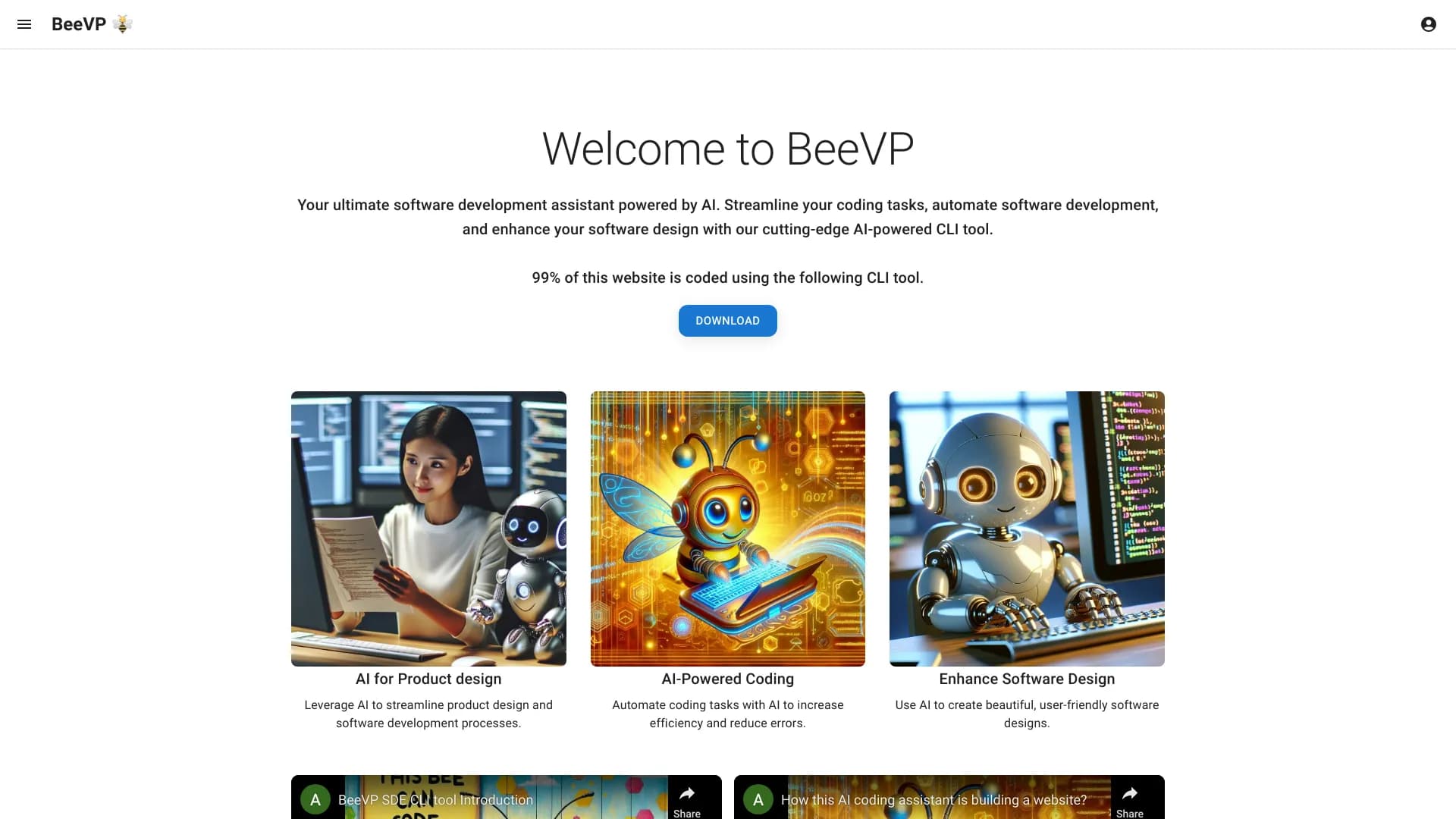
About BeeVP SDE AI Automation
BeeVP is an AI-powered software development assistant that accelerates coding, automates development workflows, and enhances software design quality. Its advanced CLI tool empowers developers and engineers to optimize their workflow and improve project outcomes.
How to Use
Download the BeeVP CLI tool and utilize it to automate coding tasks, streamline development processes, and improve software design. The website is primarily built using this CLI tool, demonstrating its capabilities.
Features
- Advanced AI-driven software design tools
- Automation of coding and development tasks
- Powerful CLI tool for efficient workflows
- Intelligent coding assistance
Use Cases
- Designing user-friendly software interfaces with AI
- Optimizing product design processes using AI
- Automating repetitive coding tasks to boost productivity
Best For
Software developersProduct designersSoftware engineersDevelopment teamsTechnical leads
Pros
- Speeds up coding and development tasks
- Automates key software workflows
- Improves software design quality
- Includes a sophisticated CLI tool for automation
Cons
- Learning curve may be required for CLI tool
- AI capabilities have some limitations not specified
FAQs
What is BeeVP?
BeeVP is an AI-powered software development assistant that simplifies coding, automates workflows, and enhances software design quality.
How does BeeVP improve my development process?
BeeVP automates routine coding tasks, streamlines workflows, and offers intelligent design assistance to boost productivity.
What functionalities does BeeVP provide?
BeeVP offers AI-driven coding support, process automation, and tools for improving software design through its CLI interface.
Who can benefit from using BeeVP?
Software developers, product designers, and engineering teams seeking to optimize their coding and design workflows.
Is BeeVP suitable for beginners?
While powerful, BeeVP's CLI tool may require some familiarity with command-line interfaces, making it more suitable for experienced users.