

Berrycast Transcripts (Powered by AI)
Berrycast is a versatile screen recording and video messaging platform enhanced with AI features to improve workplace communication and collaboration.
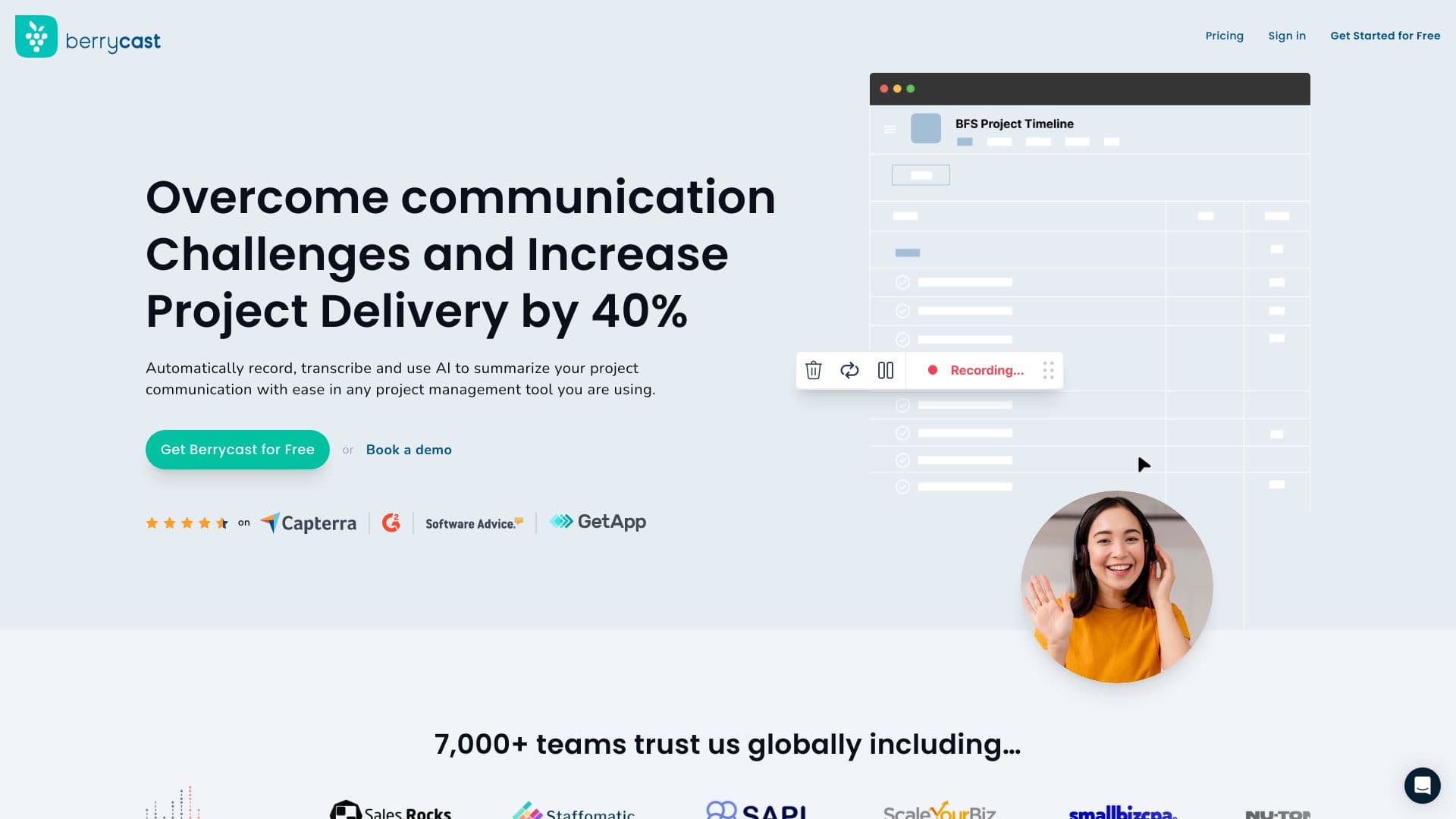
About Berrycast Transcripts (Powered by AI)
Berrycast is a comprehensive platform for screen recording and video messaging designed to streamline workplace communication. Users can record and share webcam and screen videos, generate real-time transcripts, and leverage AI to create summaries, action items, email drafts, and how-to guides. It is especially beneficial for mortgage brokers seeking effective client support and guidance.
How to Use
Open Berrycast, click 'Record' to start capturing your screen and webcam, then share the video link. You can also embed conversations into daily apps for seamless collaboration and quick feedback.
Features
- Real-time transcript generation for videos
- AI-assisted creation of summaries, action items, and content
- Instant video messaging for teams
- Seamless integration with popular work tools
- Screen recording with webcam overlay
Use Cases
- Enhancing team collaboration and communication
- Accelerating decision-making with quick video messages
- Providing clear visual guidance for mortgage clients
- Conducting remote training sessions
- Supporting customer service with visual explanations
Best For
Pros
- Ensures data security with GDPR compliance
- Improves clarity and understanding in communication
- Integrates smoothly with existing work tools
- Boosts productivity through quick video exchanges
- Includes AI-powered tools for efficient content creation
Cons
- Some AI features are restricted to higher-tier plans
- Requires JavaScript to be enabled for proper functionality
Pricing Plans
Choose the perfect plan. All plans include 24/7 support.
Starter
Billed annually at $192, includes unlimited videos, recordings, and commenting features for individual users.
Get StartedProfessional
Billed annually at $216, includes all Starter features plus custom branding, limited AI writing, and transcript capabilities.
Get StartedEnterprise
Billed annually at $348, offers all Pro features along with video analytics, unlimited AI writing, and collaborative workspace options.
Get Started