

BG Remover - Remove & Change Background
AI-powered tool that enables quick and precise photo background removal and editing.
About BG Remover - Remove & Change Background
BG Remover is an advanced AI-driven tool designed for fast and accurate removal of image backgrounds. It intelligently isolates the subject from the background, delivering clean cutouts without residual edges or artifacts. Beyond background removal, it offers simple editing options such as background color change, pixel restoration/removal, and image resizing for versatile use.
How to Use
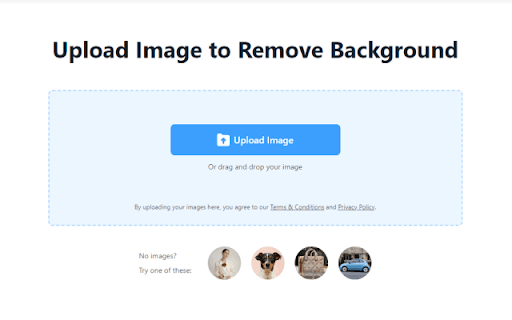
Upload your image to BG Remover, and the AI automatically eliminates the background. Download the transparent background image or utilize additional features like background color change, pixel restoration, and resizing to customize your photo.
Features
- Customizable background color options
- AI-driven automatic background removal
- Photo resizing with both preset and custom sizes
Use Cases
- Removing backgrounds for graphic design projects
- E-commerce product image background cleanup
- Creating professional social media profile pictures
Best For
E-commerce sellersIndividual content creatorsGraphic designersPhotographersSocial media influencers
Pros
- Supports batch processing for multiple images
- Includes additional editing tools
- High-precision AI background removal
- Saves time compared to manual editing
- User-friendly interface for quick results
Cons
- AI accuracy may vary depending on image complexity
- Limited advanced editing features compared to professional software
FAQs
How does BG Remover perform background removal?
It uses AI technology to accurately identify and separate the foreground from the background, removing it automatically.
What additional editing features are available besides background removal?
You can change backgrounds, restore or remove pixels, and resize images with BG Remover.
Can I process multiple images at once?
Yes, especially for e-commerce users, BG Remover supports batch processing of up to 50 images simultaneously.
Is BG Remover suitable for professional use?
It is ideal for quick edits and bulk processing, though it may lack some advanced features found in professional software.
Is there a free trial available?
Pricing details are not provided here, but most plans include a free trial or demo to test the features.