

Blync
A versatile browser extension that offers link previews, instant search via selection, and seamless AI assistant integration for enhanced browsing efficiency.
About Blync
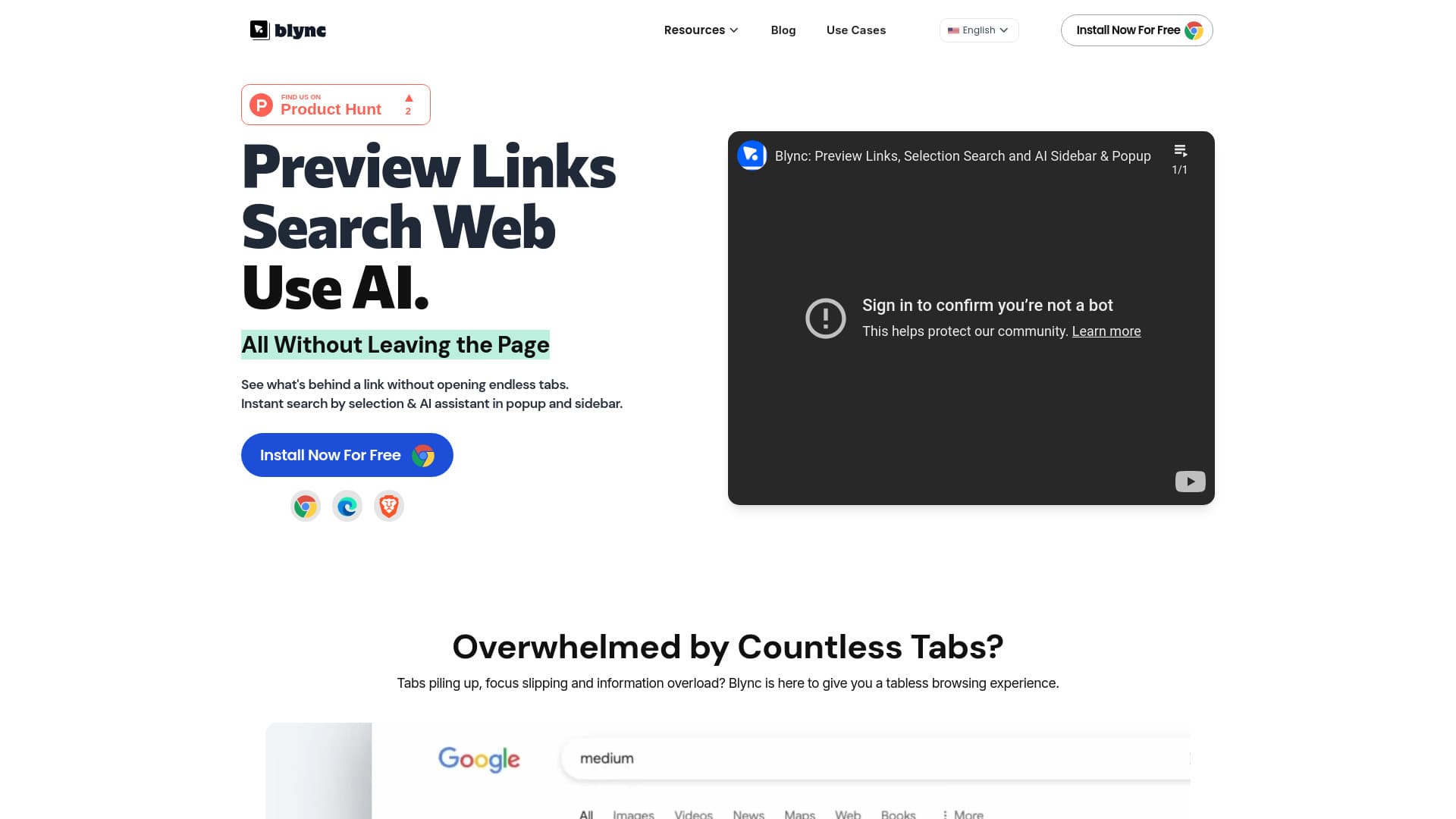
Blync is an innovative browser extension designed to streamline your online experience. It enables users to preview links without opening new tabs, perform quick searches by selecting text, and access an AI assistant directly within a popup or sidebar—supporting accounts like ChatGPT and Gemini. This tool promotes a tabless browsing environment, minimizes constant tab switching and copying, and offers extensive customization options for AI interactions.
How to Use
Install Blync on Chrome, Brave, or Edge. Hover, drag, or click links to preview content instantly. Highlight text to activate AI options or press Ctrl+Shift+B for quick AI queries. Adjust settings to customize link behaviors and AI triggers according to your preferences.
Features
- Real-time link preview with full browser capabilities
- Instant search by selecting text on any webpage
- AI assistant integration supporting ChatGPT and Gemini
- Operates without server dependency for enhanced privacy
- Highly customizable interface and behavior settings
Use Cases
- Streamlining AI interactions within your browser.
- Performing rapid searches on selected text.
- Getting immediate insights from web content using AI.
- Previewing links to save time and reduce tab clutter.
Best For
Pros
- Speeds up browsing with quick link previews and searches
- Offers personalized AI assistance tailored to user needs
- Ensures privacy with serverless, local operation
- Supports multiple AI platforms like ChatGPT and Gemini
- Reduces browser tab clutter for better focus
Cons
- Requires an existing AI account for AI features
- Limited to Chrome, Brave, and Edge browsers currently
- Initial setup may be needed for advanced customization