

boltai.com
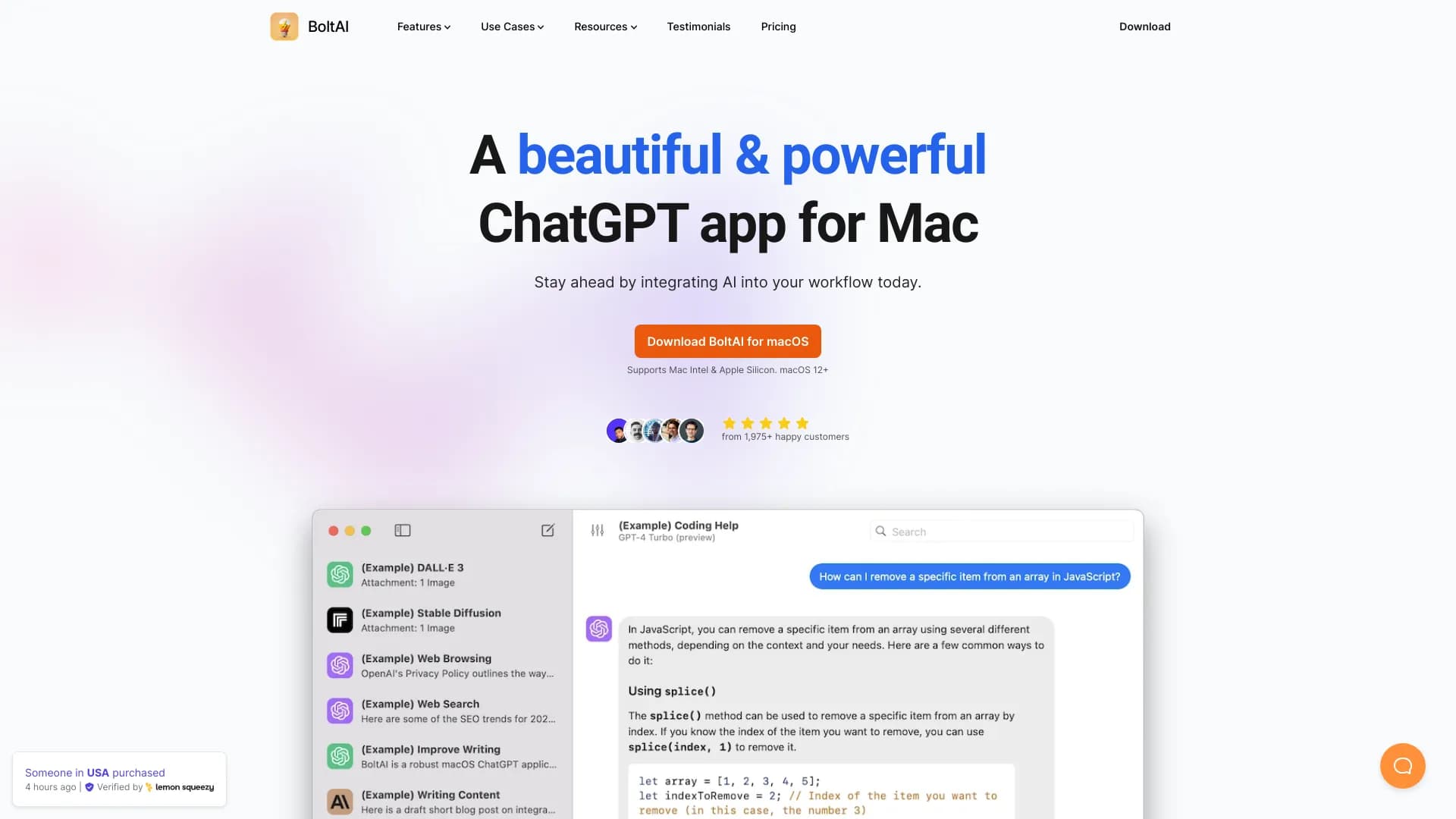
A native, high-performance AI application for Mac that seamlessly incorporates artificial intelligence into your everyday tasks.
About boltai.com
BoltAI is a native Mac application designed for high-performance AI integration, enabling users to enhance productivity and creativity across various tasks. Compatible with multiple AI models including OpenAI, Anthropic, Mistral, and local models like Ollama, BoltAI features an intuitive chat interface, powerful AI commands, inline AI assistance, and a license manager. It caters to professionals in writing, development, management, and entrepreneurship seeking seamless AI workflows.
How to Use
Download BoltAI, configure your API key (such as OpenAI), and begin leveraging AI assistance within any text field on your Mac. Utilize features like the prompt library and custom AI assistants to customize AI behavior for specific tasks effortlessly.
Features
- User-friendly chat interface
- AI-driven image creation
- Text-to-speech read aloud
- Support for model context protocols
- Secure storage of API keys
- Customizable themes
- Support for local large language models
- Memory for ongoing conversations
- Document content analysis
- Web browsing capabilities
- Project organization tools
- Advanced AI command functionalities
- Voice input support
- Extensive prompt library
- Image analysis tools
- Integrated web search
- Configurable GPT parameters
- Create custom AI assistants
- Automatic detection and redaction of sensitive data
- Inline AI suggestions
- Premium plugin options
- Advanced voice command mode
Use Cases
- Generating creative ideas
- Coding assistance within IDEs
- Access to large language models and image generation
- Content and marketing material creation
- Business management tasks
- Grammar and syntax correction
- Educational learning support
Best For
Pros
- Perpetual license with one year of free updates ensures long-term access
- Securely stores API keys and automatically redacts sensitive data
- Native Mac application for optimal performance
- Versatile tool suitable for various professional fields
- Supports multiple AI platforms and local models
- Custom AI assistants and prompt library enhance productivity
Cons
- Requires an OpenAI or compatible API key for operation
- Team licenses require direct purchase inquiries
- Most features depend on an active internet connection
- Currently exclusive to macOS platforms
Pricing Plans
Choose the perfect plan. All plans include 24/7 support.
Essential
Designed for personal use on a single device. Includes core chat features with a perpetual license and one year of free updates.
Get StartedPremium
Supports one device with full access to all premium features. Comes with a perpetual license and a one-year update period.
Get StartedPremium+
Allows use on three devices, unlocking all premium features with a perpetual license and one year of updates.
Get StartedTeam
Includes five seats, with additional seats at $80 each. Offers all premium features, a perpetual license, one year of free updates, and priority support.
Get Started