

BrowserCopilot AI
AI-powered browser assistant for reading, writing, summarizing, and enhancing webpage content with ease.
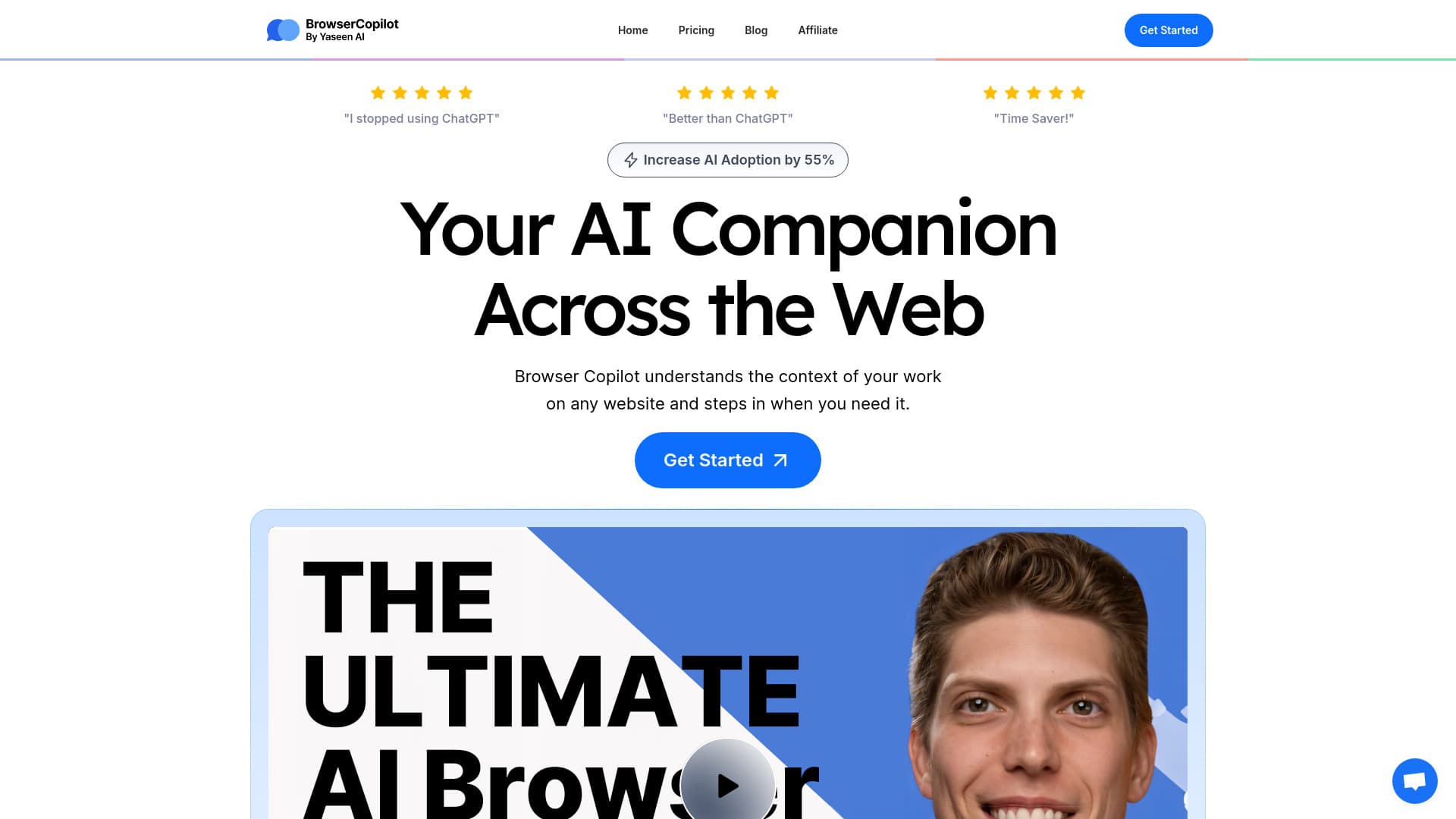
About BrowserCopilot AI
Browser Copilot AI is an intelligent browser companion that understands the context of your online activities. It helps you read, write, explain, summarize, and improve webpage content efficiently. Automate tasks and generate custom responses to enhance your productivity directly within your browser.
How to Use
Download and install the Browser Copilot AI extension. Once active, access the AI tool across your browser to get explanations, summaries, rewrites, and content improvements. Use it to craft personalized email replies and streamline your workflows effortlessly.
Features
- AI-driven assistance on any website
- Real-time reading and writing support
- Customizable AI modules for specific tasks
- Seamless integration with popular tools
- Email reply automation
- Access to multiple AI models for versatility
- Content explanation, summarization, and enhancement
Use Cases
- Interact with websites to get instant answers and support
- Enhance clarity and quality of online writing
- Quickly summarize articles, emails, and discussions
- Create personalized email responses efficiently
- Automate routine workflows with custom prompts
Best For
Business professionalsInvestment bankersDigital marketersStartup foundersExecutives and managersAcademics and professorsSoftware developers
Pros
- Speeds up tasks with automated assistance
- Boosts productivity through efficient reading and writing
- Highly customizable to fit unique workflows
- Accessible on all websites with a simple interface
- Prioritizes privacy; content is not stored or shared
Cons
- Requires installation of the browser extension
- Performance depends on AI model capabilities and speed
- Effectiveness varies based on user prompts and setup
FAQs
What is Browser Copilot AI?
Browser Copilot AI is an intelligent extension that understands webpage content and assists with reading, writing, explaining, summarizing, and improving online material in real-time.
What functionalities does Browser Copilot AI offer?
It helps you read and write on webpages, explains and summarizes content, rewrites for clarity, generates tailored email responses, and automates workflows within your browser.
Is Browser Copilot AI secure and private?
Yes, it ensures your content remains private; nothing is stored or used for training. It complies with GDPR and CCPA standards to protect your data.
How do I install Browser Copilot AI?
Simply download and install the extension from your browser’s extension store. Once installed, activate it to start automating and enhancing your browsing experience.
Can I customize the AI for specific tasks?
Yes, you can tailor the AI’s behavior and prompts to suit your particular workflows and content needs, making it a versatile productivity tool.