

Butterfish Shell
An AI-powered command-line tool that enhances shell prompting and autocompletion for efficient software development.
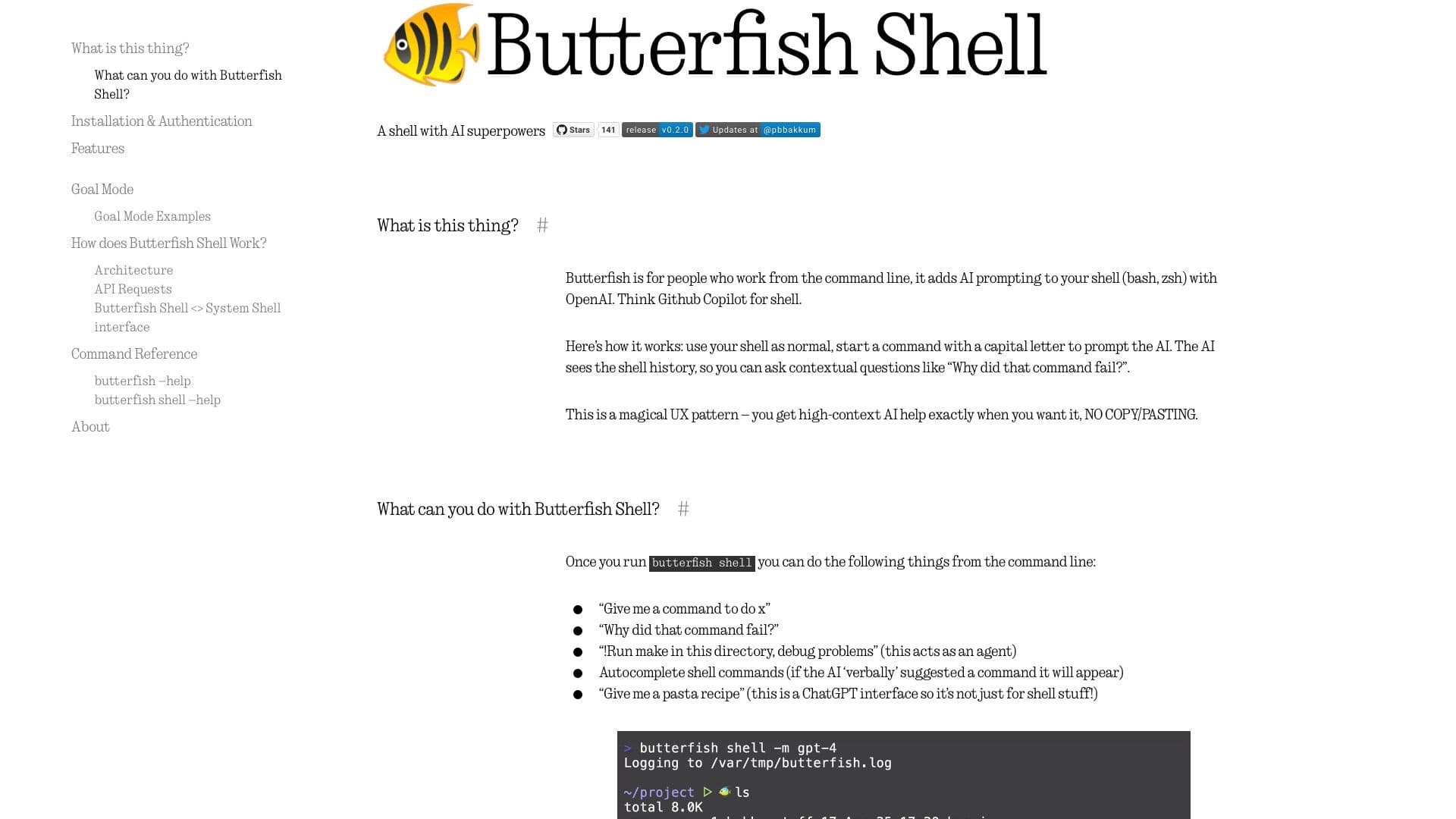
About Butterfish Shell
Butterfish is an advanced command-line utility that integrates AI prompting into your shell environment, including Bash and Zsh. Using OpenAI or similar APIs, it functions like GitHub Copilot for your terminal, providing intelligent assistance, command autocompletion, and automation features directly from the command line. Enhance your productivity with contextual AI help and goal-oriented automation.
How to Use
Install Butterfish via Homebrew or by running `go install`. Launch a new shell with AI features by executing `butterfish shell`. Prompt the AI by starting commands with a capital letter, and activate Goal Mode with `!` or `!!` for advanced automation and task execution.
Features
- AI-driven prompting within Bash and Zsh shells
- Intelligent command autocompletion
- Seamless integration with OpenAI and compatible APIs
- Goal Mode for autonomous task management
- Customizable AI prompts and configurations
Use Cases
- Troubleshooting and debugging commands
- Summarizing command-line outputs
- Generating command suggestions based on prompts
- Creating shell commands from user inputs
- Automating workflows with Goal Mode
Best For
Pros
- Provides real-time AI assistance directly in the terminal
- Enhances productivity with command autocompletion
- Supports customizable prompts for personalized workflows
- Includes Goal Mode for autonomous task execution
- Compatible with OpenAI and similar API services
Cons
- Requires an OpenAI API key for full functionality
- Token limitations can restrict command history
- May conflict with custom shell configurations
- Goal Mode may sometimes be unreliable
- API usage for autosuggestions can incur costs