
C.AI Sync Tool
A Chrome extension that enables seamless synchronization of Character AI characters across multiple platforms.
About C.AI Sync Tool
This Chrome extension simplifies the process of duplicating Character AI characters to other platforms, enhancing creative sharing and management. It streamlines synchronization across multiple services, making it easy to control and distribute your AI characters effectively.
How to Use
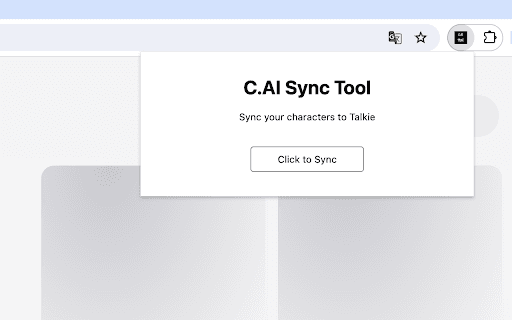
Install the Chrome extension, log into Character AI and Talkie platforms, open the extension, then click the synchronize button to transfer your characters.
Features
- Enables character synchronization from Character AI to multiple platforms
Use Cases
- Distribute Character AI characters across platforms like Talkie for broader reach
Best For
Role-playing game enthusiastsContent creators and storytellersAI character developersDigital artists
Pros
- Simplifies character copying between platforms
- Enhances character management and synchronization
- Facilitates wider sharing of creative works
Cons
- Requires installation of a Chrome extension
- Dependent on Character AI and Talkie platform features
- Limited to supported platforms only
FAQs
Which platforms are compatible with this extension?
Currently, it supports synchronization with the Talkie platform. Future updates may include additional platforms.
How do I synchronize characters using this extension?
Install the extension, log into Character AI and Talkie, open the extension, then click the sync button to transfer your characters.
Is the extension easy to install and use?
Yes, the extension is straightforward to install and provides a simple interface for character synchronization.
Are there any limitations to using this extension?
The extension works only with supported platforms and requires active accounts on Character AI and Talkie.
Can I customize character synchronization settings?
Currently, the extension offers basic synchronization features without extensive customization options.