
Canva
An intuitive AI-powered design platform that simplifies creating presentations, graphics, and videos with ease.
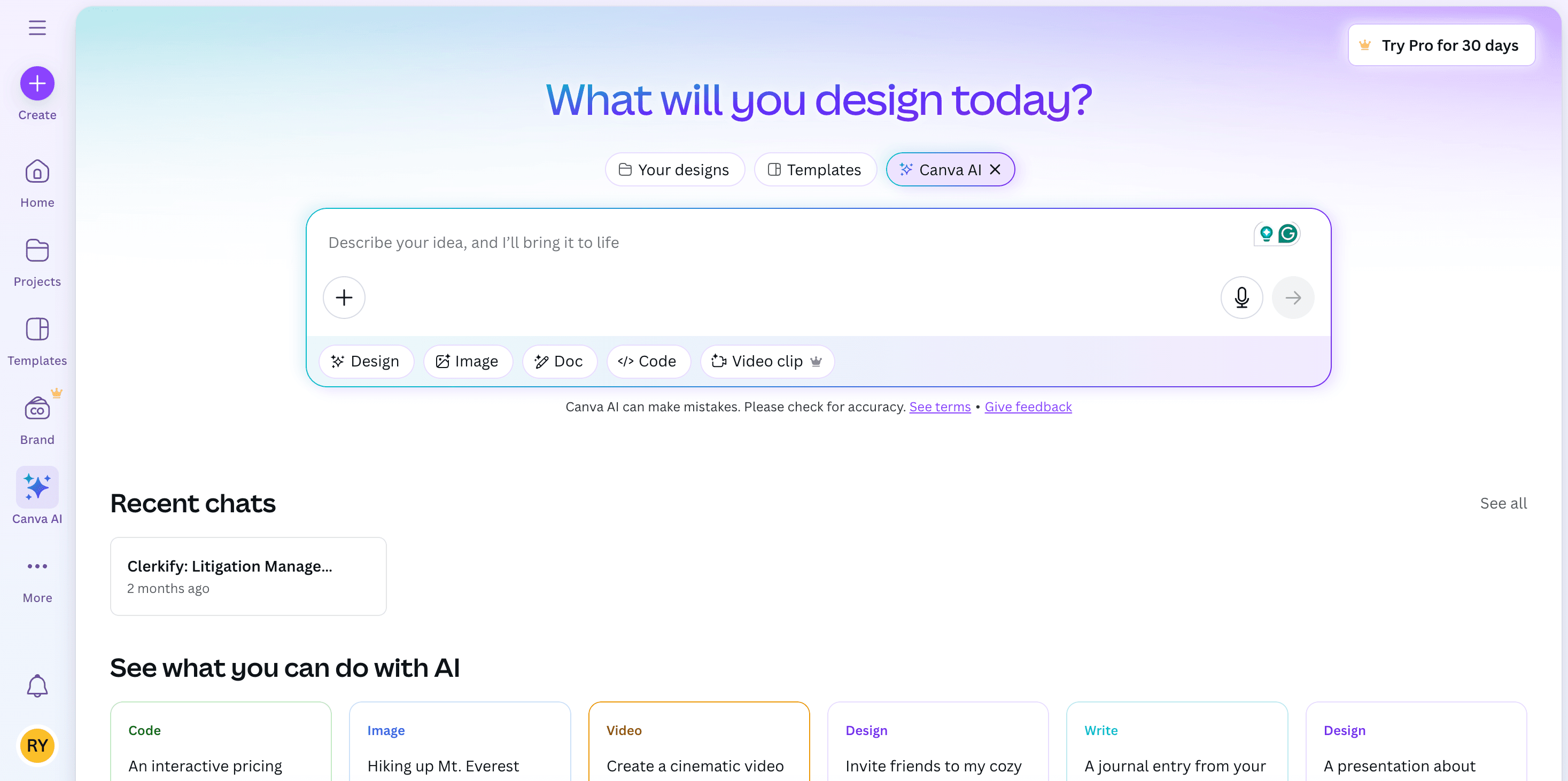
About Canva
Canva provides a wide range of customizable templates and advanced AI features like Magic Write, Text to Image, and Magic Edit, enabling users to craft professional visuals for social media, presentations, and marketing campaigns effortlessly.
How to Use
Select a template, utilize AI features to enhance your design, then customize and export your project.
Features
- AI-generated images from text
- Customizable Brand Kit
- AI writing assistant (Magic Write)
- Real-time collaborative editing
Use Cases
- Social media content creation
- Business presentations
- Marketing material design
Best For
StudentsGraphic designersMarketing professionalsContent creatorsSmall businesses
Pros
- User-friendly interface
- Extensive library of free templates
- Integrated AI tools for efficient design
Cons
- Requires internet connection
- Limited export options on free plan
FAQs
Is Canva free to use?
Yes, Canva offers a free plan with optional premium features.
Does Canva incorporate AI technology?
Yes, Canva uses AI features like Magic Write and Text to Image to enhance design workflows.
Can I collaborate with others on Canva?
Absolutely, Canva supports real-time collaborative editing for team projects.
What types of content can I create with Canva?
You can design social media posts, presentations, marketing materials, videos, and more.
Is there a mobile app for Canva?
Yes, Canva offers mobile apps for iOS and Android devices for on-the-go designing.