

CANVID for Windows
Canvid is a powerful screen recording tool that automatically enhances videos for a professional look, simplifying content creation.
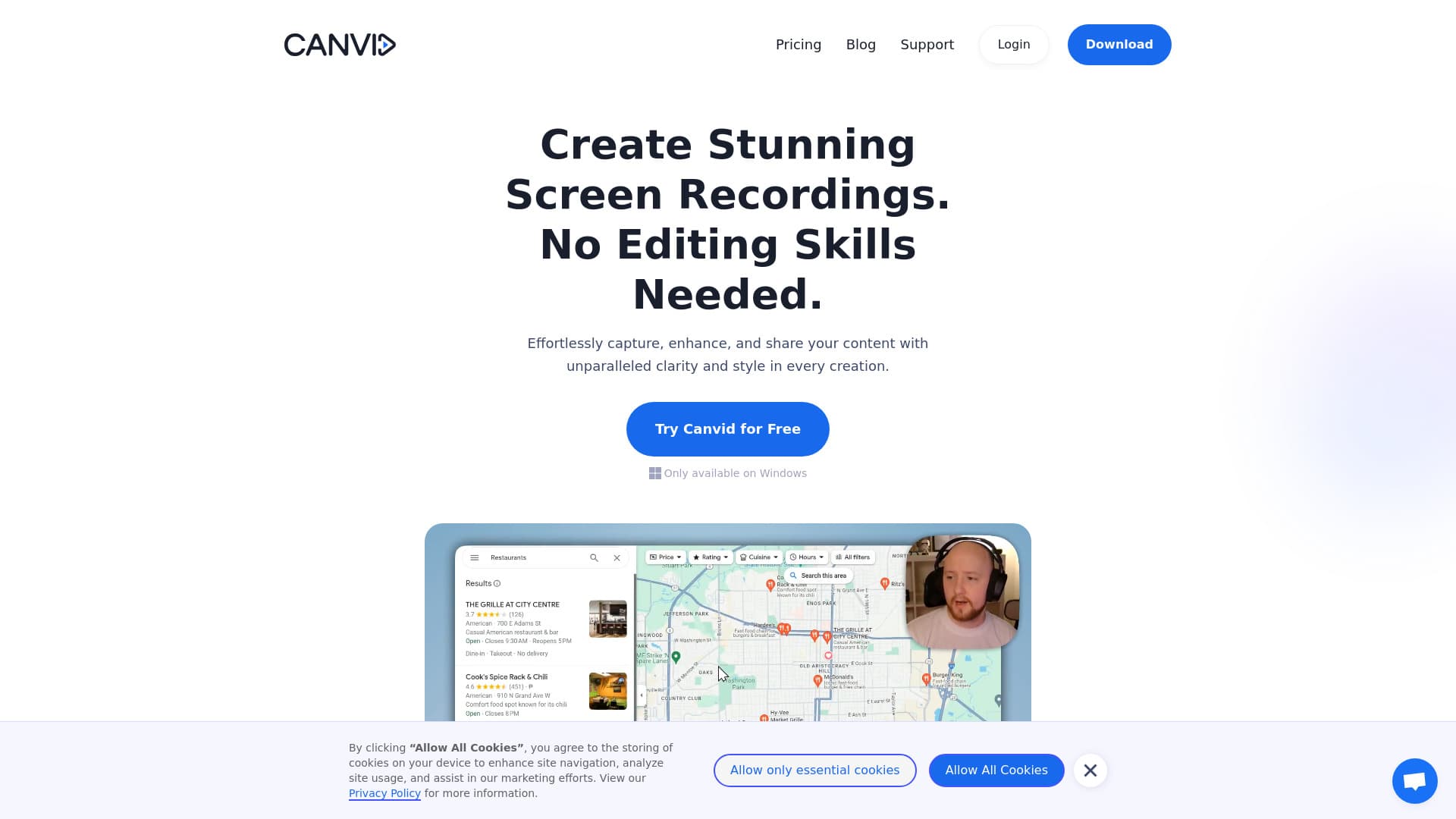
About CANVID for Windows
Canvid is an intuitive screen recording solution designed to effortlessly capture, enhance, and share high-quality videos. It features automatic zooms, cinematic motion effects, background removal, and captioning, making it ideal for creating professional demos, tutorials, and promotional videos without advanced editing skills.
How to Use
Start recording with a single click, automatically add zooms and AI background effects, insert captions, and instantly share your video via cloud or save locally for seamless content creation.
Features
- Simple screen recording with one click
- Automatic captions and transcription
- AI-powered background effects
- Instant video sharing options
- Creative camera and motion features
- Enhanced voice quality with AI
- Automatic zoom and cursor smoothing
Use Cases
- Recording remote meetings and webinars
- Capturing bug reports and troubleshooting steps
- Enhancing customer support with visual guides
- Creating online lectures and tutorials
- Showcasing design mock-ups and prototypes
- Producing engaging social media content
- Developing product demos and instructional videos
Best For
Pros
- User-friendly interface with quick setup
- Automatic zoom, motion, and captioning features
- Built-in cloud sharing for instant distribution
- AI-based background removal technology
- Compatible with Windows and Mac
Cons
- Lifetime plan includes free updates and cloud storage for only 1 year
- Export and share link creation require a license
Pricing Plans
Choose the perfect plan. All plans include 24/7 support.
Subscription Plan
Access all features with a recurring fee. Supports up to 3 devices, unlimited exports, 4K recording, lifetime updates, and free cloud storage.
Get StartedLifetime License
One-time payment for lifetime access. Supports up to 3 devices, unlimited exports, 4K recording, and free updates and cloud storage for the first year.
Get StartedTeam Solutions
Custom plans for teams with flexible licensing, tailored deployment options, and dedicated support.
Get Started