

CaptionCreator
Efficient online AI-powered subtitle generator for fast, accurate video subtitling and translation.
About CaptionCreator
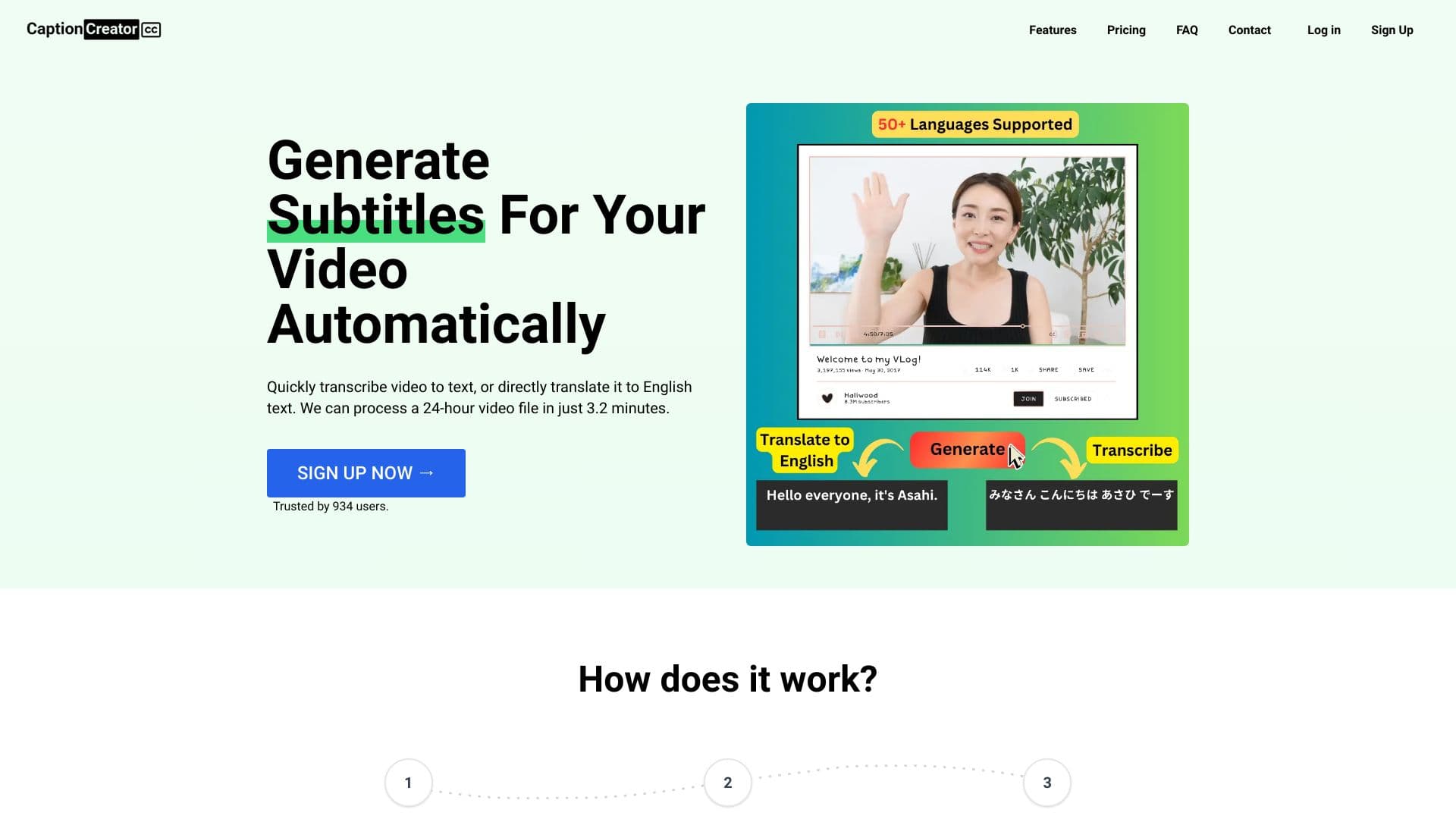
CaptionCreator is an advanced AI-based online tool that quickly generates accurate subtitles for your videos. It supports over 50 languages, enabling transcription and translation to English. Export your subtitles or plain text effortlessly. Features include automatic subtitle creation, multilingual support, noise resilience, and recognition of various accents for seamless video accessibility.
How to Use
Upload your video or audio file, select the original language, choose to transcribe or translate into English, then click to generate subtitles. Download the output as a subtitle file or plain text for easy integration.
Features
- AI-based automatic subtitle generation
- Transcribes and translates videos into English
- Supports over 50 languages for global accessibility
- Effective noise handling for clear transcription
- Exports subtitles or plain text easily
- Recognizes various accents for accuracy
Use Cases
- Transcribing audio content to text
- Translating videos into English
- Creating multilingual subtitles
- Enhancing video accessibility for diverse audiences
- Generating subtitles for online videos
Best For
Pros
- Intuitive, easy-to-use interface
- Supports numerous languages for global reach
- High-precision transcription and translation
- Effective in noisy audio environments
- Rapid subtitle generation within minutes
Cons
- Longer videos require additional credits
- Free tier limits processing to 5 minutes per file and 3 files daily
- Inactive accounts are automatically deleted after 365 days
Pricing Plans
Choose the perfect plan. All plans include 24/7 support.
Credits Plan
Purchase 100 credits, each credit equals one minute of transcription or translation.
Get StartedBulk Purchase
Get 50% off when you buy in bulk with our click-and-drag discount offer.
Get Started