
CaptionKit
An iOS application designed for quick and effortless creation of AI-driven video captions, enhancing accessibility and engagement.
About CaptionKit
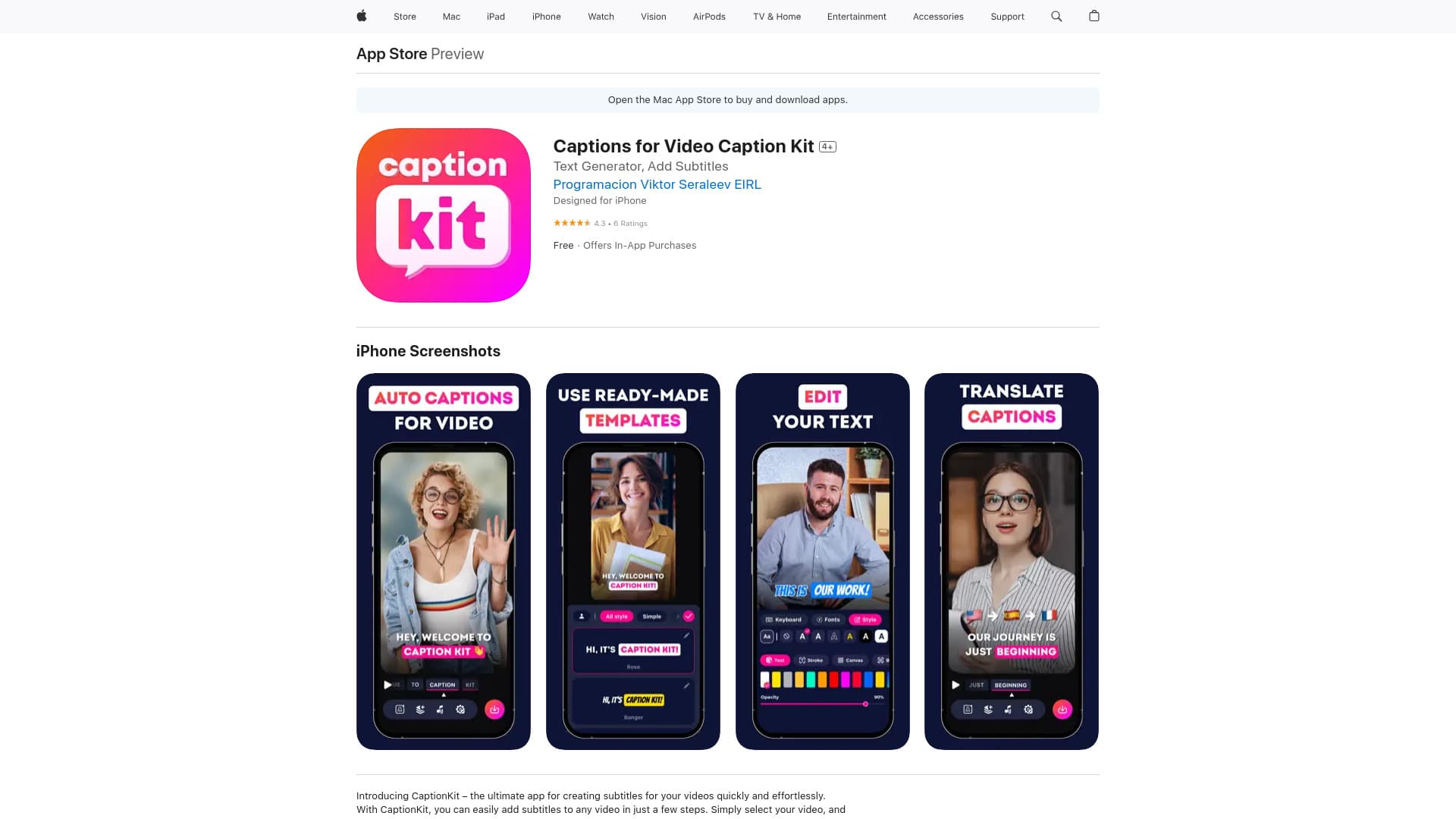
CaptionKit is a user-friendly iOS app that enables rapid creation of AI-powered captions for videos. It simplifies adding accurate subtitles in over 100 languages, utilizing advanced AI technology for precise text recognition. The app offers customizable templates, a versatile text editor, and animated subtitle options. Users can easily translate captions, add background music, and preview videos to ensure perfect presentation on platforms like Instagram and TikTok.
How to Use
Select a video within CaptionKit, and the app will automatically generate captions. Customize the subtitles using the text editor, choose from various templates and animations, then preview how your video appears on social media platforms before sharing.
Features
- AI-driven automatic caption generation
- Multilingual subtitle support
- Advanced text editing tools
- Social media preview functionality
- Customizable subtitle templates and animations
- Supports over 100 languages
- Background music addition capabilities
Use Cases
- Enhancing videos with professional subtitles and animations
- Translating captions for global audiences
- Creating high-quality subtitles for content creators
- Adding subtitles to social media videos for better engagement
Best For
Pros
- Highly customizable subtitle options
- Intuitive and easy-to-use interface
- Supports a wide range of languages
- Preview mode for social media platforms
- Accurate AI-powered text recognition
Cons
- Data privacy practices may involve tracking
- Requires iOS 16.4 or later
- Additional features available through in-app purchases
Pricing Plans
Choose the perfect plan. All plans include 24/7 support.
Video Captioning Suite
Premium in-app purchase for comprehensive video editing and captioning tools
Get Started