

Cartoon Yourself
An advanced online photo editor and cartoonizer leveraging AI technology, offering a wide array of creative tools and features.
About Cartoon Yourself
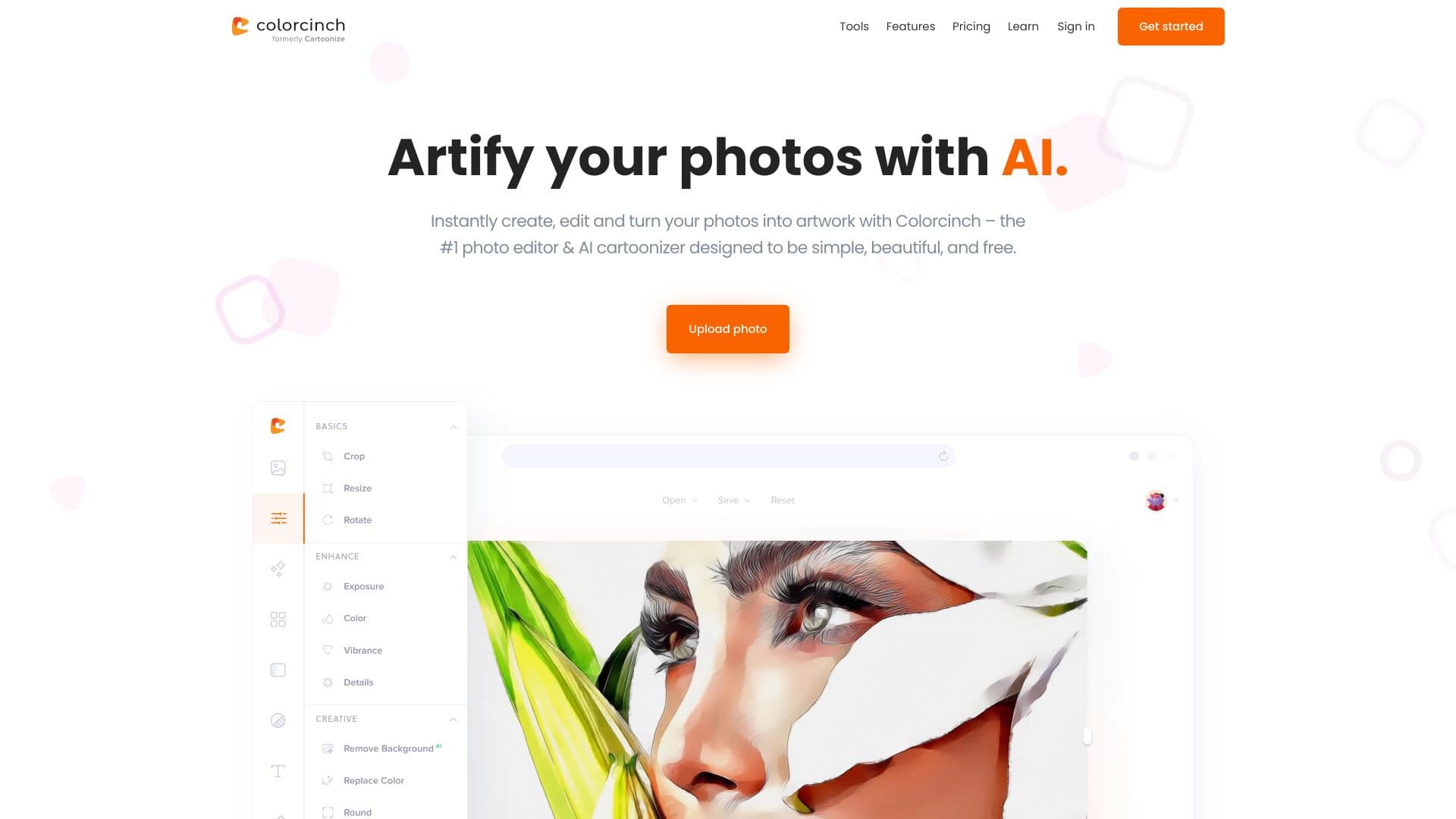
Colorcinch is an intuitive online platform designed for effortless photo editing and cartoonization. Users can transform photos into artwork, sketches, or cartoons with just a click. It features AI-powered tools, comprehensive editing options like background removal, cropping, resizing, and color adjustments. Additionally, it offers an extensive library of stock images, icons, and graphics, making it ideal for both simple enhancements and complex creative projects.
How to Use
Upload your photo to Colorcinch's website. Use the intuitive interface to apply effects, filters, and edits to customize your image. No registration is needed for basic editing, making it quick and easy to create stunning visuals.
Features
- Access to a vast library of stock photos, icons, and graphics
- Creative masks and decorative frames
- Easy collage and storyboard creation
- Image compression and format conversion
- Automatic photo-to-cartoon transformation
- Adjustable exposure, brightness, and color settings
- AI-enhanced effects and editing tools
- Background removal for clean composites
Use Cases
- Designing social media graphics and profile images
- Creating photo collages and visual storyboards
- Developing marketing materials and advertisements
- Enhancing personal photos with artistic effects
- Converting photos into cartoons or sketches
- Removing backgrounds from product images
Best For
Pros
- Extensive collection of stock assets and graphics
- User-friendly and intuitive interface
- Powerful AI-driven editing tools and effects
- Free basic version with no account required
- Affordable subscription plans
- Accessible online with offline options
Cons
- Limited features in the free Basic plan
- Some advanced tools exclusive to Pro subscribers
- Monthly subscriptions are non-refundable
Pricing Plans
Choose the perfect plan. All plans include 24/7 support.
Pro - Annual Plan
Includes AI-powered effects, artistic filters, overlays, masks, an extended graphics library, smart editing tools, unlimited projects, and bulk processing (coming soon).
Get StartedPro - Monthly Plan
Offers AI effects, artistic filters, overlays, masks, an expanded library, smart editing tools, unlimited projects, and upcoming bulk processing features.
Get Started