

Chat4Data
AI-enhanced Chrome extension for seamless web data extraction using natural language commands.
About Chat4Data
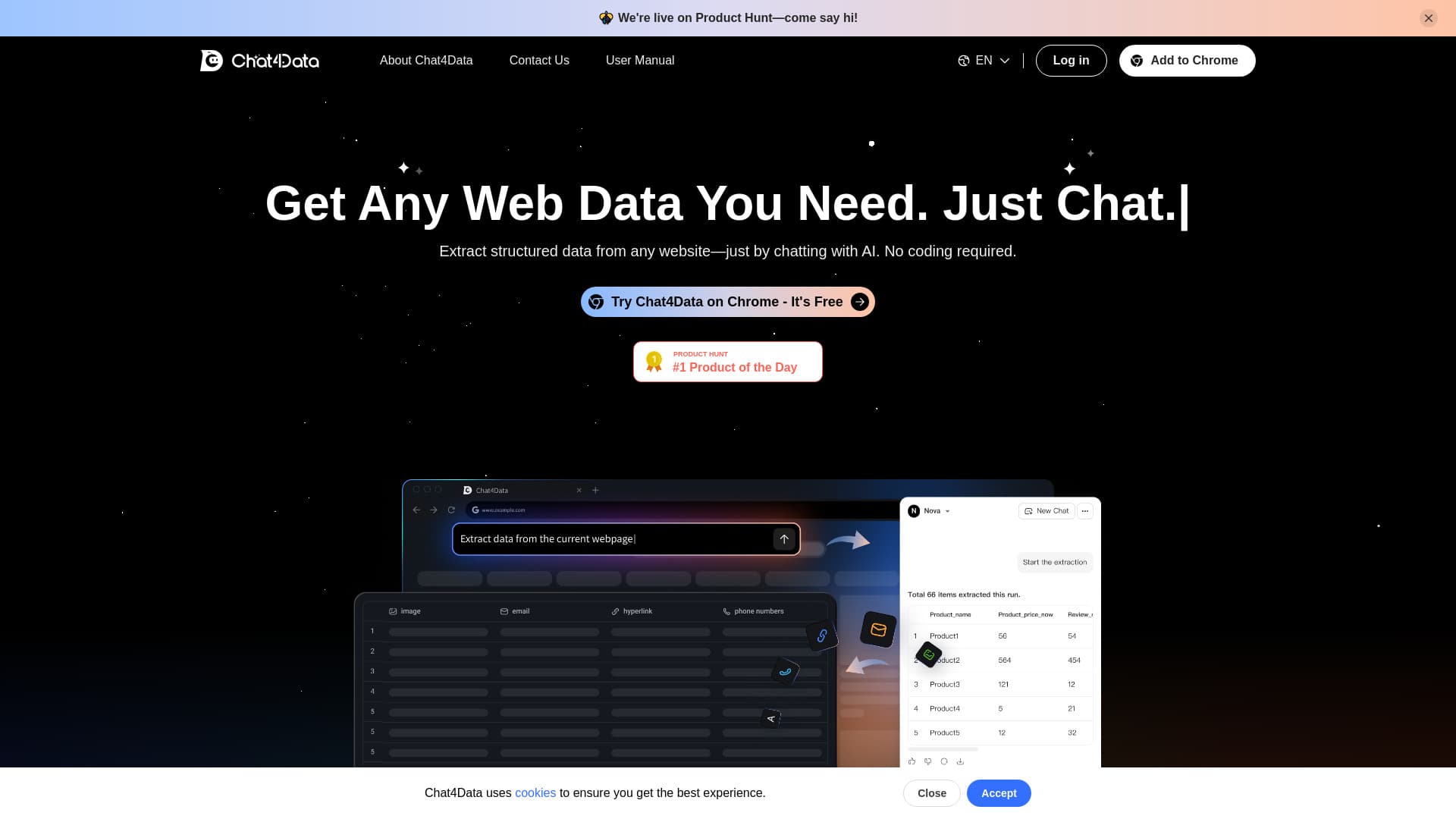
Chat4Data is an AI-driven Chrome extension that simplifies web data collection. Users can effortlessly extract and organize information from any webpage using natural language commands or quick-click actions. It captures structured data without coding, speeding up research and data analysis tasks with smart automation.
How to Use
Install Chat4Data from the Chrome Web Store, create a free account, and log in. Enable the extension on your target website. Then, use natural language instructions to chat with the webpage and extract the specific data you need effortlessly.
Features
- Export data directly to Excel format
- Automate pagination to capture complete listings across multiple pages
- Prompt data extraction by describing your needs in natural language
- Auto-detect and extract key data points with presets for faster results
- Extract structured data from any website without coding using AI chat
- Capture various data types including images, links, emails, and phone numbers
- Use natural language commands to modify, add, or remove data fields
Use Cases
- Scraping product listings on e-commerce sites like Amazon
- Automating data collection across multiple paginated pages
- Extracting structured data from diverse websites
- Gathering images, links, emails, and contact numbers efficiently
Best For
Pros
- Generous free token allocation for new users to test features
- Supports extraction of diverse data types and hidden elements
- Automates pagination for comprehensive scraping
- User-friendly with quick-click and natural language commands
- Enables direct data download in Excel format
- Fast, accurate data detection with AI assistance
- No coding skills required for effective data extraction
Cons
- Token-based usage model after free credits expire
- Currently lacks session history and data storage options, requiring immediate downloads
- Primarily optimized for listing pages, especially on e-commerce sites, which may limit versatility on other site types
Pricing Plans
Choose the perfect plan. All plans include 24/7 support.
Free Tokens / Top-ups
New users receive 1 million free tokens to try Chat4Data. Additional tokens cost just $1 per million, enabling scalable data collection.
Get Started