

ChatBot UI
Open-source ChatGPT user interface replica for seamless interaction with OpenAI's chat models.
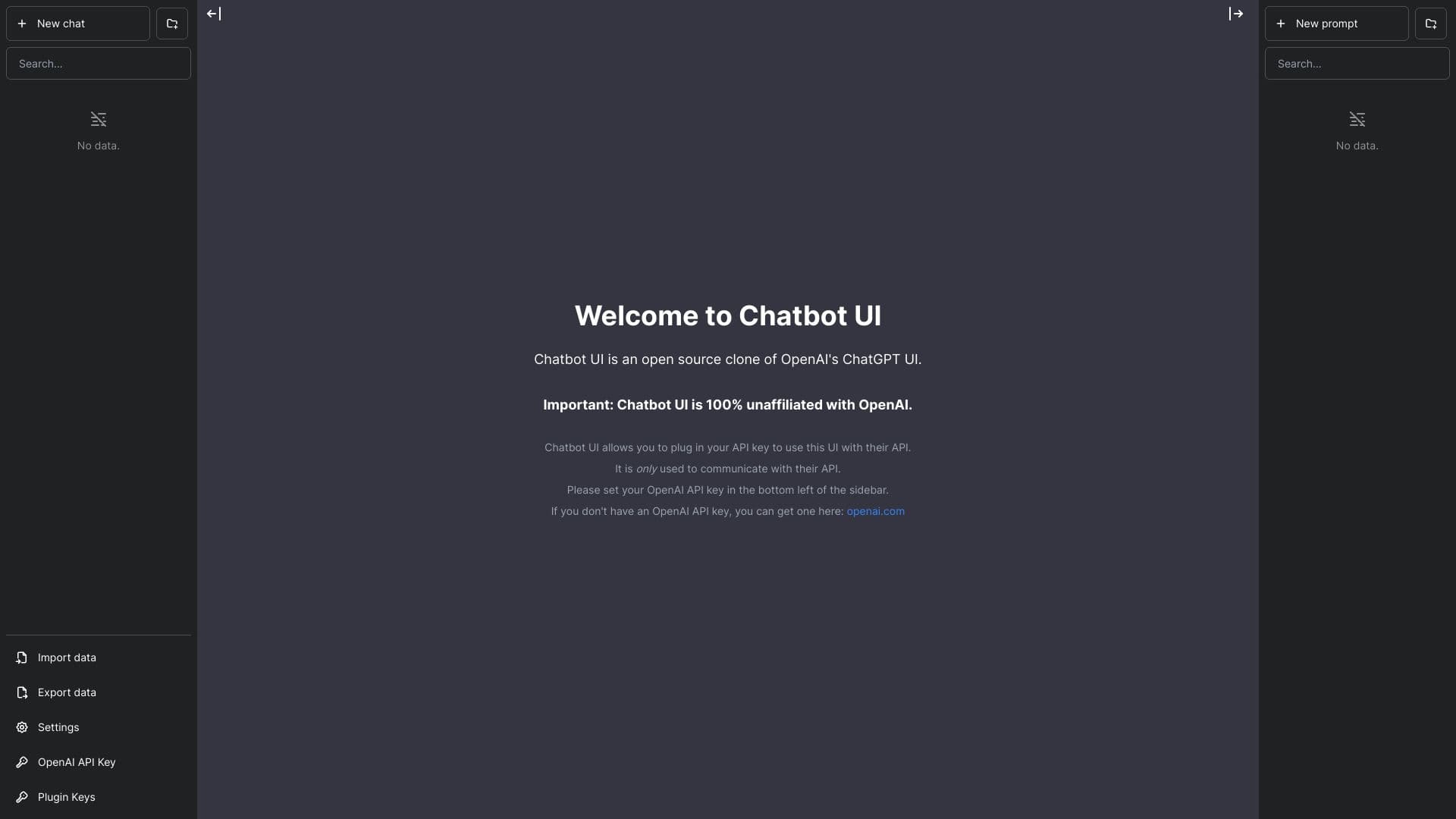
About ChatBot UI
Chatbot UI is a sophisticated, open-source framework that replicates OpenAI's ChatGPT interface and capabilities. It enables users to connect their OpenAI API key for a personalized chatbot experience. Note that Chatbot UI is independent of OpenAI and solely interacts with their API.
How to Use
Enter your OpenAI API key in the bottom left corner of the sidebar to activate Chatbot UI. If you don't have an API key, obtain one from openai.com. Once set up, start a new chat to communicate with the chatbot.
Features
- Seamless OpenAI API integration
- Customizable user settings
- Replicates ChatGPT's user interface and features
- Options to import and export chat data
Use Cases
- Building a ChatGPT-like chat interface for OpenAI's language models
Best For
DevelopersAI researchersTech enthusiastsChatbot developersAI hobbyists
Pros
- Familiar ChatGPT-style interface
- Supports data import and export
- Direct integration with OpenAI API
- Open-source and free to use
Cons
- Not officially affiliated with OpenAI
- Dependent on OpenAI API availability
- Requires an OpenAI API key for operation
FAQs
What is Chatbot UI?
Chatbot UI is an open-source replica of OpenAI's ChatGPT interface, designed to work with OpenAI's chat models.
Is Chatbot UI officially affiliated with OpenAI?
No, Chatbot UI is completely independent of OpenAI.
How can I start using Chatbot UI?
Simply enter your OpenAI API key in the bottom left sidebar to connect and begin chatting.
Do I need an API key to use Chatbot UI?
Yes, you must have an OpenAI API key to access and interact with the chatbot.
Can I customize the settings in Chatbot UI?
Yes, the interface offers customization options to tailor your chat experience.