

ChatGPT Assistant For Pinterest™
A browser extension that simplifies accessing ChatGPT on Pinterest for efficient content creation.
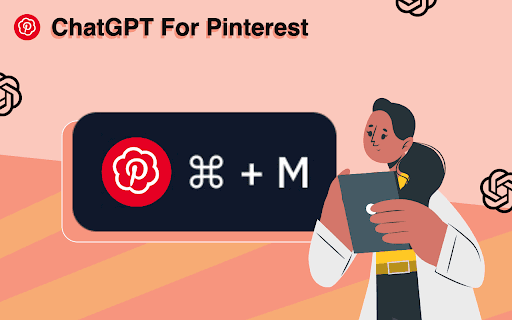
About ChatGPT Assistant For Pinterest™
This Chrome extension enhances your Pinterest experience by seamlessly integrating ChatGPT, enabling quick content generation and replies. It streamlines your workflow, making AI-assisted content creation faster and more efficient on Pinterest.
How to Use
To use the extension: 1) Highlight content on Pinterest. 2) Press Ctrl/Cmd+M to open the extension. 3) Click the switch icon to access ChatGPT. 4) Copy the generated response. 5) Paste it into your Pinterest posts or comments.
Features
- Instant navigation to ChatGPT from Pinterest
- Quick AI-powered content generation
- Simplifies comment and post responses
Use Cases
- Creating engaging Pinterest posts
- Responding to comments efficiently
- Generating content ideas for Pinterest
Best For
Social media managersContent creatorsPinterest marketersDigital marketersInfluencers
Pros
- Fast access to ChatGPT features
- Reduces content creation time
- Enables AI-driven content suggestions
Cons
- Dependent on OpenAI server uptime
- Requires an OpenAI account
- Response quality varies depending on ChatGPT
FAQs
What is ChatGPT?
ChatGPT is an advanced language model developed by OpenAI that uses machine learning to generate human-like responses to various questions and prompts.
What is OpenAI?
OpenAI is a research organization focused on developing safe and beneficial artificial intelligence technologies.
Is ChatGPT available in my country?
Availability depends on local regulations; please check OpenAI's official website for country-specific access.
Why does this message appear: 'Our Servers Are Running Too Hot! Please Check Back Later'?
This indicates high server load on OpenAI. Usually, the issue resolves within an hour.
Do I need an OpenAI account to use this extension?
Yes, an OpenAI account is required to access ChatGPT features through the extension.