

ChatGPT Assistant - GPT Search
A Chrome extension that provides instant access to ChatGPT's AI features directly within your browser for enhanced productivity.
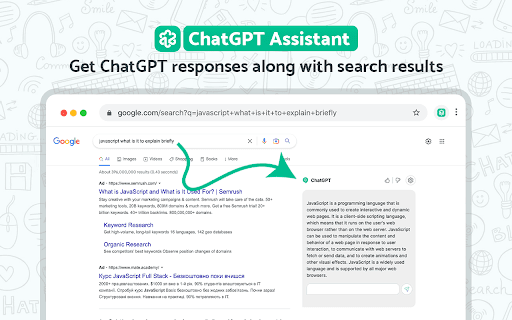
About ChatGPT Assistant - GPT Search
ChatGPT Assistant for Google is a powerful Chrome extension that seamlessly integrates OpenAI's ChatGPT language model into your browsing experience. It offers quick, real-time AI assistance, allowing users to ask questions, generate summaries, and access AI-powered tools effortlessly. Compatible with multiple search engines, it features customizable options like dark mode, markdown support, and code highlighting for a tailored user experience.
How to Use
Sign in at chat.openai.com. If errors occur, refresh the page or reopen the site. Persistent issues can be reported through the extension's review section for prompt support.
Features
- Instant access to ChatGPT directly from your browser
- Supports GPT-3.5, GPT-4, and ChatGPT Plus models via OpenAI API
- Markdown formatting for clear content display
- Compatible with multiple search engines like Google, Bing, and DuckDuckGo
- Dark mode for comfortable browsing
- Code syntax highlighting for developers
Use Cases
- Summarize YouTube videos quickly
- Use ChatGPT with your preferred search engine
- Obtain instant answers while browsing
Best For
Pros
- Easy access to ChatGPT from any webpage
- Customizable interface including dark mode and markdown support
- Supports multiple search engines for flexible browsing
- Enables use of various OpenAI API models
- Efficient YouTube video summarization
Cons
- Potential errors during high server demand
- GPT-4 access requires manual activation in settings
- Requires an active ChatGPT account
Pricing Plans
Choose the perfect plan. All plans include 24/7 support.